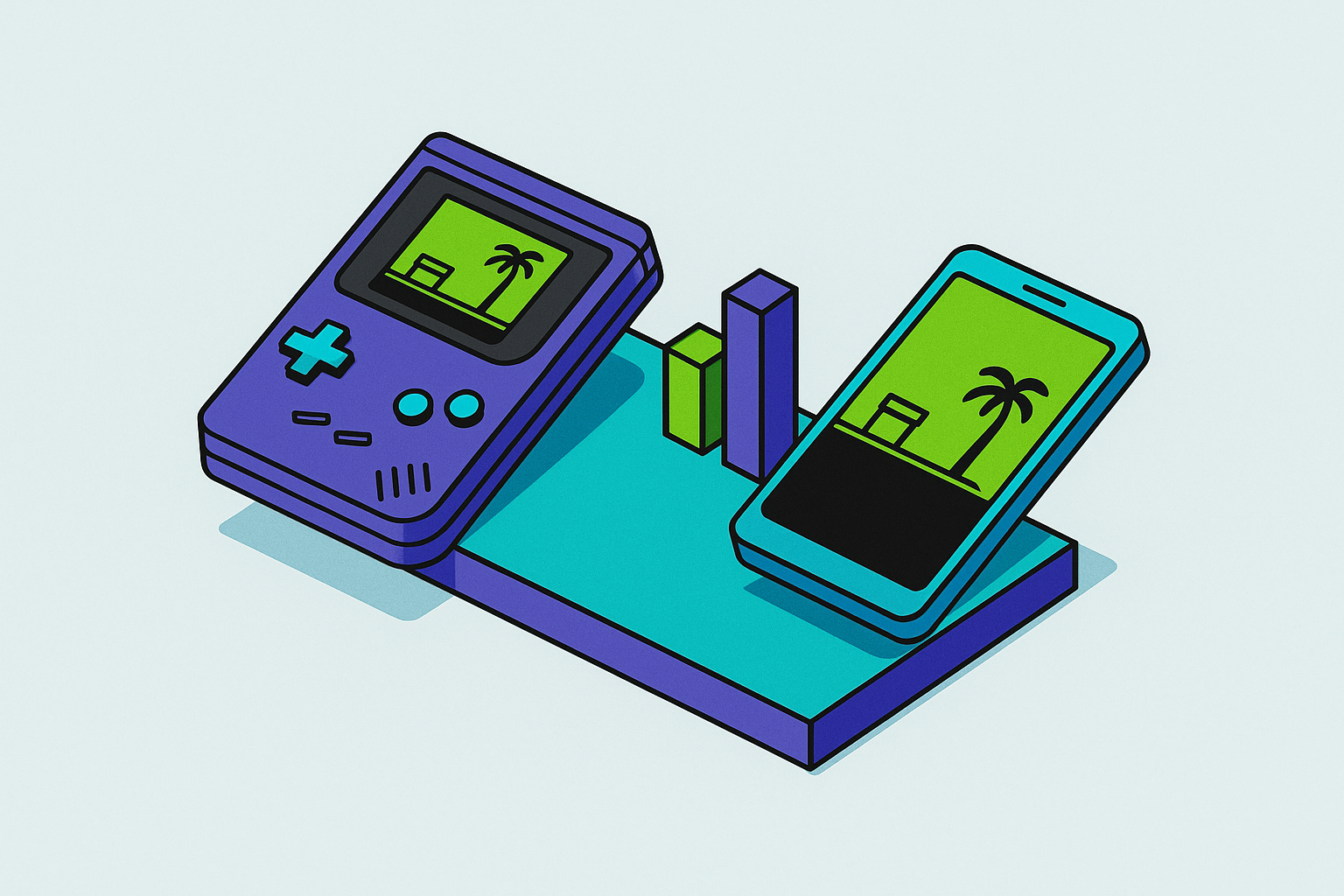
Dedicated Emulation Handheld vs Phone for Retro Gaming
Dedicated handhelds offer real ergonomic and software advantages that phones cannot fully match.
The case for a dedicated handheld is not marketing copy. It rests on real engineering decisions made specifically for gaming, and dismissing those decisions would undermine everything that follows.
Physical controls are the obvious starting point. Buttons, analog sticks, and shoulder triggers designed from the ground up for gaming feel categorically different from anything bolted onto a glass slab. Dedicated handhelds inherit decades of ergonomic refinement from the controllers players grew up holding, and that lineage is apparent the moment you pick one up.
Software optimization is chronically underappreciated. A purpose-built emulation device runs a lightweight OS, a tuned RetroArch build, and firmware engineered to minimize frame pacing variance and audio latency. A general-purpose Android phone running emulation on top of a notification layer, a background sync daemon, and a camera processing stack is doing considerably more work to reach the same output. The dedicated device never has to compete with itself.
Battery life follows the same logic. Smaller screens, low-power processors, and the absence of background processes let dedicated handhelds sustain longer sessions than a phone typically can, particularly a phone already taxed by a full day of use.
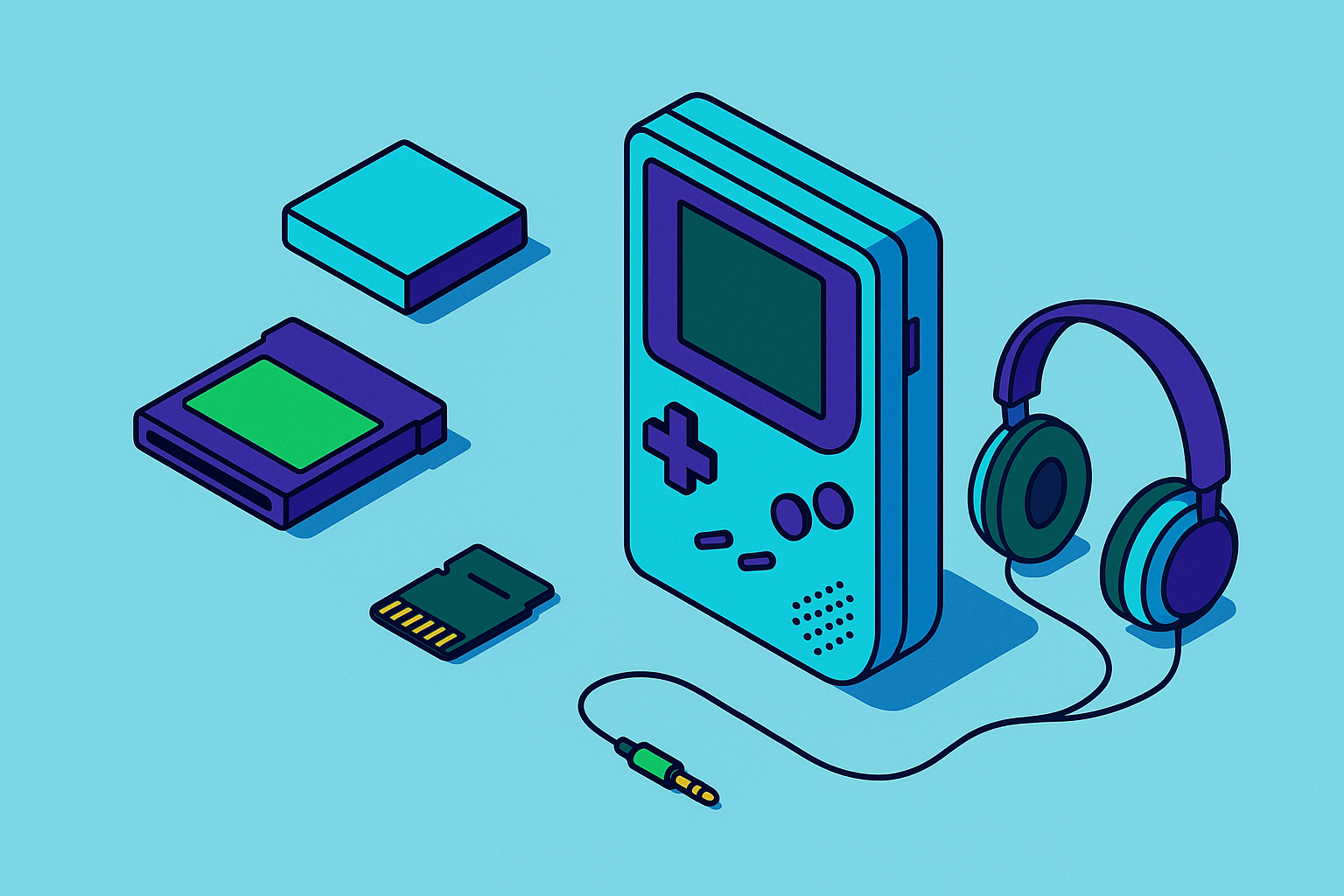
And then there is the headphone jack. Most current flagship phones abandoned it years ago. Dedicated handhelds still treat it as standard. That matters because Bluetooth audio latency, even on modern codecs, is perceptible in fast-action retro games where sound cues are functional rather than decorative. A player dodging fireballs in a platformer or timing parries in a fighter is processing audio as information. Not atmosphere.
These are real advantages, and they belong on the ledger.
The dedicated handheld market, from a twenty-dollar chip to a premium AMOLED screen
The market has stratified into tiers, each with its own value proposition and its own ceiling.
At the entry level, bare-bones devices capable of eight-bit and sixteen-bit emulation land under thirty dollars. Build quality is minimal, but so is the ask. They do one thing adequately and cheaply.
The community favorites occupy the next tier: devices like the Anbernic RG35XX Pro and the Miyoo Mini Plus. Their appeal is not raw specs; it is the ecosystems built around them. Community firmware projects like MuOS, Knulli, and Rocknix have transformed modest hardware into surprisingly polished emulation platforms. The relationship between this hardware and its community resembles open-source software development more than conventional consumer electronics, which is precisely why it functions so well.
Mid-range is where the conversation sharpens. The Retroid Pocket 5 became a reference point for legitimate reasons: an AMOLED display, a Snapdragon chip capable of handling PS2 and GameCube, Hall effect sticks, active cooling, and a price that dropped meaningfully through late 2025. It represents the tier where dedicated handhelds start feeling like serious contenders.
The Retroid Pocket 6 extends that foundation with higher resolution, a higher refresh rate, full Android app compatibility, and performance on demanding systems approaching the current ceiling of software emulation. It is, at this moment, the most compelling all-in-one emulation handheld argument available.
The Steam Deck OLED occupies its own category. Broadly considered the most capable emulation device available, its size and price place it adjacent to this market rather than inside it. It is a PC that happens to be handheld, and that distinction is meaningful enough to keep it in a separate conversation.
The segment is accelerating, not plateauing. Dual-screen concepts, sliding form factors referencing classic hardware, and new device launches continued through late 2025.
But here is the point that actually matters: even the most capable dedicated handhelds run chips that trail current flagship phones in raw processing power. The Retroid Pocket 6 is impressive. A 2024 or 2025 flagship Android phone is, by the numbers, more powerful. That gap has real consequences worth tracing.
Where FPGA devices sit — and why they appeal to a specific kind of retro purist
Before the phone argument proceeds further, it needs a clear exception, because one exists and it is not a minor one.
FPGA hardware does not emulate. It replicates original hardware at the circuit level, reproducing chip behavior with an accuracy that no software emulator currently matches. The Analogue Pocket is the most prominent example: it plays Game Boy, Game Boy Color, and Game Boy Advance cartridges natively, and through adapters extends to Game Gear, Neo Geo Pocket, Atari Lynx, and others. The ModRetro Chromatic narrows the scope further, targeting Game Boy and GBC exclusively, with a sunlight-readable display and AA battery support.
These devices are not competing on flexibility or value. They compete on authenticity, and they win that competition categorically. A phone running Delta with a GBA ROM is not the same experience as an Analogue Pocket running the original cartridge. Claiming otherwise would simply be wrong.
That raises a question: does that distinction matter to most retro players? For the purist chasing cycle-accurate hardware behavior, absolutely. For the player who wants to revisit Chrono Trigger on a lunch break, the experiential gap is negligible, imperceptible. It is a bit like asking whether a photograph of the Mona Lisa is the same as standing in front of the original. Technically no, but most people eating a sandwich in the Louvre gift shop are not losing sleep over it.
The phone cannot replicate FPGA accuracy. That is the one concession in this piece offered without qualification.
What a modern phone actually brings to retro emulation
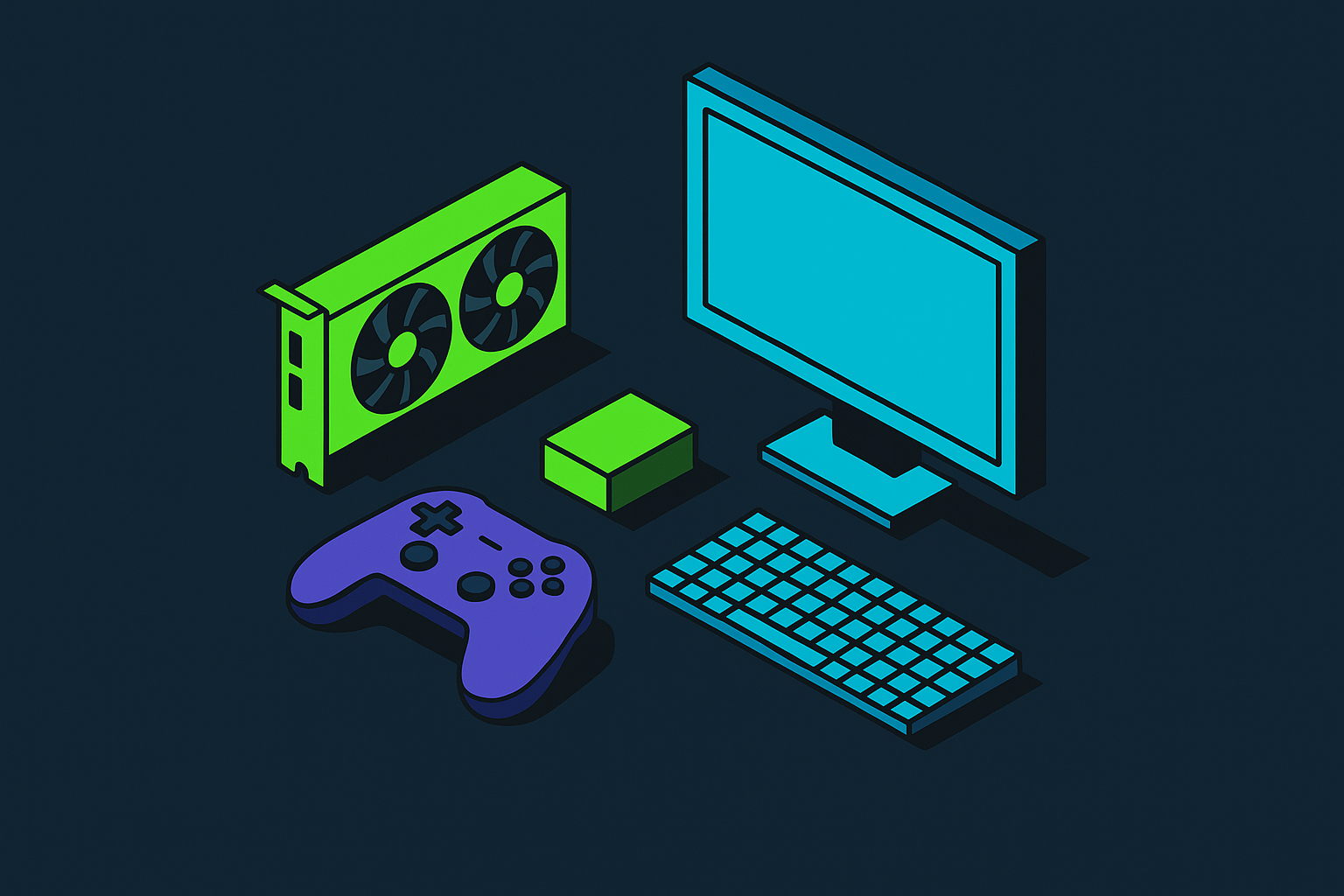
For systems below the FPGA threshold, current flagship phones are extraordinary emulation hardware. That is not hyperbole; it follows directly from the processor performance gap described above.
PSX, GBA, PSP, SNES, N64, and everything beneath them run without meaningful compromise on most modern phones. PS2 and GameCube are reachable on higher-end Android hardware. PSP is a particularly natural fit: the games are natively sixteen-by-nine and landscape-oriented, so PPSSPP on a phone produces exactly the display the original designers intended, scaled up and sharpened. One of those rare cases where the workaround is actually the best version of the thing.
Android remains the stronger emulation platform by breadth. RetroArch covers virtually every older system at no cost. AetherSX2 handles PS2, though active development has ceased. Dolphin brings GameCube and Wii into range. The ecosystem is mature, free, and well-documented.
iOS has closed the gap since Apple's 2024 decision to allow emulator apps on the App Store. Delta now covers Nintendo handhelds and systems from Game Boy through N64, with Dropbox-integrated cloud save sync. PPSSPP is available. Dolphin exists in unofficial form, though JIT compiler access on iOS remains inconsistent enough to affect performance on demanding titles. The community consensus still favors Android for emulation depth, which is evident in the simple fact that nearly every dedicated handheld runs an Android-based or Linux-based system.
It is also worth considering what the phone offers beyond the emulator catalog. The same device running RetroArch also streams from Xbox Cloud Gaming, PlayStation Remote Play, Steam Link, and Nvidia GeForce Now. It accesses Apple Arcade or Google Play's native library. A session that begins with SNES games can pivot to streaming a modern title without changing devices, changing contexts, or opening a settings menu. A dedicated handheld typically requires sideloading, firmware adjustments, or a second device to reach those same services. That friction is not insurmountable, but it accumulates.
How a controller closes the ergonomics gap
Touch controls are the actual weak point of phone emulation. Not processing power, not software quality, not library access. The absence of physical buttons.
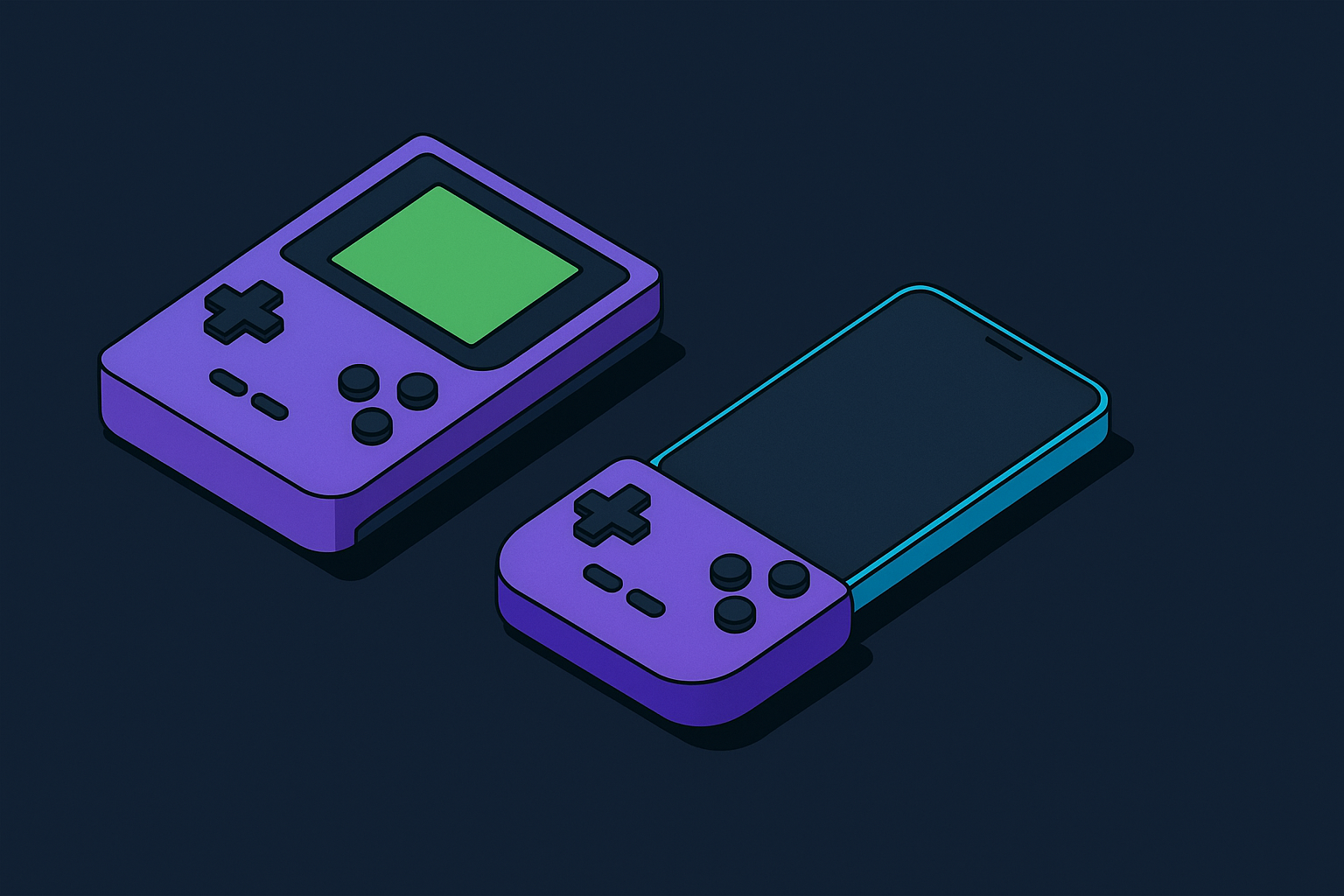
A controller eliminates that problem almost entirely. The Backbone One connects directly to the phone via Lightning or USB-C, wrapping the device in a form factor with physical buttons, analog sticks, and shoulder triggers. The direct connection bypasses Bluetooth entirely, which means input latency comparable to a wired controller. No pairing sequence, no separate battery to charge, no signal interference from a crowded room. It works immediately. That immediacy is underrated.
The Backbone Pro extends the concept for players who prefer gaming with the phone docked or elevated on a stand, adding wireless flexibility without abandoning the underlying ergonomic engineering.
One argument holds that a clip-on controller is an inelegant solution compared to purpose-built hardware. Aesthetically, that argument has some merit. But consider what it produces in practice: the ergonomics of a dedicated handheld, the processing power of a flagship phone, and access to both a deep retro library and a full suite of streaming platforms, in a device that was already in your pocket. The Backbone One reportedly involved more than fifty patents and thousands of design iterations. That is serious engineering investment, not accessory-market opportunism.
The result is a configuration that competes with dedicated handhelds on ergonomics while the phone outperforms them on every hardware benchmark that actually matters.
Library breadth and the flexibility argument no dedicated handheld can match
A dedicated handheld runs emulators. On Android-based devices, it can also access some native Android titles. That is essentially the full scope, and it is a bounded one.
A phone with a controller does all of that, then runs the rest of the internet. Modern mobile games, cloud streaming, remote play from a home console, native purchases from a curated storefront. The library is not bounded by what a firmware developer chose to support or what a chip can push. It expands continuously without any hardware change.
Delta's Dropbox integration exemplifies a subtler flexibility advantage. Save states follow the player across devices automatically. A game started on a phone during a commute continues on a tablet at home without manual file transfers. Most standalone handhelds do not offer this without deliberate additional configuration, and some do not offer it at all.
But what if flexibility is not the point? Some retro players actively prefer a constrained environment: one device, one purpose, no algorithmic rabbit holes pulling them toward a social feed mid-session. That preference is rational, not irrational nostalgia. The phone's breadth is simultaneously its strongest argument and, for certain players, a genuine liability. It is worth sitting with that tension before the cost comparison settles anything.
The real cost comparison, once you count what you already own
The math depends entirely on a single prior question: what do you already own?
A player carrying a capable modern phone, which describes most people evaluating this question, needs only a controller to have a setup that matches or exceeds mid-range dedicated handhelds on processing power and matches them on ergonomics. The marginal cost is the controller alone. The Backbone One's price undercuts most mid-range dedicated handhelds while enabling hardware that outperforms them.
A player starting from scratch, with neither a capable phone nor any handheld, faces a different calculation. In that scenario, a community-favorite budget handheld with strong firmware support is a legitimate and cost-effective entry point. The phone-first argument presumes a capable phone already exists. Where it does not, that premise collapses.
For the player who already owns both and is deciding whether to add a dedicated device: they are buying a second ecosystem, not an upgrade. Whether that second ecosystem justifies its cost depends on the specific use cases the next section addresses.
Where dedicated handhelds still make more sense than a phone
FPGA devotees are not served by the phone argument. The Analogue Pocket and the ModRetro Chromatic occupy a category the phone cannot enter. For those players, this conversation ends before it starts.
Players with budget phones face a real performance mismatch. A low-end Android paired with a controller will struggle where a purpose-optimized handheld at a comparable price point performs consistently. The phone argument is strongest at the high end of the phone market. It does not extend uniformly downward.
The psychological case for a dedicated device is real and almost always underreported. Some players cannot meaningfully separate a phone from its professional and social context. The same device that carries work notifications also runs their games, and the cognitive boundary between those two modes never fully solidifies. A device that is only for games resolves that structurally rather than through willpower. And willpower, it turns out, is a finite resource.
Battery life advantages persist for dedicated handhelds with low-power chips and large batteries relative to screen size, particularly for players prioritizing extended sessions without charging access.
The headphone jack remains a genuine differentiator for players using wired audio, particularly in genres where latency affects actual performance rather than just comfort. Most current flagship phones have made this a moot consideration by simply removing the port, which is its own kind of answer.
None of these are reasons most players should default to a dedicated handheld. But they are sound reasons specific players should.
How to set up a phone as a retro gaming device that actually works
Start with the controller. Attach a Backbone One to your iPhone or USB-C Android phone. This single step resolves the primary complaint about phone emulation before any software is even opened.
Android players: install RetroArch for broad system coverage across virtually every pre-PS2 platform, AetherSX2 for PS2 (active development has ended, but the software remains functional), Dolphin for GameCube and Wii, and PPSSPP for PSP.
iOS players: install Delta for Nintendo systems spanning Game Boy through N64 and enable Dropbox sync for automatic save state backup. Install PPSSPP for PSP. Check current App Store availability for PS2 and GameCube options; the ecosystem has been developing rapidly since 2024, and any specific recommendation here risks obsolescence within months.
Add a launcher if the experience should feel more like a dedicated device. Daijisho or EmulationStation on Android creates a console-style interface that replaces the standard home screen for gaming sessions, and removes most of the cognitive noise that makes a phone feel like a phone.
For TV play, a USB-C hub, a controller, and a launcher turns the phone into a living-room retro console using hardware you already own.
Before committing to a full PS2 or GameCube library, test a demanding title on your specific phone. If it runs cleanly, you have no reason to purchase dedicated hardware for those systems. If it struggles, that is a clear signal to evaluate a mid-range dedicated handheld instead.
The best retro gaming setup is the one you actually carry. Most players already have their phone on them. That is not a trivial advantage. It is the most defensible argument in this entire piece, and also the simplest one.