Retro Handheld vs Smartphone Emulation Compared
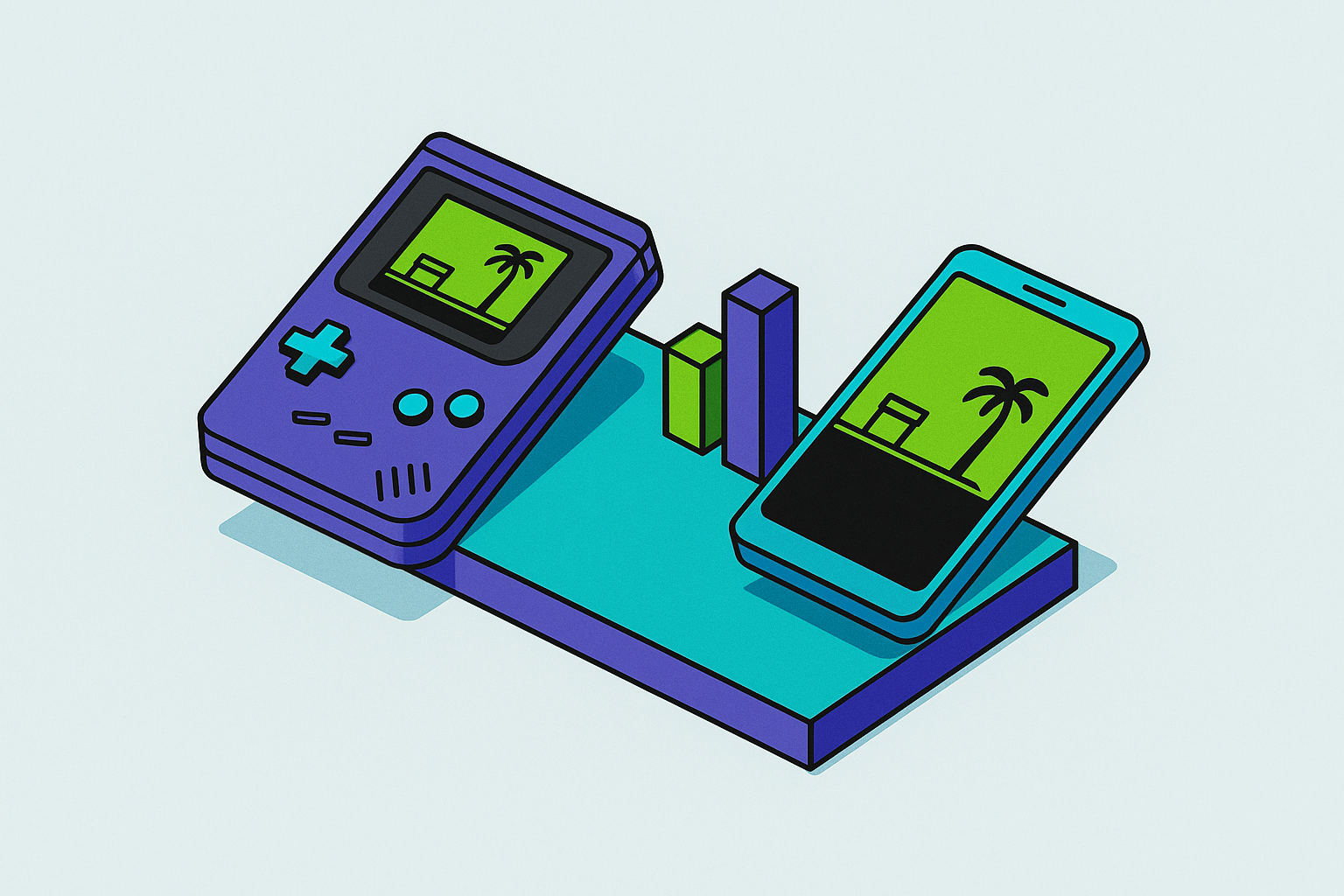
Dedicated handhelds beat phones on thermal consistency and purpose-built design for retro gaming.
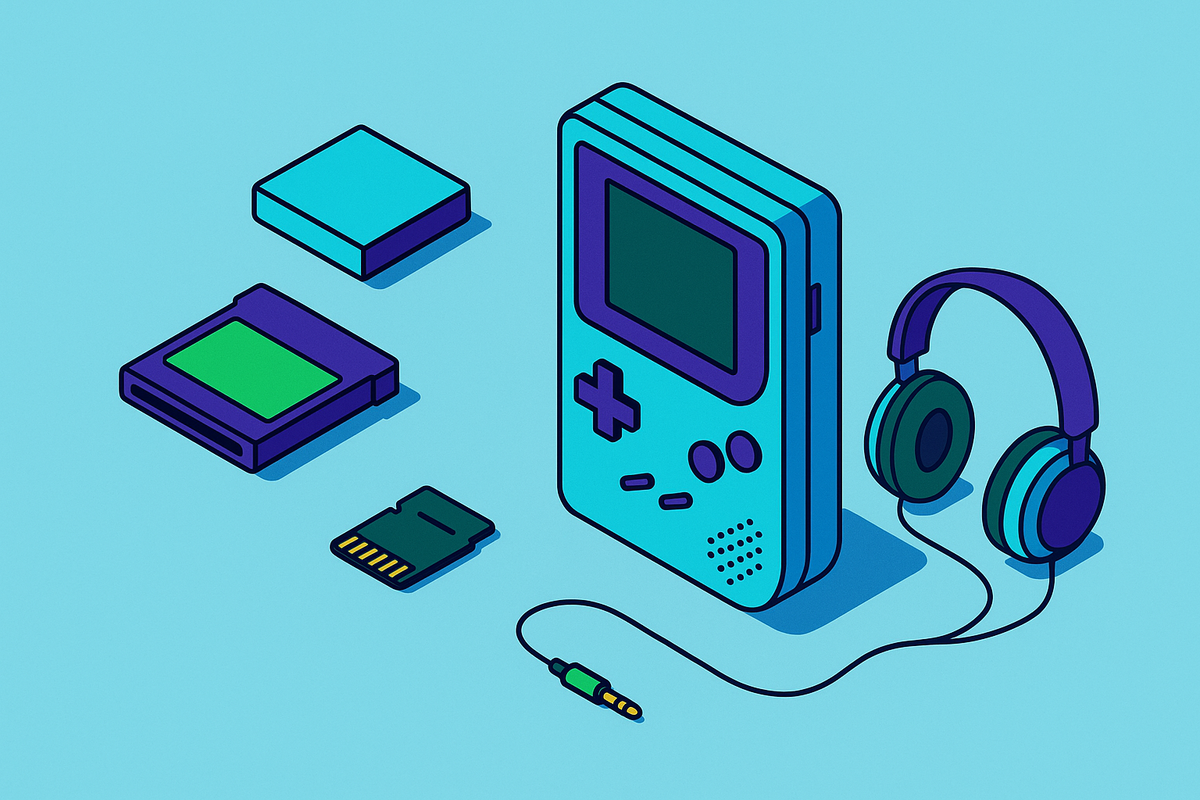
The retro handheld market in 2025 is healthy, fast-moving, and refreshingly honest about what each tier delivers. At $50 to $55, the Miyoo Mini Plus covers everything up to PlayStation 1 on a quality IPS screen, backed by a thriving custom firmware community running builds like OnionOS. For the price of a nice dinner, it is a formidable little machine — a tiny cartridge of nostalgia, packed tight and ready to run.
The mid-range climbs to under $100 with devices like the AYANEO Pocket Air Mini, which handles Dreamcast-level emulation at 2x native resolution. At $149, the Retroid Pocket 4 Pro enters PS2 and GameCube territory, widely considered the most capable device under $150. The AYN Odin 2 Portal at $249 features a 7-inch OLED and a Snapdragon 8 Gen 2, capable of handling PC games alongside its emulation duties.
Two devices occupy their own category entirely. The Analogue Pocket, at around $219, runs original Game Boy, GBC, and GBA cartridges through FPGA hardware at 1600x1440 resolution and 615 PPI. It does not emulate in the traditional sense; it replicates the original silicon. It is aimed at collectors with physical libraries, and for that use case, it is irreplaceable. The Evercade EXP-R takes the opposite philosophy: officially licensed cartridges from Atari, Namco, Capcom, and others, over 600 games across more than 60 curated collections, no ROM sourcing required. A closed ecosystem, but a legal one.
That brings up the friction point dedicated handheld advocates elide. Open-emulation devices require ROM files. Pre-loading games for sale is technically illegal, and sourcing ROMs sits in a legal gray area that newcomers often navigate without fully understanding. The hardware purchase is frequently just the starting point; meaningful setup requires custom firmware, ROM libraries, and a willingness to spend an afternoon configuring a launcher. That is part of the hobby's appeal for many users. It is also a real barrier for others, and it is worth naming honestly rather than footnoting.
The 2025 to 2026 hardware pipeline signals continued momentum: the Retroid Pocket Nova (July 2026, PS2-capable with a 4:3 AMOLED), the Anbernic RG Slide (4.7-inch at 1280x960, 120Hz), and the RG34XXSP with upgraded RAM and hall-effect joysticks. The market is not stagnating.
How Smartphone Emulation Actually Works on iOS and Android Today
Android has had robust emulation support for years. Flagship devices running Snapdragon processors can function as retro TV consoles with little more than a USB-C hub, a Bluetooth controller, and a launcher like Daijisho or EmulationStation providing a console-like front end. This is not exotic modding; it is a mainstream workflow at this point.
iOS is a more recent story, and the numbers tell it plainly. Apple locked its App Store to retro emulators for roughly 16 years; it changed those guidelines in April 2024. Delta, a multi-system Nintendo emulator, launched on the App Store and shot to the number one position across all categories, not just games, not just entertainment. All categories. The pent-up demand was not subtle.
Delta supports NES, SNES, N64, Game Boy, GBC, GBA, and Nintendo DS natively. A 2.0 beta added Sega Genesis support and RetroAchievements integration. Controller support covers PS4, PS5, Xbox One S, and Xbox Series X controllers, with full button mapping per system and per controller. DS emulation is a particularly natural fit for smartphones; the vertical phone layout with a touchscreen mirrors the dual-screen hardware in a way that requires almost no conceptual translation.
One gap is worth naming directly. GameCube and Wii emulation via Dolphin requires a JIT recompiler, and Apple denied Dolphin's interoperability request for that functionality. No software workaround currently resolves it on iPhone. Android's ceiling is different: PS2 and earlier consoles run extremely well on flagship hardware, while PS3 and Switch emulation remains unstable on both platforms as of late 2025. Dedicated handhelds and PCs hold the advantage in that territory, and pretending otherwise would be convenient but wrong.
RetroArch is available on both platforms for multi-system coverage beyond what Delta handles natively, and NES through GBA emulation runs well across most Android devices, not just flagships.
Where Raw Processing Power Matters and Where Dedicated Hardware Holds Its Own
The Samsung Galaxy S25's Snapdragon 8 Elite features two 4.32 GHz prime cores alongside six 3.53 GHz performance cores. By raw specification, that outpaces most dedicated retro handhelds by a significant margin, and for PS2-era emulation and earlier, the processing headroom is decisive.
But why exactly does raw processing power not settle the question? Because dedicated handhelds run lightweight, purpose-tuned operating systems. Optimized RetroArch builds on these devices prioritize frame pacing, audio synchronization, and shader compatibility in ways a general-purpose smartphone OS cannot fully replicate. Background processes, push notifications, and system services compete for resources on a phone in ways they simply do not on hardware built around a single workload.
Thermal throttling is the phone's most consequential liability in extended sessions. A device that sustains high performance for 20 minutes and then degrades is a different object from one that runs consistently for two hours. I have watched a flagship phone pull back clocks mid-session on a SNES game — which should be embarrassingly easy work — because the display, radios, and background tasks were collectively generating more heat than the cooling solution could shed. The phone, in that moment, was like a sprinter asked to run a marathon: fast off the line, but built for a different race. Purpose-built handhelds manage thermal loads for their specific use case; phones manage them for everything simultaneously.
For NES through PS1, the phone wins on almost any hardware. PS2 and GameCube are competitive on flagship smartphones but are smoother on purpose-built mid-range dedicated hardware. PS3 and Switch emulation favors neither platform convincingly; PCs are the right tool at that tier. The performance gap narrows significantly with a recent flagship phone and widens again for anyone running mid-range or aging hardware.
The Game Library Each Platform Can Actually Access
Dedicated retro handhelds excel in classic console coverage, from NES through PS2 or GameCube depending on the device. The library ceiling is set by the hardware's emulation ceiling and the user's ROM collection, and for most open-emulation devices, that ceiling is fixed at purchase.
The Analogue Pocket's library is defined entirely by what the user physically owns: accurate, authentic, and hard-capped. The Evercade's 600-plus officially licensed games represent a curated alternative with no ROM sourcing friction, but it is a closed ecosystem that grows only when the publisher adds a new collection.
The smartphone's library is a structurally different proposition. It covers the same retro catalog, for the systems it handles, plus the entire modern mobile ecosystem: Apple Arcade, Google Play, and cloud gaming services including Xbox Cloud Gaming, PlayStation Remote Play, Steam Link, and Nvidia GeForce Now. Free-to-play titles generated 85% of all mobile gaming revenue in 2024. The breadth of zero-cost content accessible on a smartphone has no equivalent on any dedicated handheld.
But is a wider library actually better, or just noisier? For someone who wants a curated, focused retro experience, the dedicated handheld's constrained catalog is a feature rather than a limitation. There is something clarifying about a device that cannot do anything except play the games you put on it. For someone who wants to play Ocarina of Time and then jump into an Xbox Game Pass title without carrying a second device, the phone is the only platform that makes that workflow possible.
The phone's library is live and expanding. The retro handheld's library is largely static once the hardware is purchased.
Why Controls Are the Piece That Makes or Breaks Smartphone Emulation
Touch controls are the most frequently cited objection to smartphone emulation, and the objection is correct. Touch inputs lack tactile feedback, introduce latency uncertainty, and physically occlude portions of the screen. For any game designed around physical buttons, and essentially all retro games were, they degrade the experience in ways that are not fixable at the software level. This is a hardware problem, full stop.
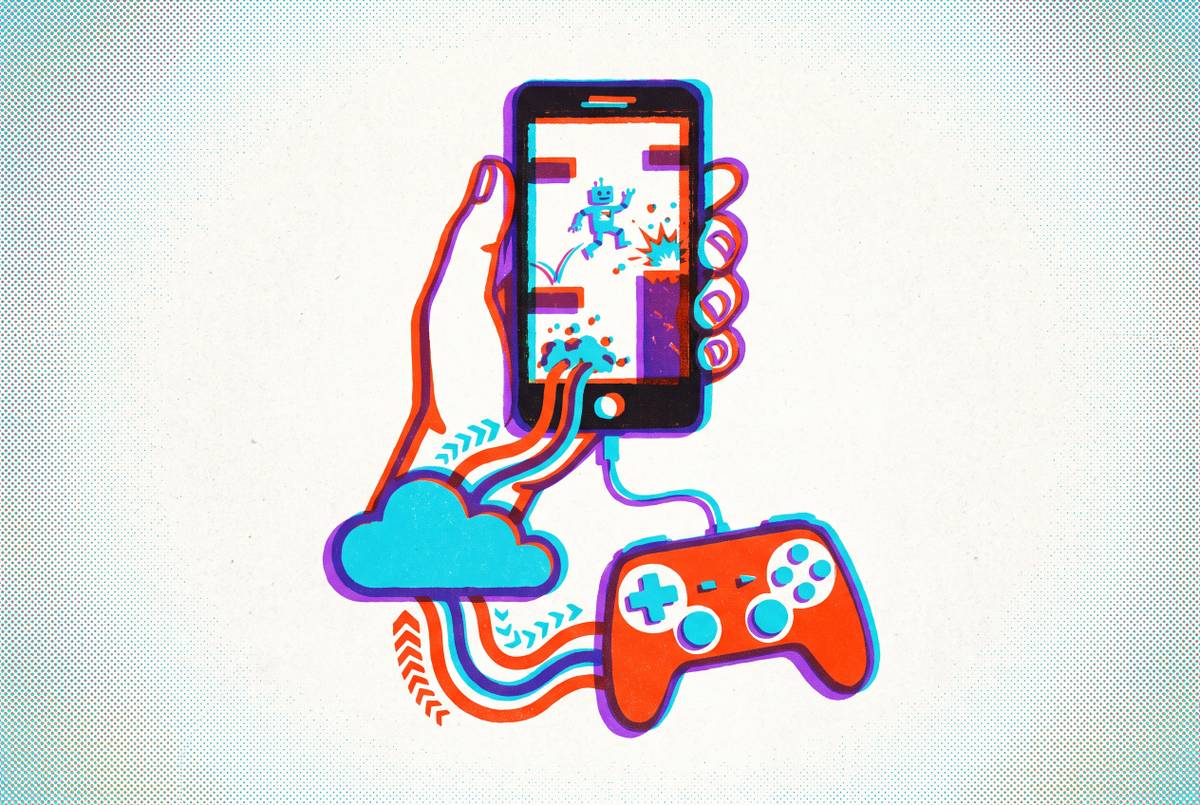
The objection dissolves entirely with a physical controller attached. A controller that clips onto the phone restores precise button feel, d-pad accuracy, and analog stick travel that retro games were designed around. The phone becomes functionally equivalent to a dedicated handheld in form factor, with the controller providing the physical precision the touchscreen cannot.
Delta explicitly supports PS4, PS5, Xbox, and MFi controllers. The emulation software ecosystem on both iOS and Android is built to receive a proper controller. This is not a workaround; it is the intended configuration for anyone who is serious about the experience.
When a controller is in hand, the smartphone-plus-controller combination looks, feels, and plays like a dedicated handheld, running on hardware the user already owns.
The control objection, in other words, is not an objection to smartphone emulation. It is an objection to touchscreen emulation. Those are different things, and conflating them has muddied this debate for years.
Portability, Form Factor, and What It Means to Carry One Device Instead of Two
A dedicated retro handheld is a second device. It charges separately, travels separately, and contributes nothing outside of gaming. That is a real cost in bag weight, pocket space, and the low-grade mental friction of maintaining two separate pieces of hardware.
The phone is already present. Adding a clip-on controller adds minimal bulk and converts the device on demand. For travel, commuting, or any context where carrying less matters, this is a straightforward advantage.
It is also worth considering the ergonomic case for dedicated hardware. A fixed form factor means consistent grip geometry across every session; a phone-and-controller combination varies by phone size, and the adjustment is real even if it is minor. The practical impact will not bother most users, but it is not zero, and anyone who has gone back and forth between a clip-on grip and a fixed handheld knows that fixed wins for extended play.
Screen quality has largely ceased to be a differentiator in the phone's disfavor. Flagship smartphone displays, OLED panels at high refresh rates and high brightness, match or exceed what most dedicated handhelds offer at comparable price points. Only the Analogue Pocket's 615 PPI at 1600x1440 occupies genuinely uncommon territory, and that device is serving a specific audience for specific reasons.
The phone is also the connection point for cloud gaming, messaging, navigation, and the rest of daily life. The dedicated handheld does none of that, and the opportunity cost of carrying two devices compounds over time.
Who Should Still Buy a Dedicated Retro Handheld
The Analogue Pocket is the correct answer for anyone with a physical Game Boy, GBC, or GBA cartridge library. The FPGA accuracy and the 615 PPI display are irreplaceable, and no phone configuration reproduces what that hardware does. This is not a close call.
Budget-constrained buyers with older or low-end phones will likely find that a $50 to $55 Miyoo Mini Plus running OnionOS outperforms their handset for NES through PS1 emulation. The hardware ceiling of the phone matters. A mid-range phone from several years ago is not a flagship, and treating it as one produces a measurably worse experience than a purpose-built budget device. The benchmark comparisons assume recent hardware; if yours is not recent, the math changes.
The retro handheld community is, for many participants, the actual point. OnionOS, ArkOS, and community RetroArch builds are a hobby unto themselves. The device is part of the interest, not merely a vehicle for it. Telling someone that their hobby is suboptimal because a phone is technically more efficient is a bit like telling a vinyl collector they should just use Spotify. Technically defensible, completely beside the point.
Children's devices represent a legitimate fourth category. A parent who does not want to hand a child their primary smartphone, for reasons of cost, distraction, or breakage risk, will find a $50 dedicated handheld the sensible choice regardless of what the specifications show.
These are real use cases, and they deserve honest acknowledgment. They are also specific ones. They do not describe most adult buyers evaluating this question in 2025.
The Practical Setup for Turning a Smartphone Into a Retro Gaming Handheld
The setup is simpler than the dedicated handheld community sometimes implies, and more capable than critics of smartphone emulation acknowledge.
On iOS: download Delta from the App Store, free and without ads or tracking for North American users. Pair a physical controller. Add RetroArch for system coverage beyond Delta's native list. ROM sourcing is the user's legal responsibility; that point deserves clarity rather than a vague gesture toward gray areas.
On Android: install RetroArch or a system-specific emulator, then add a launcher like Daijisho or EmulationStation for a console-style front end. Connect a USB-C hub and a television for a home console configuration when the situation calls for it. The flexibility is genuine.
One specific setup worth flagging: DS emulation with Delta in vertical orientation, controller in hand, mirrors the original dual-screen hardware more naturally than almost any other smartphone emulation configuration. It is a good experience and one that a dedicated handheld, almost by definition, cannot replicate with the same intuitive layout.
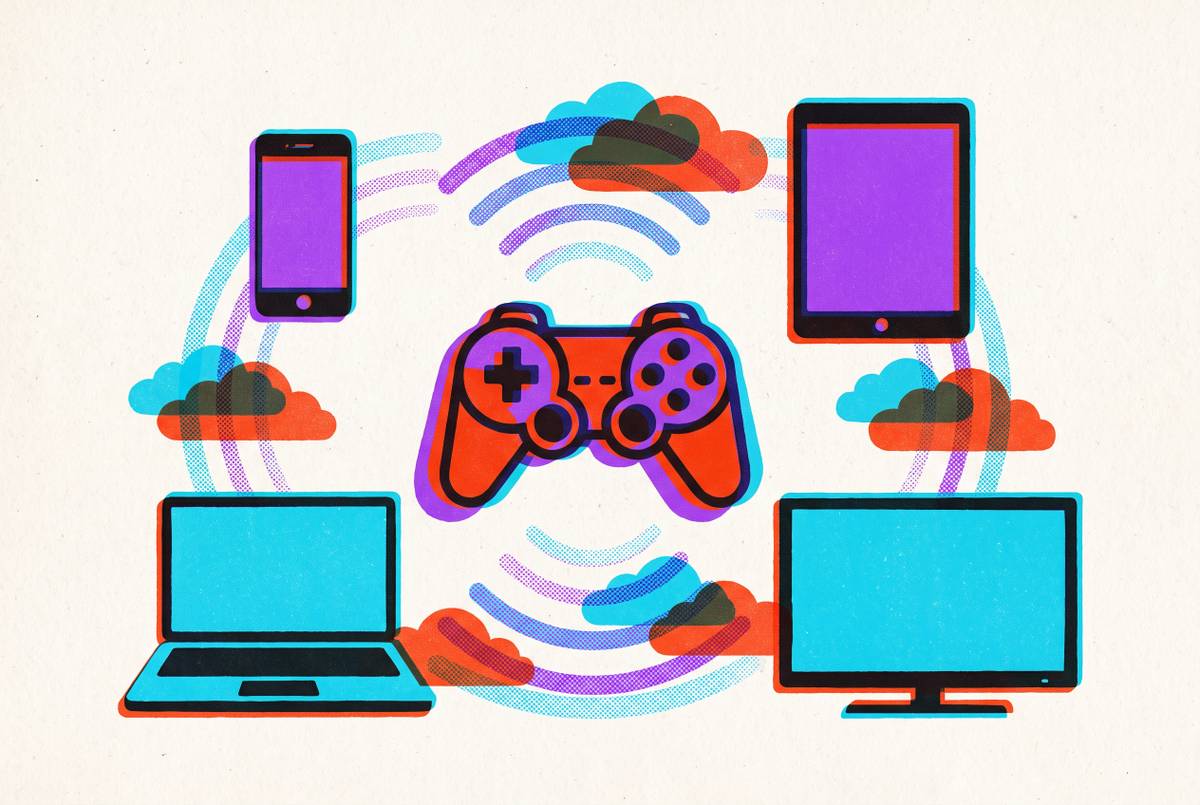
The cloud gaming layer is where the setup separates itself from anything a dedicated handheld can do. With a controller attached, the same device streams Xbox Game Pass, PlayStation Remote Play, GeForce Now, or Steam Link. The retro configuration and the modern gaming configuration are identical: the hardware does not change, only the app does. That flexibility has no analog in the dedicated handheld space.
The Backbone One attaches directly to the phone for a self-contained handheld form factor; the Backbone Pro adds wireless flexibility for setups involving a display or a desk. Both accommodate a wide range of phone sizes, and the Backbone app integrates cloud gaming services into the same interface as local emulation.
The full setup, phone included, costs a fraction of what separate dedicated hardware would require to replicate the same capability. The math is not particularly close, which is ultimately the most honest thing to say about it.