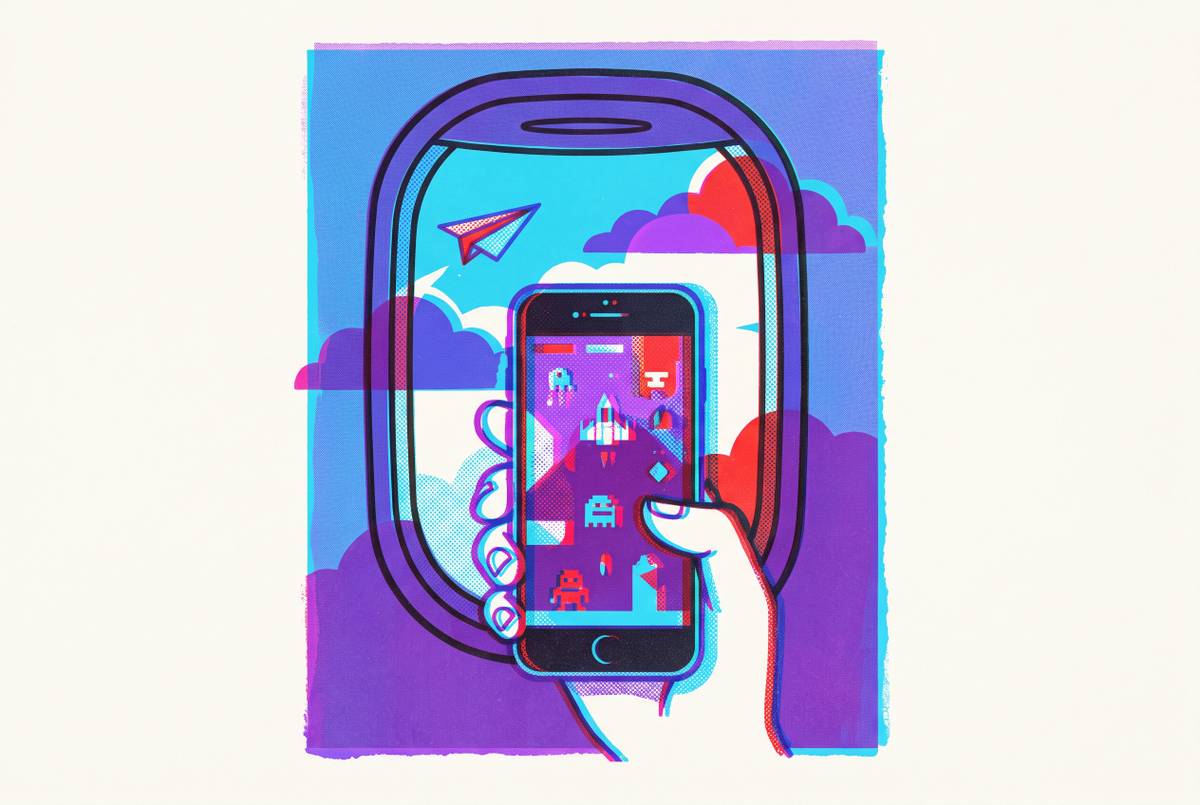
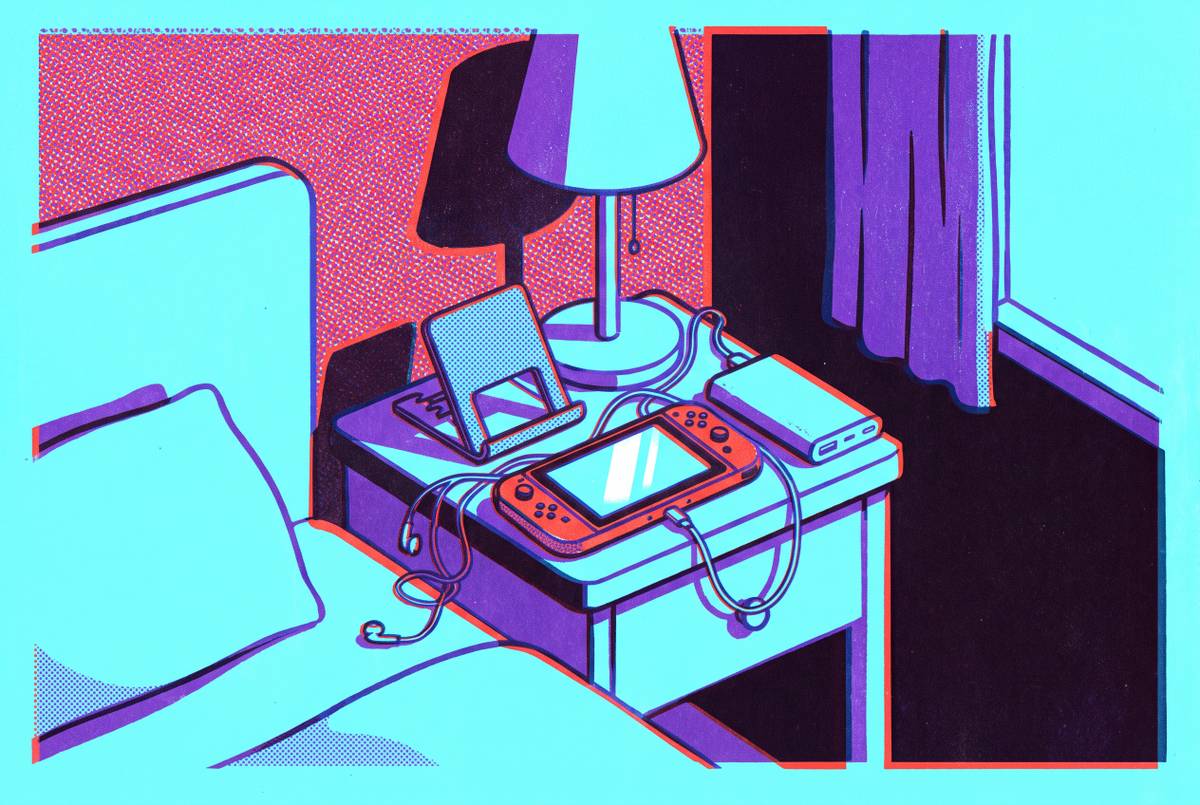
Gaming Accessories for Air Travel
Physical controllers and noise-cancelling headphones transform gaming comfort on long flights.
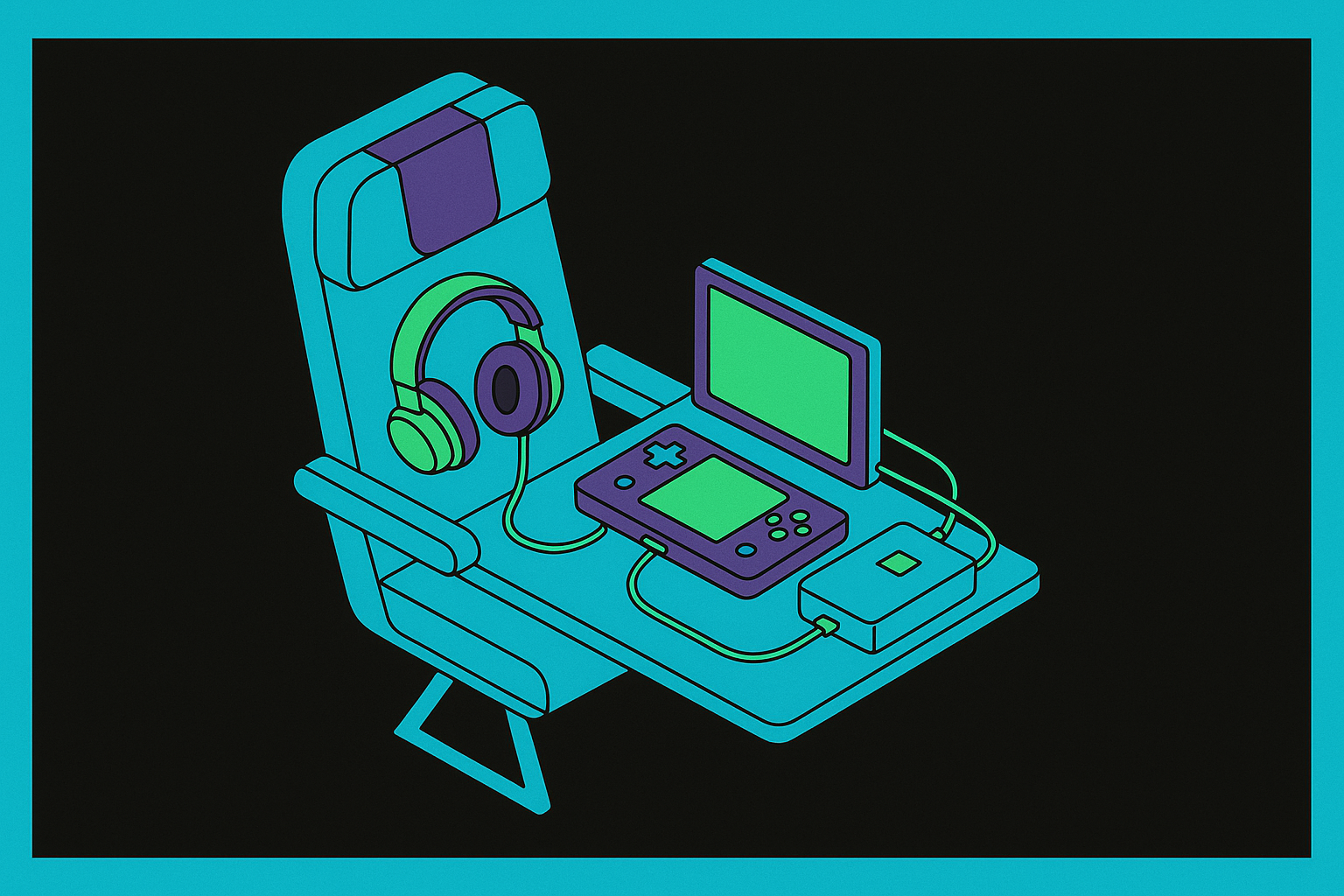
Four things happen to your gaming environment the moment the doors close, and they compound in ways that aren't obvious until you're three hours into a transatlantic flight with a cramped wrist and a dead battery.
The tray table on a commercial aircraft angles forward roughly fifteen degrees, which shifts the wrist into a sustained extension when a phone is held flat against it or on a lap. Over a transatlantic route lasting six hours or more, that sustained extension produces a specific wrist fatigue that starts as background discomfort and, somewhere over the North Atlantic, becomes the dominant sensation. On the battery side, screen-on gaming runs the display, GPU, and wireless radio simultaneously; a six-hour flight can demand three or more full battery cycles from a phone alone, and the under-seat outlet only addresses that shortfall if the seat is a window seat and the cable is long enough to reach it. Those two problems compound because the instinctive fix for wrist fatigue, repositioning, is constrained by the same tray table geometry and the armrest territory already lost to the passenger beside you.
First, you lose every flat surface you've normalized. A tray table angles forward roughly fifteen degrees and technically belongs to the passenger in front of you. Armrests are negotiated territory. Holding a phone flat on your lap for an hour produces a specific wrist fatigue that sounds trivial until you're somewhere over the North Atlantic, at which point it becomes the only thing you're thinking about.
Second, the battery situation is worse than expected. Screen-on gaming draws from the display, GPU, and wireless radio simultaneously. A six-hour flight can demand three or more full battery cycles from the device alone, and the under-seat outlet only helps if you're in a window seat and remembered a long enough cable.
Third, jet engine noise concentrates in the low-frequency range, which is precisely where game audio, dialogue, and spatial cues live. The instinct to turn the volume up fixes nothing and starts a hearing problem that feels abstract until it doesn't.
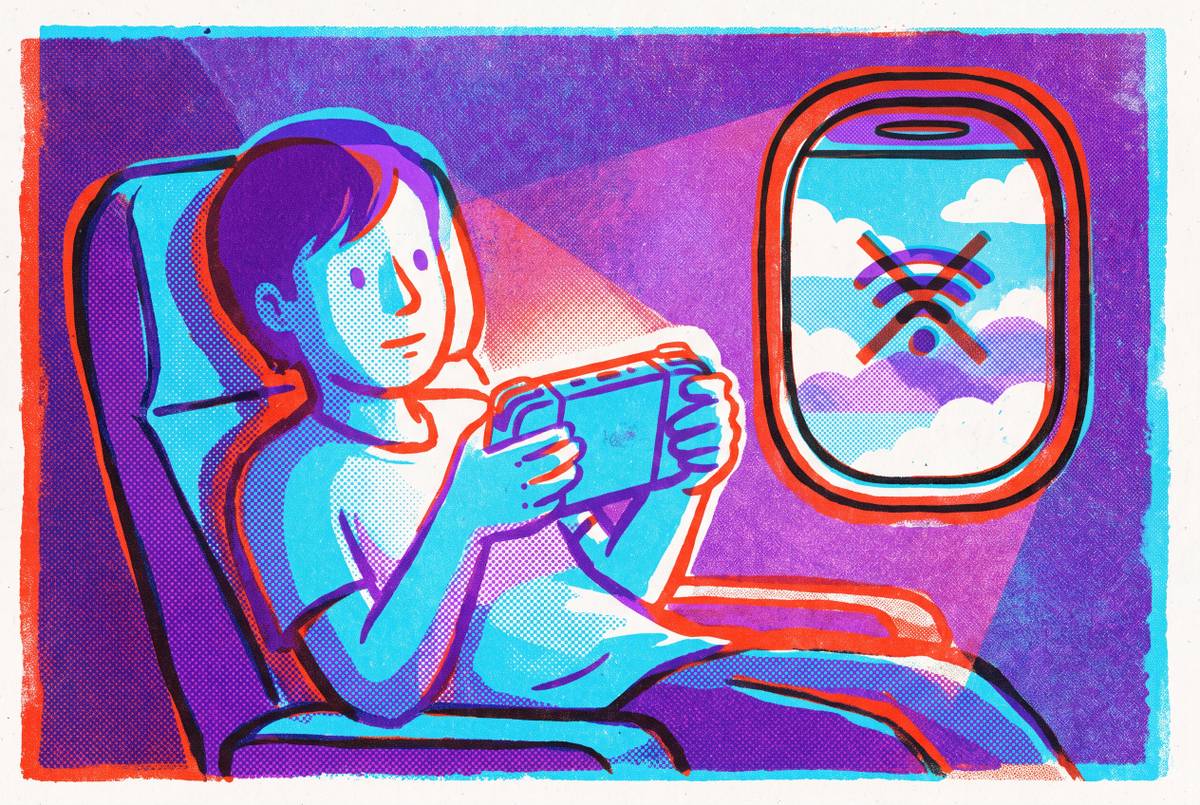
Fourth, the WiFi. Not all in-flight connectivity is created equal, and the gap between a legacy satellite system and a modern low-earth orbit network is the difference between a viable cloud gaming session and a loading spinner you'll watch until you give up and read the safety card.
So the device in your pocket is probably powerful enough. The cabin is the problem, and recognizing that distinction changes which upgrades are actually worth making.
Why Is a Physical Controller the Most Important Upgrade for Air Cabin Gaming?
Touch controls are a design compromise. They were built for taps and swipes, not for sustaining a fighting game or an RPG for three hours while someone reclines their seat into your face. A physical controller doesn't just improve comfort; it restores the muscle memory that makes sustained play feel effortless rather than effortful.
On a plane specifically, the ergonomic argument is stronger than it is at home. A clip-on controller converts your phone into a handheld held at a natural angle, weight distributed across both hands. That posture matters when your repositioning options are limited by the armrest negotiation you already lost.
The mobile gaming controller market reached $2.5 billion in 2025. That's a signal. A lot of people identified this problem and paid to solve it.
A wired clip-on controller that connects via Lightning or USB-C depending on your phone eliminates Bluetooth pairing sequences, airplane mode interference questions, and wireless latency. The best options require no battery of their own. More usefully, they support pass-through charging: plug a power bank into the controller and the phone charges while you play. The controller doesn't compete with the phone for power.
Minimum criteria for any travel controller: wired connection, pass-through charging, clip-on or folding form factor. If it requires its own case, it has already failed.
How to Think About Battery and Power Before You Board
Screen-on gaming runs the display, GPU, and wireless radio simultaneously for hours. On most flights longer than three hours, you will likely need more power than your phone carries. This is arithmetic, not pessimism.
A 20,000 mAh power bank with Power Delivery (PD) certification can realistically extend a Nintendo Switch 2 session to around twelve hours combined with its internal battery. The same logic scales down to smartphones. PD matters specifically because it allows simultaneous charging of both phone and controller through a controller's pass-through port. TSA requires all power banks in carry-on luggage, not checked bags. That rule exists for lithium battery fire reasons and is non-negotiable.
But what if the power bank is the last thing you grab and it's half-charged? That's where pre-flight habits matter more than the hardware itself. Drop screen brightness to around fifty percent before boarding; it's one of the highest-impact, zero-cost interventions available. Enable airplane mode for offline games, which eliminates background radio polling that drains power even when the radio isn't doing anything useful. Download games and cloud saves before you leave home WiFi. Steam Cloud, Xbox Game Pass offline, and Apple Arcade all support local play with pre-synced saves, and all three require your home network to configure correctly. The gate is not the time to discover this.
Seat position is an underrated variable. Window seats tend to have better access to under-seat power outlets. If you're planning a streaming session on a long-haul flight, this is worth factoring into seat selection at booking, which sounds obsessive right up until you're in a middle seat watching your battery hit twelve percent somewhere over Greenland.
Noise-Cancelling Headphones and Why the Cabin Frequency Range Makes Them Non-Negotiable
Jet cabin noise isn't random ambient sound. It's dominated by low-frequency engine rumble, which is exactly the frequency range active noise cancellation (ANC) technology was developed to address. Passive isolation, the physical seal of foam tips or over-ear cups, attenuates mid and high frequencies reasonably well and leaves most of the low drone intact. ANC inverts the low-frequency waveform electronically and eliminates the majority of it. These are different mechanisms solving different parts of the same problem, and conflating them is how you end up with $15 foam earplugs wondering why the engine is still audible.
For gaming, this matters in two compounding ways. It lets you hear dialogue, spatial audio, and ambient cues at a volume that avoids accumulating hearing damage over a four-hour session. And it removes the pressure to compensate by turning the volume up, which is precisely how flights contribute to long-term auditory fatigue.
On over-ear versus in-ear: over-ear headphones deliver better ANC performance and are more comfortable on very long flights, but they're bulkier to pack and generate heat around the ear on warm aircraft. ANC earbuds are pocketable, lighter, and sufficient for most cabin noise profiles. For carry-on-only travelers, the earbud tradeoff is usually the right call.
On wired versus wireless: Bluetooth functions fine in airplane mode on most modern devices, so interference concerns are largely moot. The practical case for wired on very long-haul flights is simpler. Headphone batteries are finite, and a fourteen-hour flight can outlast them. Many aircraft seat-back systems still use a 3.5mm or dual-plug connector, which means a small adapter belongs in the kit. Forgetting it mid-flight is a disproportionately unpleasant experience for something that weighs four grams.
In-Flight WiFi in 2025: What You Can Actually Stream and What You Can't
The most important thing to understand about in-flight WiFi in 2025 is that the label covers an enormous range of actual performance. The gap between the worst and best options is wide enough to determine whether cloud gaming is viable at all.
Legacy geostationary (GEO) satellite systems route data approximately 72,000 kilometers round-trip, producing latency in the range of 500 to 800 milliseconds. That number is generally incompatible with real-time gaming. On a GEO-equipped aircraft, cloud gaming is rarely a viable option. Plan around it, or spend the flight staring at a loading screen.
Low-earth orbit (LEO) systems, including Starlink, operate at latency around 44 milliseconds, approaching the sub-50ms threshold that makes games feel responsive. That changes the calculus considerably, and it's why the airline you choose matters more for gaming than most travelers realize.
As of late 2024 and into 2025, Hawaiian Airlines on trans-Pacific routes and Qatar Airways have shown median download speeds that support sustained streaming. Delta, United, American, Alaska, British Airways, Air Canada, Aer Lingus, Air France, and Virgin Atlantic are mid-rollout on LEO upgrades, meaning performance varies by aircraft and route. Budget carriers should generally be treated as offline-only environments.
The practical upshot: on a Starlink-equipped flight, Xbox Cloud Gaming and GeForce Now are viable. On GEO or no-WiFi, you're playing local content only. Check your specific airline's WiFi provider before building your session around connectivity. This takes ninety seconds and is the most underrated pre-travel step in the entire process.
One counterintuitive fact worth knowing: during layovers, your mobile data connection often outperforms airport terminal WiFi for cloud gaming latency, per Ookla data on median cellular speeds at U.S. airports. Terminal WiFi looks free and convenient right up until you're waiting on a spinning buffer icon while your gate neighbor streams video without any apparent difficulty.
Cloud Gaming and Remote Play: Which Service Fits Which Flight Scenario
Cloud gaming services divide along one practical axis: cloud-native versus remote play. That distinction matters more on a plane than at home, because the failure mode mid-flight is significantly harder to recover from.
Cloud-native services run games on remote servers with no dependency on anything you left behind. Xbox Cloud Gaming is among the more travel-ready options; games run on Microsoft's infrastructure, and the service has expanded to a meaningful number of markets globally as of late 2025. GeForce Now is the equivalent for PC libraries, streaming from Nvidia's cloud hardware against games you already own on Steam or other supported storefronts. Neither requires anything at home to be powered on. That's the relevant advantage.
Remote play is different in a way that matters. PlayStation Remote Play requires your PS4 or PS5 to be on or in rest mode at home. For a weekend trip, manageable. For a two-week international trip, that's a real constraint on both convenience and electricity. Sony announced cloud streaming capabilities for PS Portal in late 2025, which reduces but doesn't eliminate that dependency for Portal owners. Steam Link operates similarly, streaming from a home PC, with the advantage of accessing Steam's full library across publishers.
One useful heuristic: if you'll be away long enough that leaving a home console in rest mode is inconvenient or impossible, build your in-flight plan around a cloud-native service or downloaded local content. Avoid building it around remote play and discovering mid-flight that your PS5 restarted for an update.
Pre-flight checklist for any of these: download offline-capable titles before leaving home WiFi; sync cloud saves; confirm any home device is in rest mode if needed; verify which titles support offline achievement tracking, as some delay or reset achievements earned without a connection.
Dedicated Handhelds Versus a Phone-Plus-Controller Setup on a Plane
This is the question most travelers actually want answered. The honest answer is that it depends on which constraint matters most to you, and being clear-eyed about that upfront saves real money.
The Nintendo Switch 2 launched in June 2025 with a 7.9-inch 120Hz screen and a library of Nintendo exclusives that don't exist anywhere else. That library advantage is real and non-trivial for certain players. The constraints are equally real: battery life under demanding titles runs roughly two to two-and-a-half hours, making a power bank necessary for most flights over three hours. It requires dedicated bag space, its previous-generation cases don't fit the new dimensions, and Nintendo confirmed in April 2025 that Joy-Con 2 doesn't use Hall effect sensors, meaning drift remains a concern for heavy travelers.
The Steam Deck OLED offers a wide battery range for lighter titles, a full PC library, and an OLED screen that justifies its own mention. It also docks for hotel gaming, extending its value well past the flight. The physical tradeoffs are significant: it's heavy, it's large, and it requires a case that will consume a meaningful portion of any carry-on. Running Xbox Cloud Gaming on Steam Deck requires desktop mode and installing Microsoft Edge, which is a cumbersome experience by any reasonable standard, and surfaces at exactly the moment you least want to troubleshoot software.
The phone plus Backbone One setup is already in your pocket. It requires zero incremental bag space. Pass-through charging extends session length without a second device. It accesses Xbox Cloud Gaming, GeForce Now, Apple Arcade, and Google Play natively, without workarounds. The genuine tradeoffs: the screen is smaller than either dedicated handheld, and Nintendo exclusives are unavailable.
For travelers who aren't packing a dedicated gaming bag, which describes most people who travel for reasons other than gaming, the phone setup removes friction at every stage. That's worth something, even if it's hard to quantify at the moment of purchase.
The Carry-On Packing Strategy That Fits a Full Gaming Kit Without a Dedicated Bag
The goal is achievable, and it's worth being specific about what "achievable" actually means.
A clip-on controller lives in an outer pocket of a personal item or a jacket pocket, no case required. A 20,000 mAh power bank fits in the main compartment of most personal items alongside a change of clothes and a toiletry bag without meaningful compression. ANC earbuds in their charging case are smaller than a deck of cards. A USB-C cable, a 3.5mm adapter, and a compact wall charger occupy a fraction of a small zipper pocket.
Stacked together, the full kit occupies roughly the volume of a hardcover novel. Measure it once and you'll stop convincing yourself this requires a dedicated bag.
The packing logic that makes this work is treating the gaming kit as a subset of the tech pouch most travelers already carry, not as a separate category with its own organizational requirements. A USB-C cable that charges the phone also charges the power bank. The power bank feeds the controller's pass-through port. The earbuds charge from the same cable. Nothing in the kit exists solely for the kit.
One item that consistently gets left behind: the headphone adapter. Keep it in the same pocket as the earbuds. It's small enough to forget and expensive enough to regret, because the seat-back entertainment system accepts exactly one connector type and doesn't care how carefully you packed everything else.
The cabin is a constrained environment, and the constraints are specific. What's strange, having thought about this longer than most people probably should, is how neatly the right hardware maps onto those constraints. Most of it fits in a jacket. Whether that's elegant design convergence or a sign that you've spent too long optimizing a six-hour flight is a question worth sitting with.