Portable Gaming Setup for Hotel Rooms
Five packable items transform your phone into a hotel room gaming platform.
Mobile gaming pulls in more revenue than console and PC gaming combined, and that single fact should decide what anyone packs for a hotel trip. Mobile brought in more revenue than console and PC gaming combined, carried by the large majority of people worldwide who play games. The phone already sitting in a traveler's pocket runs the biggest gaming platform on the planet, so the real obstacle to a good hotel gaming session was never horsepower. It's control quality, and that's a fixable problem with the right five items in a bag.
What makes hotel rooms a distinct gaming environment
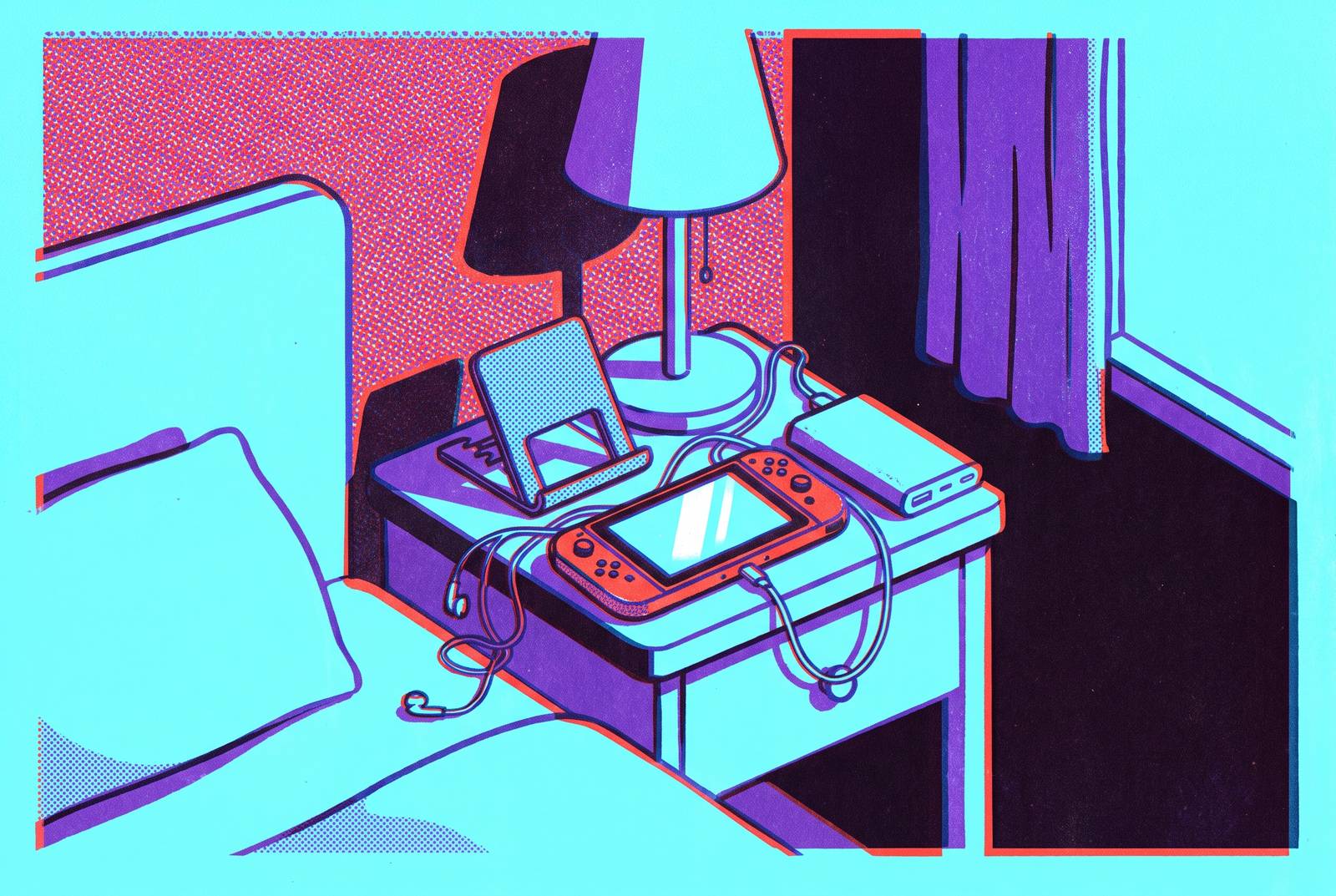
Most hotel gaming never touches a TV. It happens in a lap, on a bed, phone or handheld gripped in two hands, an estimated 85% of the time. Most travel advice gets this backwards: it treats the room's TV as the default screen and the phone as the backup plan. Flip it. The TV is the occasional treat. The phone is the workhorse, and it's been the workhorse the entire time travel guides kept photographing hotel televisions like they mattered.
Four things about hotel rooms explain why, and none of them appear in the listing photos. Outlets run scarce in older properties, sometimes down to a handful total, fought over by a phone charger, a laptop brick, and whatever travel kettle someone packed for coffee. WiFi variability is the sneaky one: a hotel's network might be genuine fiber, or it might be a captive-portal trickle that collapses the second three guests start streaming video, and there's no way to know which one is waiting until check-in. TV access is a third obstacle, since HDMI ports get blocked for liability reasons or the television sits bolted to the wall with the ports wedged out of reach, and even a working port on a budget hotel set can run input lag north of 100 milliseconds, turning any reflex-based game into a slideshow. Sound bleed rounds it out. Walls run thin, hallways carry noise, and cranking a speaker at 11pm is a fast way to meet a neighbor under bad circumstances.
All four constraints point the same direction. Build around the phone first, dock second, cloud game third. A phone needs no dock, no HDMI handshake, no hunting through a hotel TV's menu for a game mode setting that may or may not exist. It works the moment it clears the pocket, and a hotel room rewards that kind of self-contained reliability.
That's the shape the rest of this piece follows. In-hand play on the bed or couch makes up Scenario 1, the baseline that covers most nights by a wide margin. Scenario 2 docks the phone or a handheld to the hotel TV when the room actually cooperates. Scenario 3 cloud games a full console library through whatever screen the room happens to offer. Everything below builds toward outfitting all three without checking a bag.
Building the phone-first kit: controller, power, audio, and a few key decisions
Two controller decisions carry more weight than they look like they should. A wired controller that plugs straight into the phone kills Bluetooth pairing friction and the input latency riding along with it, and that matters the moment a game demands a fast reaction. Wireless earns its keep later, in the docked scenario, where distance between the phone and the player's hands is the entire point of the setup. The second decision is duller but costs just as much to skip: confirm the controller actually matches the phone's operating system before it goes in the bag. A controller built for the wrong OS, discovered at 9pm in a hotel room, is a controller that isn't getting used. Full stop.
Outlet scarcity has a fix travelers on the road already found on their own, mostly through trial and error. A survey of 340 responses gathered across three subreddits, including r/GamingOnTheRoad, found that a 6-outlet GaN power strip (Anker's model came up most often as the community pick) was the single most-cited packing tip in the bunch. One hotel outlet becomes seven usable ones: phone, controller, laptop, kettle, all charging at once, with nobody negotiating over the outlet wedged behind the nightstand.
Audio splits into a fairly clean decision, and most people overthink it. Playing solo late at night, a wired 3.5mm headset is the boring, correct choice. It works the same on a phone, a controller's headphone jack, or a laptop, no pairing step, no latency to think about. Playing with someone else in the room, a Bluetooth speaker in the higher price bracket genuinely changes things; the sub-$30 speakers aren't worth the space they take in a bag. Wireless earbuds land in between: smallest footprint, fine for the walk through the airport, acceptable but not great for a long session.
One more habit belongs here, and it only becomes obvious the first time it goes wrong: download games on home WiFi before leaving. A 50GB download that takes half an hour on home fiber can crawl for six hours or more on hotel WiFi, and some hotel networks cap bandwidth per device no matter how patient anyone is willing to be. MicroSD cards and physical cartridges are small enough to vanish permanently into the bottom of a bag, and nobody notices until the exact moment one is needed.
Evaluating the hotel TV before committing to docked play
The hotel TV is the wildcard of the whole kit, and treating it as guaranteed infrastructure is the fastest way to waste an evening on a dead setup. Input lag swings wildly by property. Budget sets can exceed 100 milliseconds, a number that sounds abstract until it turns into consequence: any game that rewards fast reflexes becomes unplayable, while a narrative game or turn-based strategy title barely notices the difference.
So run a quick test before settling into a full docked session. Start something with an obvious, immediate button-to-action link, a menu, a card game, anything where cause and effect should feel instant. If the response feels sluggish, dig into the TV's settings for a "Game Mode" toggle, since most modern televisions ship with one, though some hotels disable it at the property level. Anything under 50 milliseconds works fine for casual or narrative play. Anything over 100 is a hard no for action games, no exceptions worth making. If the TV fails that test, don't force it: play handheld instead, because a docked session on a laggy TV was not worth the setup time.
Access matters just as much as raw performance. Some hotels block HDMI ports outright for liability reasons that have nothing to do with anyone's gaming plans, so check that the port is physically reachable before assuming docking is even on the table. If the TV clears both tests, connecting a phone through a USB-C or Lightning adapter and an HDMI cable turns the room's television into a bigger screen with no dedicated handheld hardware required. A wireless controller for couch-distance play finishes the job.
Cloud gaming services' performance on hotel WiFi
Cloud gaming stopped being a novelty a while back, and by 2026 the field has sorted into a few services solving genuinely different problems, not one service trying to do everything.
GeForce Now takes a bring-your-own-library approach: it streams games a player already owns on Steam, Epic, Ubisoft Connect, GOG, or PC Game Pass, across a catalog past 2,000 titles, with its Ultimate tier streaming up to 4K at 120 frames per second on high-end server hardware. A free tier exists but caps session length hard; paid tiers remove that ceiling for a monthly fee.
Xbox Cloud Gaming runs on a different model, tied to a Game Pass subscription and whatever titles happen to be rotating through the catalog that month. A 2026 upgrade pushed the service to 1440p streaming, though its 60 FPS ceiling makes it a poor match for anyone chasing high-refresh competitive play. Where it wins is friction: broadly available, quick to set up on a phone, nothing fancy required.
PS Remote Play deserves a mention with an asterisk stapled to it, because it's the one service on this list that most people misclassify. It supports PS5 games with low-latency streaming on a 5GHz connection, which sounds like cloud gaming right up until the fine print shows up: it requires the player's own PS5, sitting on their home network, reachable from the hotel only through a VPN tunnel back to that hardware. Call it remote access to a console someone already owns, not cloud gaming in the GeForce Now sense. Confusing the two is how someone ends up mid-flight realizing they packed a plan that needs a console they left at home turned on.
Solving hotel WiFi with a travel router
Every service in the section above runs into the same wall eventually: hotel WiFi itself. It's consistently the single biggest bottleneck between a traveler and a decent cloud gaming session, and the fix the road-gaming community has converged on is a travel router. Skipping this piece of gear turns every cloud gaming plan above into a bet on whatever WiFi happens to be waiting at check-in, which is a bad bet more often than not.
A travel router creates a private network, so a session isn't fighting every other guest hammering the same congested segment for bandwidth. It lets several devices ride that private network at once. Many models bundle in VPN support, which enables tunneling something like Steam Link or PS Remote Play back to home hardware. Some can fall back to mobile data entirely if the hotel's WiFi turns out to be unusable, which happens more often than anyone traveling for work would like to admit.
Two models stand out from 2026 testing. The GL.iNet Beryl 7 (GL-MT3600BE) runs on Wi-Fi 7, with dual 2.5G Ethernet ports and dual-band speeds up to 688Mbps on 2.4GHz and 2882Mbps on 5GHz, a USB 3.0 port, and both WPA3 and VPN support built in. Real-world hotel testing showed steadier throughput than Wi-Fi 6 models managed, though in a typical hotel room Wi-Fi 6 and Wi-Fi 7 travel routers often land within similar practical limits of each other, so nobody should expect a night-and-day difference. The GL.iNet Slate AX is the other pick, offering a more compact form factor with solid speeds and a capable VPN feature set for travelers who prioritize portability over top-end throughput.
Of everything in this kit, the travel router does the most disproportionate amount of work for its size and price. Skipping it leaves the whole cloud gaming plan riding on hope, which is not a networking protocol.
Adding a dedicated handheld to the kit instead of going phone-only
Phone-first covers the overwhelming majority of hotel gaming nights, and for most travelers, that's where the packing list should end. A dedicated handheld is overrated for casual trips, and most people who pack one anyway aren't packing it for a reason, they're packing it out of habit. Three actual tells decide it: gaming two or more hours a night, wanting native titles that don't exist on mobile at all, or traveling for stretches long enough that phone-based play starts to feel thin and repetitive.
As of September 2026, the field breaks into a few clear lanes. The Nintendo Switch 2 carries a 7.9-inch 1080p display running at 120Hz, a custom Nvidia chip with DLSS support, and a weight of 1.18 pounds, and it offers the best official docking experience of any handheld on the market for hooking up to a hotel TV. Battery life under real load caps out around two hours in handheld mode, so any long session needs a charging stop built into the plan, and its ergonomics over longer stretches are worth weighing before buying one purely for travel.
The Steam Deck OLED, starting at £479/$549, runs a 7.4-inch HDR OLED panel at a widescreen resolution, up to 90Hz refresh, with peak brightness of 1,000 nits in HDR and 600 nits in SDR. Steam's discount-heavy pricing model can tilt total cost of ownership over a year in the Deck's favor compared to other options, depending on how many games get bought along the way, and third-party low-profile docks (JSAUX among them) travel noticeably better than the official dock's bulkier build. Beyond these two, the ROG Xbox Ally X, several other Windows-based handhelds round out the field, each aimed at a slightly different kind of buyer, and none of them worth packing unless one of the three tells above actually applies.
Putting it together: a packing list mapped to the three hotel scenarios
Scenario 1 matters most, since it covers roughly 85% of hotel gaming nights. It includes the smartphone already in a pocket, a charging cable and wall adapter, a wired 3.5mm headset as the default audio option, and games pre-downloaded before departure, so the whole session doesn't hinge on whatever hotel WiFi turns out to be that week.
Scenario 2 builds on that base for docked play, adding a USB-C or comparable video-out adapter, an HDMI cable, and a wireless controller for couch-distance comfort. None of it gets unpacked unless the TV passes the input-lag test from earlier, so check that first and save the effort otherwise.
Scenario 3 adds the gear that makes cloud gaming more than a hope: a travel router, such as the GL.iNet Beryl 7, packed alongside whichever cloud service (GeForce Now, Xbox Cloud Gaming, or PS Remote Play tunneled home) fits the traveler's existing library. Layer in a dedicated handheld only if the gaming-two-or-more-hours-a-night threshold, or the need for a full native library, actually applies, and skip it otherwise no matter how good it looks in the store.
Setting the three kits side by side shows a story that turns out simpler than the length of this list suggests. The phone in every traveler's pocket is already carrying most of the weight. Everything else here just stretches what that phone can already do onto a bigger screen, a longer session, or a heavier library, depending on what the room and the WiFi decide to offer on any given night.