Xbox Cloud Gaming Platforms and Device Support
Stream games across phones, TVs, and more with Game Pass.
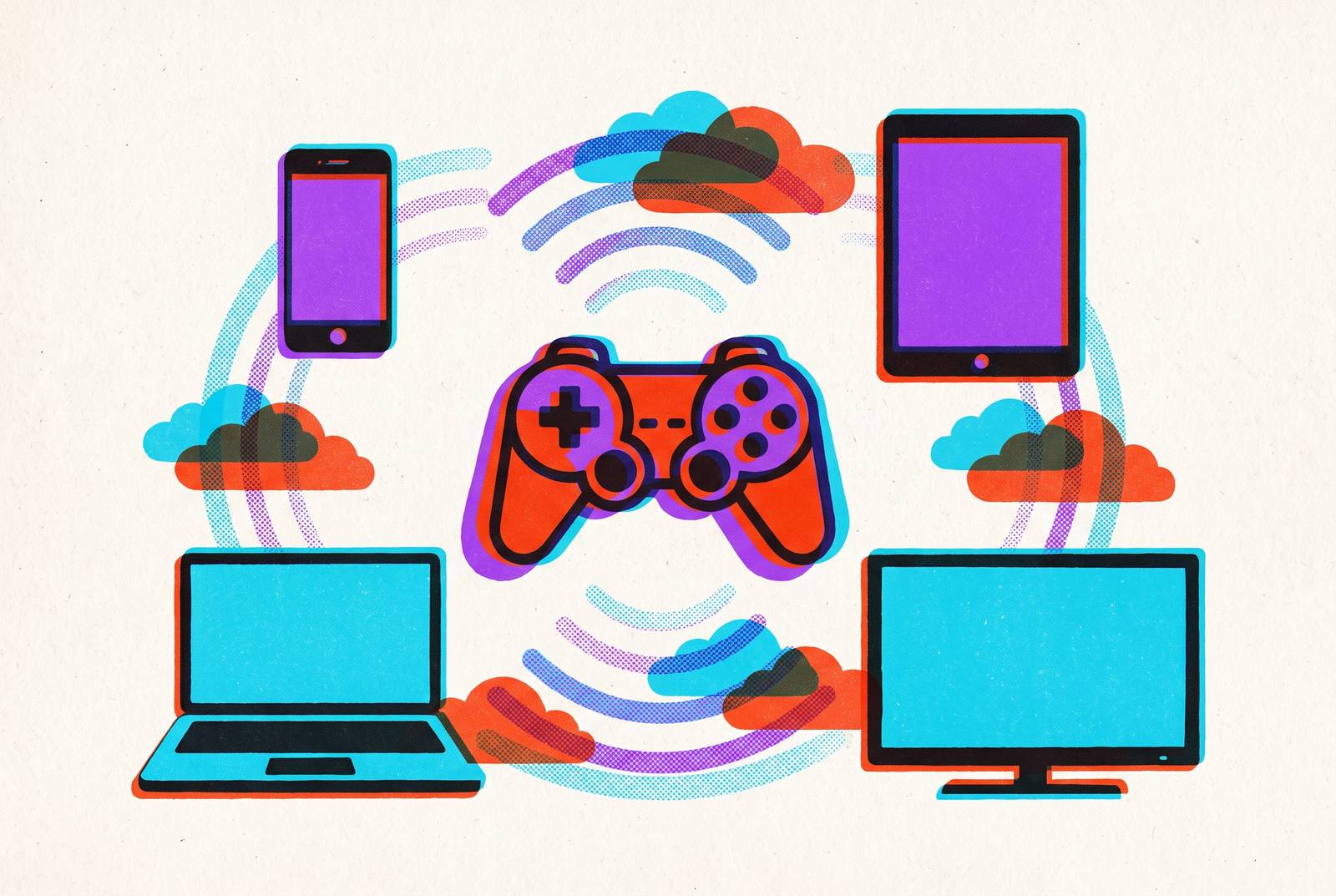
Xbox Cloud Gaming stopped being a phone-only party trick a while ago. It runs on smart TVs, streaming sticks, VR headsets, Steam Deck, and a handful of internet-connected cars, and Microsoft quietly dropped the "beta" label. Every session, regardless of what's in your hand, runs on Azure servers powered by actual Xbox Series X hardware on the back end, so the machine doing the real work is always high-end even when the screen in front of you is a five-year-old tablet. Access now covers close to three dozen countries, with India and expanded South American device support among the newer additions, and the map keeps filling in faster than most people are tracking.
How Game Pass tier structure determines what you can actually stream
Before any device question matters, the subscription tier decides what's possible at all. Essential sits at the bottom: lowest cost, smallest library, but cloud streaming is included, so nobody's shut out entirely. Premium sits in the middle with a noticeably bigger catalog. Ultimate sits on top, with the biggest library, the highest streaming quality ceiling, and day-one access to first-party releases the moment they launch.
Here's the part worth saying plainly: Ultimate got a price cut in April 2026 that closed most of the gap between tiers, so it's worth thinking carefully about whether the middle tier delivers enough over Essential to justify the difference in cost.
The feature that really reshapes the math is Stream Your Own Game. It works across Essential, Premium, and Ultimate, letting a player stream titles they already own, whatever's sitting in the Game Pass catalog that month, on any supported device. The library grew in steady waves; the July 2026 update alone added dozens of titles at once, recent third-party releases sitting right next to older catalog staples. A budget subscriber gets real cloud access this way, though Ultimate still owns the full quality ceiling and the widest selection. Worth watching: a free, ad-supported tier is in testing as of mid-2026. Details on library size and quality are thin, but it's the lowest barrier to entry Microsoft has floated yet.
Playing on Android, where the experience is closest to native
Android is where Xbox Cloud Gaming feels like it actually belongs. Android 8 or newer covers the overwhelming majority of phones in use, and the dedicated Xbox app sits right in the Play Store, no browser detour needed.
Controller pairing runs over Bluetooth, and it works best done at the operating system level before the app even opens, rather than fumbled with inside the app itself. That sounds like a minor distinction until you're the one staring at "controller not detected" mid-boss-fight. Touch overlays get the job done for slower-paced games, but anything built around analog sticks and trigger pulls, which is most of the Xbox catalog, plays better with real hardware in hand. No contest there.
The single biggest variable on Android is the connection itself. A reliable link sitting well above the minimum threshold outperforms nearly every other factor in how a session feels. And because progress, friends lists, and purchases sync automatically, a session started on a console at home picks up on the phone mid-commute without so much as a save-file thought.
Playing on iPhone and iPad, where Apple's policies create a different path
Apple's App Store rules don't allow a standalone cloud gaming app, so Microsoft built the experience around that restriction instead. iOS access runs through Safari at xbox.com/play, on iOS 15 or newer, and players can pin that page to the Home Screen so it launches straight into a stream like an app icon, no bookmark hunt required.
Functionally, the browser version matches the Android app closely: full library, controller support, save sync all present. What's different is sensitivity. iPhones show input lag from a jittery connection faster than Android devices do, so a shaky Wi-Fi signal or a weak cellular bar shows up in gameplay sooner and more obviously. A stable connection matters more here, full stop.
Some newer iPhones have enough screen space that lighter games work fine on touch alone, but for shooters and action titles, a physical controller is the difference between playable and genuinely frustrating. iPad follows the same browser path as iPhone, and the bigger screen changes the feel of it, closer to a handheld console than a phone game.
Playing on Windows PC and Mac
Windows 10 and 11 get the native Xbox app, still the most direct route into the service on a computer. Streaming through Edge or Chrome delivers the lowest latency of any browser option, largely because of how those browsers implement WebRTC.
For PC players with limited storage, or a game they own but haven't bothered downloading, cloud gaming solves a real problem instead of a theoretical one. Stream Your Own Game is especially useful here, skipping a multi-gigabyte install just to try a title for twenty minutes. For Mac owners specifically, this setup delivers a full Xbox library, no Microsoft hardware owned, running inside a browser tab.
Playing on smart TVs and streaming sticks without a console
This is the category where cloud gaming stops looking like a supplement and starts looking like a replacement. Samsung TVs from 2020 onward, on the right software version, support the Xbox app natively. LG TVs on webOS 24 or newer do too, and LG has quietly become an early partner bringing cloud gaming into select internet-connected vehicles.
Hisense and Vizio TVs running Home OS picked up Xbox app support in 2026, which widened the compatible living-room hardware pool by a lot. Amazon's Fire TV lineup covers the Fire TV Stick 4K, the Fire TV Stick 4K Max, the Fire TV Cube, and the 2025 refresh of the Fire TV Stick 4K.
The upshot: someone without an Xbox console can stream the full Game Pass library on a TV using nothing but a subscription and a Bluetooth controller. Streaming resolution tops out at 1440p on supported titles and devices; 4K is in limited beta for certain titles and regions as of mid-2026, so the ceiling keeps rising.
Playing on Steam Deck and Meta Quest headsets
Steam Deck running SteamOS 3.5 or newer supports cloud gaming, and the use case here is a bit counterintuitive. Streaming offloads the heavy lifting to Azure servers instead of the Deck's own hardware, which changes how the device is being used compared to running a game locally.
Meta Quest 2, Quest Pro, Quest 3, and Quest 3S are all supported too. Keep expectations modest here: Xbox Cloud Gaming shows up inside the headset rather than as a fully immersive VR experience. Both platforms work best with a Bluetooth controller paired before the stream launches.
These are niche use cases, sure, but they point at something bigger about the whole service. If a device has a browser and a network connection, Microsoft has found a way to bring Xbox to it.
What the connection requirements actually mean in practice
Microsoft's own setup guidance lists a fairly modest minimum speed just to connect at all. Reliable 1080p streaming needs a meaningfully higher floor than that, and pushing toward higher resolutions or frame rates raises the bar again. Here's the distinction that gets lost in the marketing: "the stream connects" and "the stream plays well" are two separate questions, and treating them as one is how people end up blaming Xbox Cloud Gaming for a router problem.
Connection type matters as much as raw speed. Low jitter on a stable Wi-Fi or wired connection beats a technically faster but inconsistent cellular signal almost every time; game streaming punishes inconsistency far more than it punishes a modest ceiling. AI upscaling claws back some visual quality on weaker connections, recovering detail that would otherwise get smeared away.
As of mid-2026, 1080p at 60 frames per second is the standard output across the service. 1440p is available on select titles and devices for Ultimate subscribers, and 4K remains in limited beta. On mobile specifically, iPhones surface input lag from a jittery connection faster than Android phones do, so cellular players should expect more variability than anyone parked on home Wi-Fi. If a session feels off, test on Wi-Fi first. That isolates whether the problem is the service itself or just the network getting in its own way.
How Xbox Cloud Gaming compares to GeForce Now, PS Remote Play, and Steam Link
The core split across all these services comes down to where the game is actually running. Cloud gaming streams from a remote data center; remote play streams from hardware sitting in your own house. PS Remote Play, Steam Link, and Xbox's own remote play options cost nothing beyond what a player already owns, but they live and die by home upload speed and whether the console got left powered on. Cloud gaming flips that trade: a monthly fee, no owned hardware required, works anywhere a connection reaches.
GeForce Now runs on a different model entirely. It doesn't offer its own game catalog; it rents raw compute power and runs titles a player already owns through Steam, Epic, GOG, and similar storefronts. Its top tier, running on recent NVIDIA Blackwell-class server hardware, delivers the highest streaming quality in the category, and it's the clear pick for someone who already owns a big PC library and wants those specific games at maximum fidelity. A monthly play-time cap introduced in 2026 changes the math for heavy users, though, so it's not as unrestricted as it used to be.
PlayStation Plus cloud streaming is the only route to Sony's first-party catalog on a remote server, but plenty of PS5 exclusives still demand an actual console, which caps how far that streaming option really reaches. Steam Link, meanwhile, streams from a player's own PC or Steam Deck at home: free, no subscription, but bound by the same home hardware and upload speed limits as PS Remote Play.
Xbox Cloud Gaming's real edge is the subscription catalog itself: hundreds of games ready to stream immediately, no individual purchase required, plus Stream Your Own Game stacked on top for anything already owned. First-party titles like Fable and Gears of War: E-Day, both confirmed for 2026, arrive in Ultimate on launch day and stream immediately, no waiting, no console required. Amazon Luna, for what it's worth, has settled into more of an Amazon Prime perk at this point; fine for casual use, but not really a primary gaming service for most people anymore.
So here's the actual breakdown: GeForce Now for max quality on a PC library already owned, Xbox Cloud Gaming for the broadest subscription catalog across the widest device range, PlayStation streaming for Sony exclusives, and remote play or Steam Link when the goal is using your own hardware's library without paying anything extra.
Getting the most out of cloud gaming on a phone with a physical controller
Mobile is where cloud gaming actually gets used the most. Smartphone reach dwarfs every other platform on this list combined, and Xbox Cloud Gaming runs fully on both major mobile operating systems, no asterisks.
Touch controls hold up fine for turn-based games or point-and-click titles, but most of the Game Pass catalog, shooters, racing games, action titles, was built around analog sticks and triggers, not thumbs smearing across glass. Here's the fix that actually works: a physical Bluetooth controller. It hands real analog sticks and triggers back to the player and cuts down on the input errors that touch controls cause constantly.
That setup works the same whether the phone runs the Android app or the iOS browser session; the connection type underneath doesn't change how the controller behaves. Pair the controller first, launch the stream second. Doing it backward just adds friction nobody needs. Wi-Fi beats cellular for anything longer than a quick session, and if cellular is the only option, staying put in one spot with a strong signal beats wandering between coverage zones mid-game. The Gaming Copilot feature in the Xbox mobile app adds in-session help directly on the phone, handy for anyone dropped into an unfamiliar cloud title without a clue what they're doing.
Once the right controller is clipped on, the hardware gap between a phone running Xbox Cloud Gaming and a dedicated handheld console basically closes. What's left as the limiting factor is the connection, same as it's been in every section of this piece.