Playing PS4 Games on Phone Without a Console
Stream PlayStation games to your phone—if you own a console to stream from.
Playing PS4 games on a phone without owning any console is possible in exactly one narrow sense, and search results tend to blur that sense with a much more common scenario: streaming from a PS4 or PS5 you already own to a phone screen. Those are two different problems with two different answers, and mixing them up is how someone ends up staring at a "connect to console" prompt with no console to connect to. This piece splits the two paths cleanly: PS Remote Play, which needs a console but genuinely works on phones, and the handful of cloud gaming alternatives that need no console at all but come with real trade-offs on what you can actually play. For the impatient: if you don't own a PS4 or PS5, Sony has no good answer for you yet, and pretending otherwise wastes a weekend.
How PS Remote Play actually works — and what it silently requires
Remote Play is Sony's official app, and the mechanics fit in one sentence: the console does the computing, the game runs on the PS4 or PS5 sitting in someone's living room, and the phone just receives a video stream and sends back button presses. It's free on both Android and iOS, with no subscription attached, a detail worth remembering once the paid options later in this piece come up.
Sony publishes a minimum connection speed for Remote Play to work at all, and a noticeably higher speed to run without visible lag. That gap between "connects" and "plays well" matters, and it comes back up in the setup section near the end. Cellular streaming works too, but it's off by default; someone has to switch it on manually inside the app, and dropping resolution down keeps data use in check on a phone plan that isn't unlimited.
Controller support depends on the exact phone OS version, and the cutoffs are more specific than most people expect. On Android, touch controls work from Android 9 onward, a DualShock 4 pairs over Bluetooth starting at Android 10, DualSense arrives at Android 12, and the DualSense Edge needs Android 14. On iOS, DualShock 4 support starts at iOS 14, DualSense at iOS 14.5. Anything installed on the console is fair game, and players can even buy and download new games remotely through the app itself; the one carve-out is PlayStation VR titles, which need the headset physically present, for reasons that should be obvious.
Setup is short: flip on Remote Play in the PS4's settings menu, download the app, sign in with the same account, connect. But the console has to be either powered on or sitting in rest mode with the right setting flipped, and it needs to stay reachable over the internet the entire session. For anyone without a console at home, none of this helps, since Remote Play needs a console at every single step, and no amount of app tinkering changes that.
PlayStation Portal closes the gap — but only for Portal owners, not phone users
PlayStation Portal is Sony's dedicated handheld for remote play, and it belongs in this conversation because it's Sony's most direct answer to the console-free question, even though that answer is locked to its own hardware and nothing else.
A late-2025 software update gave Portal something it didn't originally have: real cloud streaming for PlayStation Plus Premium subscribers, meaning a Portal owner can stream games without a PS5 turned on anywhere nearby. The supported catalog isn't a token handful either, since Ghost of Yotei, Astro Bot, Final Fantasy 7 Rebirth, and Cyberpunk 2077 are all in there, spanning first-party exclusives and third-party heavyweights. Getting in requires the Premium tier of PS Plus specifically; the lower subscription levels don't unlock cloud streaming at all.
Here's the catch that actually matters for anyone reading this on a phone: that cloud infrastructure is built exclusively for Portal and for PlayStation consoles. As of late 2025, there's no official version of it on a standard Android phone or iPhone, full stop. Portal shows Sony can build console-free cloud streaming when it wants to, but it hasn't pointed that streaming at the device most people are already holding, and there's no public roadmap suggesting that changes soon.
PlayStation Plus Premium's cloud library — and why it still doesn't reach your phone
PlayStation Plus Premium is the top subscription tier Sony sells, and the pitch sounds built for exactly the reader this article is written for: a streaming library stacked with hundreds of titles pulled from multiple console generations. On paper, that's the console-free dream everyone's search actually wants.
Check where it actually streams, though, and the picture changes fast. As of late 2025, PS Plus Premium's cloud streaming runs on PlayStation consoles and on PC. Mobile phones don't get it, regardless of platform. That's a platform decision Sony made and, so far, hasn't walked back.
Worth sitting with for a second: if there's a PC in the house, PS Plus Premium is a legitimate console-free way into the PlayStation library, streamed straight to a laptop or desktop screen. That still leaves the mobile answer most people searching this topic actually want unresolved. And that gap, Sony's own cloud service not reaching the phone in your pocket, is really the question the rest of this piece exists to answer. If Sony won't stream PS4 games to a phone without a console standing behind it somewhere, what else is on the table?
Xbox Cloud Gaming as a console-free mobile option — with an honest caveat about the library
Xbox Cloud Gaming solves the console problem by deleting it. Everything runs on Microsoft's servers, no hardware required beyond the phone in hand and, ideally, a controller. On iPhone and iPad, it runs through Safari as a browser-based experience.
The catch is the library, and it's worth saying plainly instead of letting someone discover it after paying: this is Xbox and PC Game Pass content, and none of it includes PlayStation exclusives. Nothing here plays Spider-Man or God of War, and nothing ever will, since Sony doesn't license its exclusives to Microsoft's service. For a reader whose actual goal is playing good, console-caliber games on a phone screen rather than chasing the PlayStation label specifically, the catalog is large and current, streamed off Xbox Series X hardware sitting in Microsoft's own data centers.
Subscription cost runs higher than PS Plus Premium, though the math flips: the price includes the games themselves instead of requiring a separately purchased library on top. For a reader who wants console-quality games on a phone and doesn't care whose logo is on them, Xbox Cloud Gaming is worth serious consideration, largely because it was built to work on a phone from day one rather than added on later.
GeForce NOW for cross-platform PS4 titles you already own on PC
GeForce NOW runs on a completely different model than a subscription library. Instead of a curated catalog, it streams games someone already owns on Steam, Epic, or other PC storefronts, running them on NVIDIA's remote hardware instead of a local machine. It works on mobile, both iOS and Android, which makes it a real option here instead of a footnote.
Plenty of PS4 titles also shipped on PC, and if that PC version is already sitting in someone's Steam library, GeForce NOW can stream it to a phone at genuinely high visual quality. This won't touch Sony's platform exclusives (setting aside odd cases like Spider-Man's PC port), but for cross-platform games, Final Fantasy entries, a long list of RPGs, plenty of indie titles that landed on both PS4 and PC, it covers a surprising amount of ground.
NVIDIA's higher subscription tier offers serious remote GPU horsepower, and a late-2025 infrastructure upgrade gave that top tier a real jump in power. Pricing lands in a similar bracket to the other services here, but there's a catch worth underlining twice: the subscription includes zero games. It only pays off for someone who already owns a stocked PC library and just wants to play it from a phone instead of a desk.
Which path fits which reader — a clear decision framework
The clean way through all of this is mapping the reader's actual situation onto the right service, instead of treating "PS4 games on phone" as one search with one answer.
Someone who already owns a PS4 or PS5 should go straight to Remote Play and stop reading the rest of this list, since it's free, it reaches the entire library sitting on that console, and it's the best Sony-built phone experience available, full stop, no asterisk. Someone who owns a PlayStation Portal and a PS Plus Premium subscription can now stream cloud games without a PS5 running at home, though the important word there is Portal, not phone; the device doing the streaming still isn't the one in a pocket.
A reader hoping for PlayStation games on a phone with zero Sony hardware anywhere in the mix runs straight into the wall this whole piece has been building toward: Sony currently offers no official mobile path, and PS Plus Premium's cloud tier doesn't reach iOS or Android phones as of late 2025. Chasing an official Sony-branded route here is a dead end. Someone open to console-quality gaming that isn't necessarily PlayStation-branded should just take Xbox Cloud Gaming and move on. A reader who already owns cross-platform games on PC has a legitimate console-free route through GeForce NOW, and should use it instead of waiting on Sony.
The honest throughline running under all five of these: Sony hasn't built a first-party cloud answer for phones, and nothing in Sony's public statements suggests that gap is closing anytime soon.
What games play well through Remote Play — and which ones to avoid on a phone screen
Input latency, the small delay between pressing a button and seeing it happen on screen, is the one variable that decides whether a game feels fine or feels broken over Remote Play, with everything else secondary to that number.
Turn-based games are the safest bet by a wide margin, since nothing about the pacing depends on split-second timing: Persona 5 Royal, Dragon Quest XI, and the Divinity Original Sin games are all built around player-paced decisions where a fraction of a second of lag simply doesn't register. Narrative-heavy titles hold up the same way; Detroit: Become Human has been played start to finish over Remote Play without issue, since most of its interaction is choice-driven rather than reflex-driven. Action games with generous timing windows land in the middle: Ghost of Tsushima and Control both get reported as "totally fine" by players streaming them to phones, and the Yakuza series gets described as running smoothly on a phone screen. Strategy RPGs, dungeon crawlers, and JRPGs broadly earn the same seal of approval across ResetEra and PSNProfiles threads.
Fast reflex games are where the wheels come off, and it's worth being blunt about which ones to skip. Shooters amplify any hint of latency into missed shots and late reactions; racing games punish the same delay through blown braking points and clipped corners. God of War and The Last of Us both get flagged repeatedly by players as tougher sells on Remote Play, since their combat leans on tight timing that a laggy connection quietly sabotages one parry at a time. The practical fix is matching the game to the connection: a strong home Wi-Fi session opens genres that a cellular stream simply can't support, so save the shooters for the couch and save the phone for turn-based combat.
Why a physical controller transforms any of these options from tolerable to genuinely good
Touch controls are the weak point in every option covered so far, with no tactile feedback, thumbs blocking half the screen, and precise inputs turning into best guesses. It's the gaming equivalent of trying to play piano wearing oven mitts, technically possible, rarely pretty.
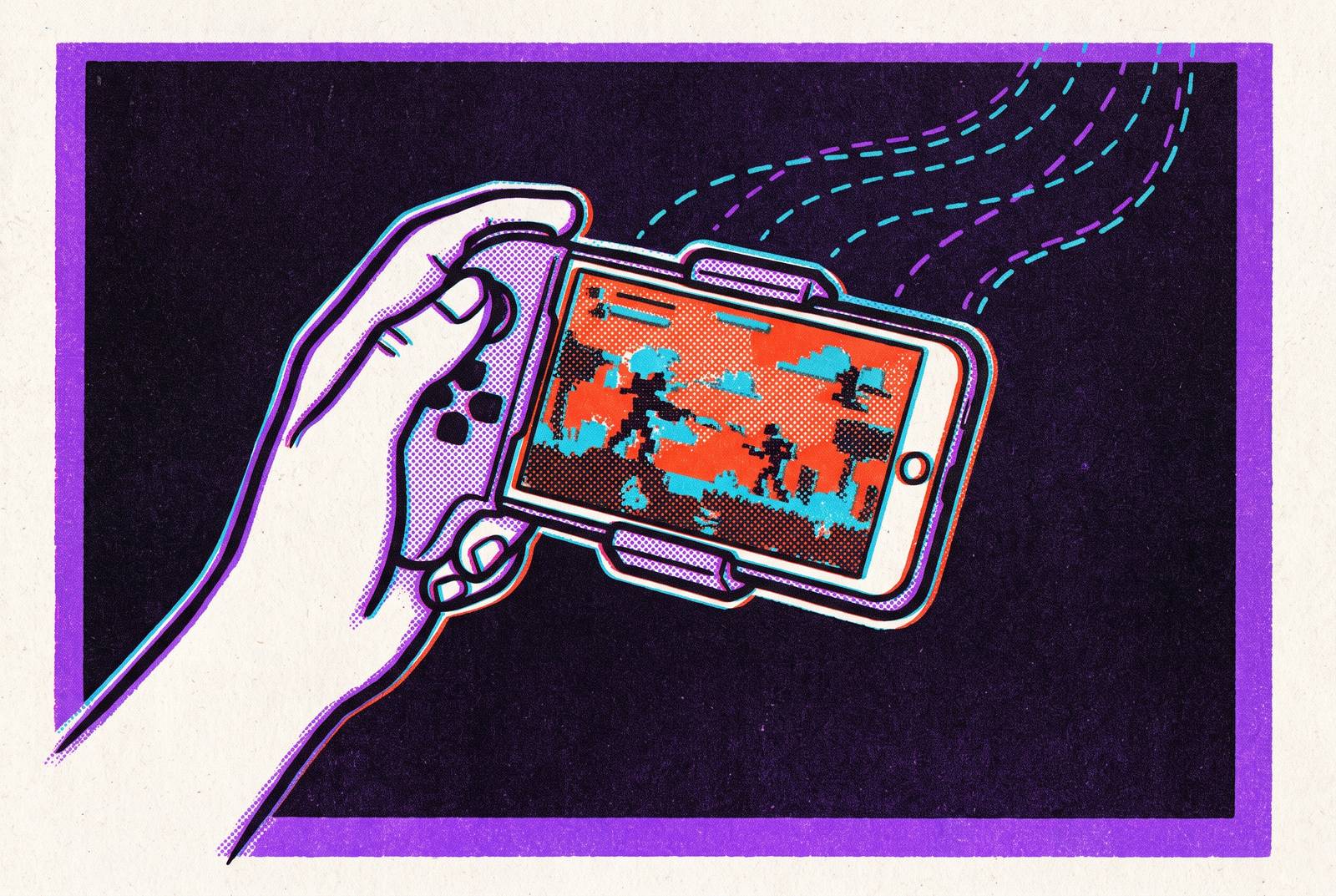
A clip-on controller fixes that instantly, giving a phone the tactile handling of a dedicated handheld instead of a flat pane of glass with buttons drawn on it. USB-C becoming the standard port across recent iPhone and Android flagships quietly solved a problem that used to plague this exact setup, back when one connector fit some phones and nothing else. Now one controller reasonably fits most current flagships without a drawer full of adapters.
Worth knowing when picking one: newer designs use contactless magnetic sensors in the thumbsticks, built around Hall effect or TMR sensing, largely replacing the older potentiometer-based sticks responsible for the stick drift that plagued controllers for years. Of every upgrade in this piece, a physical controller carries the single highest impact, ahead of any network tweak or subscription choice covered elsewhere here. Fix the controls before touching anything else; that's the actual order of operations, since comfort matters just as much over a long session: weight balance, grip texture, and how the triggers feel under a finger decide whether two hours in feels natural or leaves a hand cramped and cranky.
Getting the most out of your connection — the setup details that actually affect playability
Every option in this piece, Remote Play, Xbox Cloud Gaming, GeForce NOW, streams video in real time, which means the network connection is never a background detail. It's the whole game, running through a pipe that has to keep up frame by frame.
For Remote Play specifically, Sony's recommended speed for smooth, low-lag play sits meaningfully above the bare minimum needed just to connect. That gap between "it technically works" and "it actually plays well" is where most of the frustration lives, and Wi-Fi on the same network as the console is the most dependable setup by a wide margin. Cellular data works too, but only after switching it on by hand inside the app, and dropping resolution to 720p for cellular sessions is the standard fix, cutting lag and data use at the same time.
For the cloud services, Xbox Cloud Gaming and GeForce NOW, connection quality to the nearest server is what matters, and a connection routed straight from the router tends to beat one competing against three other devices on the same Wi-Fi band. One more detail that trips people up on Remote Play: the PS4 needs both "Stay Connected to the Internet" and "Enable Turning On PS4 from Network" switched on in its power settings, or the console simply can't wake up remotely when the app comes calling. None of these adjustments look impressive on their own, but stacked together, a stable connection, a real controller, and a game genre that forgives a little lag add up to a phone experience that stops feeling like a workaround and starts feeling like just another way to play.