Best Games to Play on a Plane Without Wifi
Learn which offline games actually work at altitude before your flight takes off.
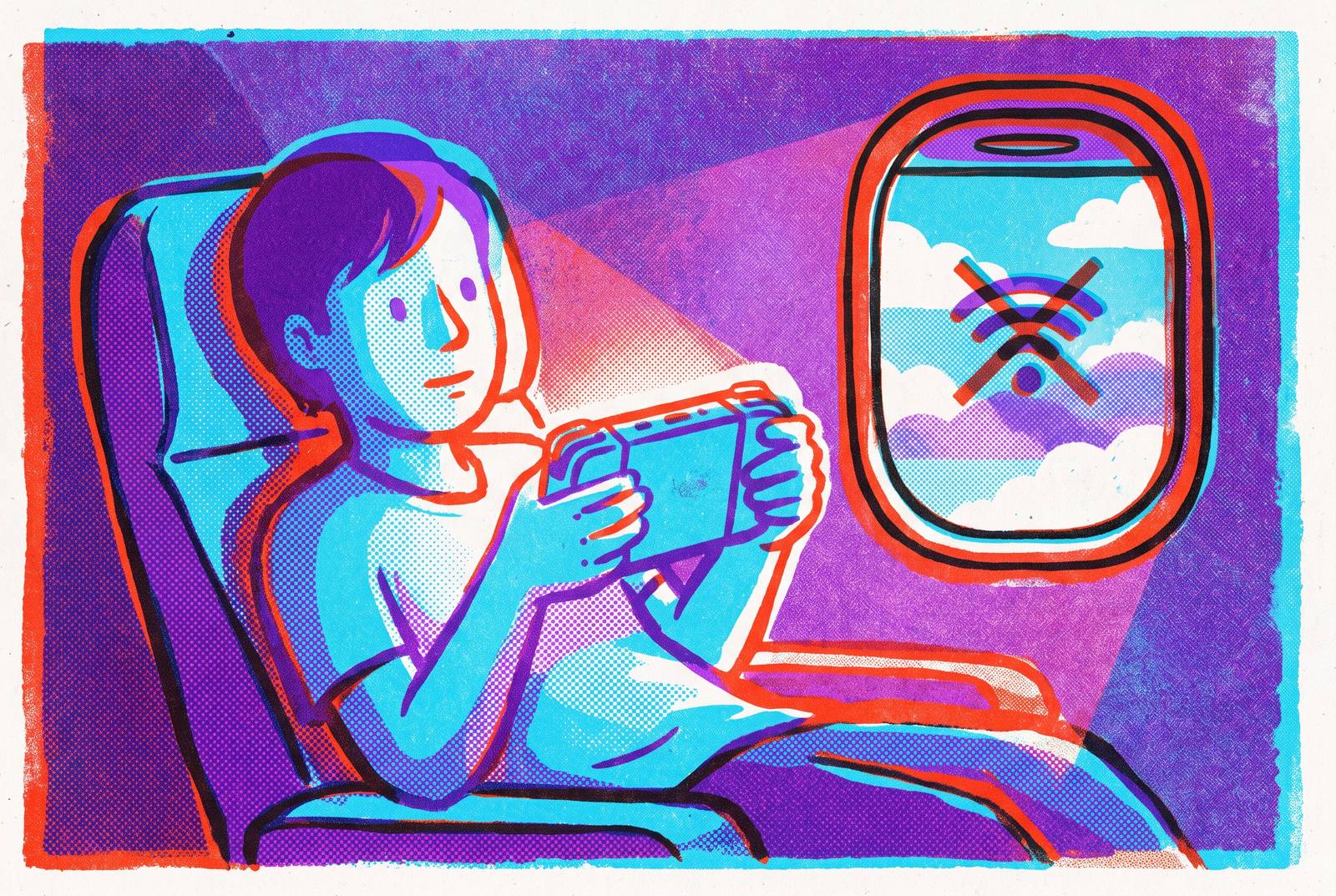
The trap with "offline" mobile games isn't that they're boring, it's that half of them lie. A game can carry the "works offline" badge on the Play Store or App Store and still lock up at 30,000 feet, because a badge only reflects what a developer submitted, not what happens when a phone finds zero bars for six straight hours over open ocean.
How to verify a game will work before you board
Store labels are a starting point, not proof.
Start by downloading and opening the game once on Wi-Fi, so any first-run license check or data pull finishes before takeoff. Then switch the phone fully into airplane mode, not just Wi-Fi off, since some games quietly check for a mobile data signal too and behave differently depending on which one they find. Force-close the app from device settings next. This step gets skipped constantly, and it's the one that matters most: an app left running in the background is working from a warm cache, not a true cold start, and a cold start with no connection is what happens the moment a phone comes off airplane mode at cruising altitude over a remote icy landmass.
Reopen the game and play for at least 10 minutes. Plenty of "offline" games run fine for the first three or four minutes and then lock up the instant they hit a save point or a level transition, the two moments where a game is most likely to try to phone home. Watch, too, for any ad banner attempting to load. Does it fail quietly and just leave blank space, or does it freeze the whole screen? That distinction decides whether a game is flight-safe or a slow-motion disaster waiting for row 34.
Run all five steps at home the night before. Big games take time to download, and some need that one Wi-Fi pass to grab first-run assets before they'll cooperate offline. And check save behavior specifically: not every offline game keeps progress if switched between devices, so progress worth protecting belongs in a game with confirmed local save functionality.
Pre-flight setup: storage, battery, and the right hardware for a long session
Storage math sounds boring until a game refuses to write a save file mid-flight because the phone is full. Civilization VI alone needs 4.2 GB installed, and that's before accounting for expansion content or texture packs. A reasonable rule: keep at least 2 GB free beyond whatever a game's listed install size shows, because games that write save data as they go can crash outright when storage runs tight. Worth doing this audit before downloading anything, not after, especially for strategy and simulation titles that tend to run heavier than they first appear.
Battery drain in the air isn't hypothetical, and it isn't just about screen time either. Switching to airplane mode the moment a passenger sits down stops the phone from burning power hunting for a signal that isn't there, which adds up over a long-haul flight. Android's battery saver mode cuts background processes and caps refresh rate, and that alone stretches gaming time by 10 to 15 percent; iOS Low Power Mode delivers a similar bump. Genre affects battery drain significantly: minimalist titles, puzzles, card games, anything with low animation, ran at roughly 3 to 3.5 percent battery per hour in offline testing, good for 25-plus hours on a single charge. Compare that to Rank Vault's 2026 test, where three games pulled from popular "best offline" lists dropped a Samsung Galaxy S25 Ultra from 100 percent to 15 percent in under three and a half hours. Same category label, wildly different power cost. Pack a power bank regardless of which side of that gap a chosen game lands on, because CPU load and screen brightness drain a battery with or without a live connection.
Controllers deserve a mention too, separate from the fancier hardware debates. Touchscreen controls get tiring fast on a long-haul flight, and a compact mobile controller removes that fatigue. Tray-table space is cramped and the seat back in front sits closer than any desk would, so a lightweight, low-profile controller beats any improvised grip. For games like Stardew Valley, Vampire Survivors, or Slay the Spire, analog sticks and physical triggers add real precision over a multi-hour session, and this difference appears around hour three when thumbs start cramping on glass.
Long-haul depth: games built to fill a full flight
Every title in this section has been confirmed playable offline by at least one source testing under real or simulated airplane mode, and all are available on iOS, Android, or both.
Balatro, a poker-themed roguelike deck-builder from solo developer LocalThunk and published by Playstack, launched on Android and iOS on September 26, 2024, following earlier releases on Switch, PS4, PS5, Windows, macOS, and Xbox. It shows up on multiple 2026 offline flight lists for good reason: the roguelike loop, where every run plays out a little differently and every loss just becomes a reason to run it again, fits a long flight better than almost any genre, because there's nothing else around to pull attention away. No leaderboard or server dependency blocks solo play, so it holds up fully offline.
Stardew Valley hit the iOS App Store on October 24, 2018, with Android following on March 13, 2019. The Android build now matches PC version 1.6.15, and while multiplayer stays an experimental feature, single-player runs offline with no exceptions, for a one-time purchase. It shows up consistently across 2026 flight guides, and the reason isn't complicated: farming, mining, relationships, cave exploration, there's enough variety packed in to absorb a three-hour hop or a sixteen-hour transpacific slog equally well.
Slay the Spire pairs naturally with Balatro as the deck-builder standard-bearer, confirmed offline across iOS and Android by multiple 2026 sources, and it appeals to the same crowd: strategic depth without a story that gets spoiled by an interrupted session, since there isn't much story to spoil.
Minecraft rounds out the section. Single-player runs fully offline in both creative and survival modes, and the open-ended structure means there's no natural stopping point, which sounds like a design flaw until it's 2 a.m. somewhere over a vast ocean and losing track of time is exactly the goal.
Mid-flight strategy and simulation: games worth the storage download
These titles ask for more storage than the casual category further down, so the pre-flight download routine from the earlier section applies directly here. Download the night before, on Wi-Fi, not at the gate.
A mobile strategy game about spreading a global pandemic. turns a phone into a pathogen's home base, spreading a disease across a global campaign map. The only internet-tied features are leaderboards and optional updates, so core gameplay runs fully offline. It's a paid game with optional in-app purchases for expansion disease types like the Necroa Virus or Neurax Worm, and there are no forced ads. It's also, somewhat unaccountably, one of the more absorbing things to play on a plane, in a way that's hard to explain until three hours have passed and half of one densely populated region has gone dark on the infection map.
Mini Metro asks for something calmer: designing a growing subway system with clean lines and minimalist visuals, strategic without tipping into stressful. At $3.99, with no ads and no connection required, ever, it's soothing enough to play through turbulence and deep enough to replay across several flights without repeating a layout.
Kingdom Rush, a tower defense title with availability on the App Store and Google Play verified as of April 28, 2026, shows up consistently among the best offline tower defense picks in 2026 roundups. Pocket City offers a SimCity-style build loop that runs completely offline with no intrusive ads, a solid pick for anyone who wants the city-building itch scratched without the storage weight of something like Civilization VI. And Bloons TD 6 carries a modest upfront price, though plenty of players assume a mobile tower defense game is free, and it remains one of the most recommended offline tower defense titles across 2026 sources.
Lighter sessions: games easy to pick up, pause, and return to
Not every flight calls for a four-hour strategy session. Sometimes the goal is something that can be picked up during boarding, set down for the drink cart, and picked back up without losing the thread.
Alto's Odyssey delivers an endless sandboarding run across deserts, canyons, and old temple ruins, with one-touch controls simple enough to manage half-asleep. It's available on both Android and iOS, with ad-supported and premium options depending on platform. Offline testing has shown ad-dependent features tend to fail quietly rather than crash the app. The music and visual design lean calming, which makes it a strong pick for anyone who wants something soothing rather than something competitive.
The Monument Valley series works on the same logic. These perspective-illusion puzzle games run light on text and heavy on dreamlike architecture, and they're easy to set down mid-flight without losing context on return. Monument Valley 3 is available on both iOS and Android, and multiple sources highlight the series for running with no ads and no Wi-Fi check, ever, which is a rarer combination than it should be.
Vampire Survivors takes a different shape entirely, an auto-firing survival roguelite where single rounds run 15, 20, or 30 minutes depending on the stage, building natural pause points right into the format. It's free to download and play, with optional ads for revives or gold and paid DLC available for anyone who wants more content, and it's confirmed fully offline once assets load on that first launch. Appamped.com's list notes that first launch needs to happen at home, on Wi-Fi, before the assets are ready to run without a connection.
Soft visuals, soothing music, zero pressure, available on both the App Store and Google Play. For anyone who gets a little anxious at cruising altitude, this is engagement without a stress loop attached to it, which is worth more on a bumpy flight than any amount of tower defense strategy.
The casual, minimalist games here are in that same 3 to 3.5 percent battery-per-hour range mentioned earlier, which makes this category the safer bet on a flight where the power bank got left in checked luggage.
Puzzles, cards, and word games: the safest offline category
Puzzles, cards, and word games sit at the top of the reliability list for a simple mechanical reason: gameplay progression doesn't depend on ads loading, and most level packs store locally rather than pulling from a server mid-session. In one 30-game real-flight test, this category's offline failure rate came out near zero, a sharp contrast against the arcade runners and freemium titles that generate most cases of false-offline reporting.
Solitaired bundles Klondike, Spider, FreeCell, Hearts, and Spades into one app and it runs offline. It's free, with a yearly premium subscription at $14.99 for anyone who wants it. The real value on a long flight is variety: switching between card variants prevents the fatigue that comes from grinding one format for six hours straight.
The NYT Games app covers the Crossword (classic and mini), Spelling Bee, Connections, Strands, and Wordle, all in one place on iOS and Android. Daily puzzles are free, and a $50 yearly subscription unlocks the full crossword archive going back to 1993, which is a genuinely enormous backlog for anyone worried about running out of content on a long route. Offline play does require downloading puzzles ahead of time over Wi-Fi, one tap per puzzle, so this one belongs on the pre-flight checklist, not something to sort out at cruising altitude.
Wordscapes and other downloadable crossword apps mostly need Wi-Fi only to sync progress or serve ads, and downloading levels in advance keeps them fully playable in airplane mode. That said, "downloaded" isn't automatically the same as "ready." Running the five-step test from earlier in this piece on any word game before boarding is the only way to know for sure, rather than assuming a download bar filling up means the job's done.
Two classic standbys rounded out testing cleanly. 2048, a tiny 20MB download, runs completely offline with no ads interrupting mid-move. Sudoku.com, at 45MB, downloads its puzzle bank in advance, so the puzzles themselves keep running even when the ads simply don't.
Sources
- Best Offline Games for Android 2026: 30 Free Games Tested in Airplane Mode
- The Best Games for Airplane Mode: Pass Time on a Long Haul Flight Without Wi-Fi in 2026 | Away Lands
- Best Free Offline Mobile Games to Play on a Plane – Perfect for Long Flights in 2026
- 15 Best Mobile Games for Long Flights (2026)
- The Best Offline Puzzle Games to Play on a Plane (Tested on Real Flights)
- resetera.com
- en.wikipedia.org