Which GBA Emulator Runs Best on a Phone With a Controller Attached
Android offers three distinct picks, while iPhone owners can simply choose Delta.
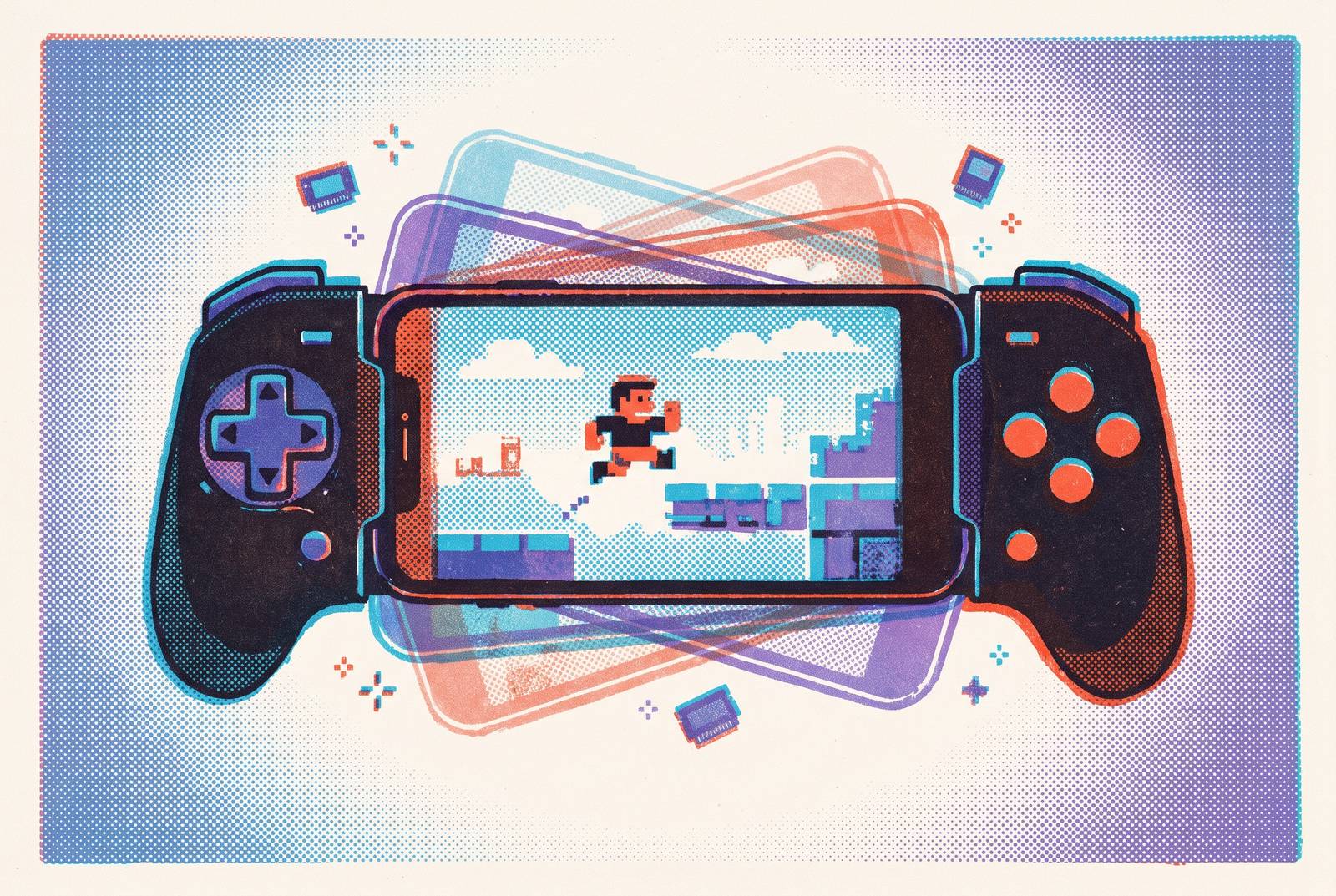
Choosing a GBA emulator for a phone with a controller attached is less about running the games than making the whole setup feel like a handheld. The best choice depends on your platform, your patience for configuration, and the features you actually use. Android offers distinct picks for customization, simplicity, and multiplayer, while Delta gives most iPhone players a much shorter decision.
Why GBA emulation on phones is now a controller question, not a capability question
The leading mobile GBA emulators can run the commercial library reliably enough that basic capability is no longer the useful dividing line. Affordable clip-mount controllers and dedicated mobile controllers have also made physical controls a normal way to play. That changes what “best” ought to mean. With Bluetooth or wired controls attached, Metroid Fusion, side-scrolling action games, and tactical role-playing games can feel like games on a handheld, with no touchscreen to wrestle with.
The useful comparison therefore has three parts, including controller compatibility out of the box, button mapping flexibility, and usability during a session. Does the gamepad connect cleanly, and can its buttons do what the player expects? Then comes the less glamorous test of how easy it is to open menus, use save states, and change quick settings without reaching for the screen. An emulator that handles movement beautifully but makes every menu a touchscreen detour has only finished part of the job.
How the Android/iOS platform divide shapes which emulators are even available
Android gives players a broad starting point because its open ecosystem has long allowed direct emulator installs. Apps are available through Google Play or F-Droid, ROM files can live in any folder, and Bluetooth or USB controllers can connect without sideloading workarounds or expiring certificates. The route from files to play is straightforward. That history has also given Android more standalone choices and a longer track record of controller support.
For years, iOS kept emulators out of the App Store, so even getting one was part of the problem. The April 2024 opening changed that, and the field quickly converged around fewer, more polished options, with Delta dominating. App Store availability is therefore a genuine advantage. The platform split explains why Android rewards a comparison among several specialized choices, while most iPhone players can begin with one clear default.
Android with a controller: why mGBA via RetroArch is the accuracy-first choice
For Android players who want highly accurate emulation and the deepest controller customization, mGBA running as a core inside RetroArch is the strongest starting point. The distinction between core and frontend is important here because RetroArch supplies much of the surrounding experience. Its additions include shaders for CRT filters and upscaling, consistent controller mapping across systems, and access to obscure hardware features such as the Boktai solar sensor. This is a flexible route that takes effort. Those additions go beyond what the standalone mGBA app provides.
Controller support sits at RetroArch’s system level, so a configured gamepad works consistently across cores. Getting to that point takes manual attention to its controller-mapping menu. “Once configured” is a small phrase with a substantial workload. RetroArch’s interface is significantly more complex than a standalone app, and its breadth can overwhelm beginners who only want to play one GBA game.
The practical test is a familiar, fast-paced title such as Metroid Fusion or Castlevania: Circle of the Moon. Playing something well known makes input lag easier to recognize, while a real session also exposes battery drain. If either becomes a problem, switching to a standalone is reasonable. Accuracy and flexibility are worthwhile only when the resulting setup suits the player.
Pizza Boy GBA: the standalone Android pick for players who want to skip RetroArch
Pizza Boy GBA is the clearest Android alternative for someone who finds RetroArch’s configuration demands disproportionate to the task. Its Material Design interface is clean, performance is strong, and battery use is notably efficient. The base app is entirely ad-free. It also supports 60fps gameplay and the sensors needed for tilt-controlled games such as WarioWare: Twisted!, a feature the standalone mGBA app also offers.
More directly relevant to a controller-equipped phone, pairing works cleanly through Android’s standard input system, and the mapping interface is easier for a first-time user to find. The benefit is not merely fewer settings, but less effort spent locating the relevant ones. There are still tradeoffs to accept. Accuracy trails mGBA on edge-case ROMs, and the Android-only app offers no cross-platform continuity for someone who also plays on desktop. For most players who want an app just for GBA games, though, those limits are easier to live with than the work it takes to set up RetroArch.
My Boy! on Android: the right pick when link-cable multiplayer is the priority
My Boy! becomes the clearest Android choice when the defining feature is link-cable multiplayer. It emulates the GBA link cable over a local network, letting two Android phones running the app connect for Pokémon trades and battles in compatible games. The cable becomes a network connection instead.
Its appeal does not stop at multiplayer. My Boy! is also a fast, feature-rich standalone emulator with smooth, low-lag play, GameShark/Action Replay cheat support, OpenGL rendering, BIOS emulation, and rumble emulation. Still, for this comparison, the decisive question is whether connecting two games is part of the intended experience. A physical controller lets players control games without a touchscreen, while My Boy! addresses the separate problem of recreating the interaction between two handhelds.
Delta on iOS: the only GBA emulator most iPhone users will ever need
On iPhone, Delta is the clear default for GBA play with a physical controller. Native support covers PS4, PS5, Xbox, Nintendo Switch Pro controllers, Joy-Cons, and MFi gamepads. Default mappings populate automatically, although the controller still needs to be selected in Delta’s settings. That is a modest setup requirement. Once playing, the in-game menu can be navigated entirely from the gamepad, so reaching for the touchscreen rarely becomes necessary.
Delta also supports NES, SNES, N64, Nintendo DS, Game Boy/Game Boy Color, and Sega Genesis, while iCloud sync moves saves automatically across iOS devices. It also has custom controller skins, haptic touch support, and gyroscope support. Delta 2.0, released October 22, 2026, added a redesigned Liquid Glass interface, RetroAchievements, animated controller skins, and support for the Apple foldable iPhone Duo. That was its most significant feature update since the App Store launch. The combination of active development and controller-friendly menus makes it more than a convenient way to obtain an emulator.
Its free, no-lock-in approach also has practical value. Lucky Emulator uses subscriptions, its App Store listing does not mention cheat support, and users have reported losing progress after a subscription lapsed. Those reports give save continuity a place in the comparison.
When iOS players might look beyond Delta: Manic EMU and RetroArch
Manic EMU is another choice for someone who has games for many more systems than Delta supports. Available on the App Store for free with in-app purchases, it covers GBA, GBC, NDS, N64, 3DS, PS1, PSP, and 25+ more platforms, including Sega, Atari, and Arcade systems. Its advantage is breadth within one app. It also has a dedicated cheat code editor that detects the code type on its own, along with AirPlay output, RetroAchievements, and cloud import. Because it is open-source, community forks and third-party improvements are possible over time.
RetroArch suits someone who already uses it elsewhere and wants the same setup on iPhone. The free App Store app has the same accurate mGBA core, in-depth controller customization, and shader support that make it stand out on Android. Familiarity can turn complexity into useful control. Without that familiarity, however, the setup burden remains just as substantial. Neither alternative displaces Delta for ordinary GBA play, but each answers a need that extends beyond it.
SkyEmu: the accuracy edge case that works on both platforms without installation
SkyEmu takes a different route by running as a progressive web app in a modern mobile browser on Android or iOS. It needs no app-store installation or sideloading, and it can be added to the home screen. For iOS players seeking accuracy without a RetroArch setup, that makes SkyEmu an unusual alternative to the native-app choices.
SkyEmu was the first emulator to pass all of mGBA’s timing test suite, and it is one of only two released GBA emulators supporting mid-scanline PPU updates, together with NanoBoyAdvance. That puts it at the accuracy frontier. Yet neither it nor mGBA produces a noticeable difference in the overwhelming majority of commercial games, making the distinction more relevant to homebrew edge cases and accuracy-focused players than a lunchtime session of Pokémon Emerald.
The tradeoff returns to the controller-first premise. Web-app controller support is functional but less deeply configurable than a native app with its own mapping menu. SkyEmu also has a smaller community and less documentation than mGBA, leaving fewer places to turn when something goes wrong.
What controller hardware actually changes about the emulator experience
An emulator defines the available input features, but the controller’s shape determines how those features feel in use. A poor D-pad or a phone that sits at an awkward angle can make even excellent software feel bad to play. Ergonomics cannot be fixed with a shader. A clip mount that attaches the phone to the controller can change a long session more than any single emulator setting, because the combination begins to resemble a dedicated handheld.
For Android, the Bluetooth 8BitDo Pro 2 offers strong support and a retro-shaped D-pad suited to precise directional input in GBA action games. The Xbox Wireless Controller provides native Android support and a familiar layout for players coming from consoles. On iOS, the Bluetooth 8BitDo SN30 Pro’s SNES-style layout is a natural fit for the GBA’s button arrangement. The PlayStation DualSense also works as a basic Bluetooth gamepad on both platforms, while its adaptive triggers and haptic feedback are features for its console.
Configure the controller inside the emulator’s own mapping menu. Android does not always pass gamepad input through correctly to every app, and RetroArch has its own separate input layer. Clean pairing is only the first step. Checking the app’s mapping closes the gap between a controller the phone recognizes and one the game uses as intended.
Matching emulator to player: a summary of which pick fits which situation
On Android, mGBA through RetroArch fits players who want fine control over the setup, while Pizza Boy GBA Pro fits those who want to play with little fuss. Version 3.8.17 was updated September 28, 2026. My Boy!, which has a $4.99 full version or free lite version, is the choice when the player needs local-network link-cable play. That feature is a stronger reason to choose it than a long checklist of extras.
On iOS, Delta is the starting point unless a specific requirement points elsewhere. Manic EMU fits a broader multi-console library, while RetroArch rewards existing familiarity with its interface and configuration. SkyEmu crosses the platform divide for browser access and timing-focused accuracy. There is also room for personal preference. Some fast-action players find emulator options such as My Boy! and GBA.emu subjectively smoother in Castlevania: Circle of the Moon, although most players will not notice the narrow difference.
The final test is therefore a familiar game. Using the app’s mapping menu, testing a real session, and attaching the phone with a clip mount connects the software decision to the physical experience. Role-playing games and turn-based strategy games deserve more than convenient access. With the right setup, playing them on a phone can feel like settling in with a proper handheld.