How Much Input Lag Actually Differs Between Phone and Handheld Controllers
Wired controllers cut lag more than touchscreens, but the advantage varies by phone and game.
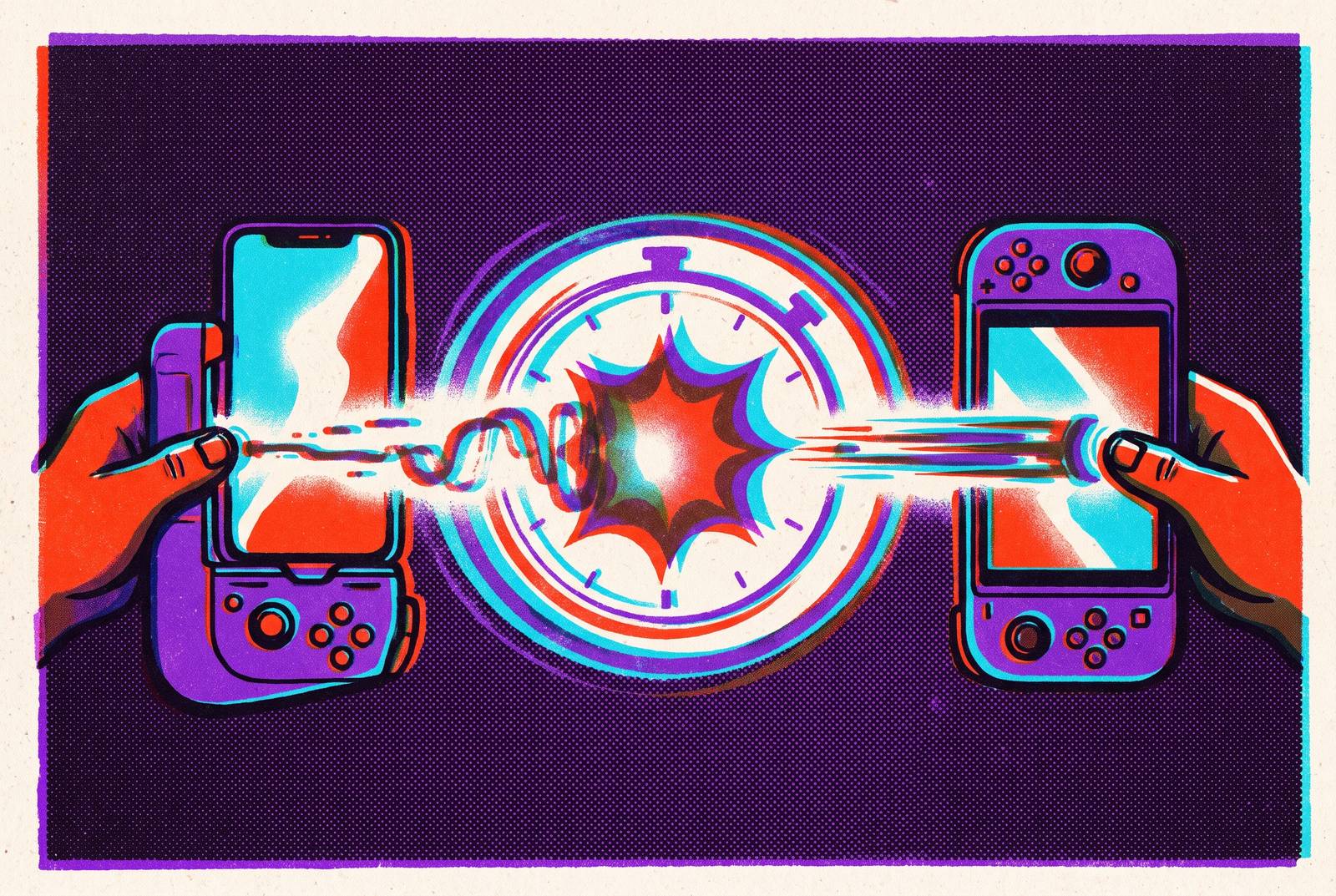
Input lag is different on phone touchscreens and physical controllers because each sends your action through a different chain of delays. A wired controller usually shortens that chain, but the advantage depends on the phone, the connection and the game.
Why input lag on mobile is a chain, not a single number
A tap feels late, or a button press seems to arrive after the moment has passed. The phone or controller may seem slow. But the delay you notice has several contributors. Before an action appears on screen, hardware must detect it, software must process it and the display must show the result. Each stage adds its own waiting time, and some stages vary from moment to moment.
The two input methods start on different paths. A touchscreen scans for contact at its touch sampling rate, then passes the signal through the operating system’s gesture handling before the app receives it. A controller instead reports input at its polling rate and sends that report through a wired or Bluetooth connection. Both paths still lead into the game’s rendering and display pipeline.
That shared endpoint places an important limit on comparisons. A slow display delays the visible result of both touch and controller input, so changing controls cannot remove every bottleneck. Meanwhile, the different starting points explain much of the gap between the methods. Comparing devices for “less lag” therefore requires examining which path contains fewer slow or unpredictable links.
How the touchscreen chain introduces lag before the game sees your input
Touch sampling rate determines how quickly a screen can detect a tap. The touch controller scans at a fixed rate, so input must wait for detection before anything else can happen. Budget phones tend to have sampling rates near the low end of the range, while high-end models reach the high end. The same finger movement can therefore produce a signal sooner on a flagship than on a mid-range phone. Touch is not one uniform input technology in practice.
Detection is only the first hardware limit. Display refresh rate separately determines how soon the resulting image can appear. A 60 Hz panel updates once per refresh cycle, while a 120 Hz panel halves that window and a 144 Hz panel reduces it further. Even with faster touch sampling, a slow panel takes just as long to refresh. One specification describes how quickly the phone notices your action, while the other helps determine how quickly it shows the consequence.
The operating system’s gesture-handling layer processes the touch before the app receives it, while the compositor contributes to the rendering delay downstream. The screen is doing more than listening for fingers. This processing overhead can fluctuate with background load, adding variability to the hardware limits. Consequently, high touch sampling and a high-refresh OLED panel can make a flagship’s chain quite tight, while lower sampling and a 60 Hz display leave a mid-range device with several slower links.
How the physical controller chain works and where Bluetooth introduces uncertainty
A physical controller begins with its polling rate, which sets how frequently it reports to the host device. A lower reporting frequency limits how soon a new action can be reported, regardless of the connection’s speed. Higher polling rates compress that waiting interval. Polling establishes the controller’s starting floor, but connection type largely determines how much uncertainty follows it.
Wired USB-C contributes negligible signal travel time and near-zero jitter, meaning very little variation in the connection delay. It effectively takes transport out of contention as a significant bottleneck. Polling then becomes the main timing variable on the controller side, although the game and display still have work to do. Bluetooth adds encoding, transmission and acknowledgment to the route. The time those steps take varies with interference, distance and competing devices.
That competition is not merely a laboratory concern. A Bluetooth controller and a 2.4 GHz Wi-Fi network use overlapping spectrum, so active Wi-Fi can make controller latency spike unpredictably in an ordinary home. The air is a shared corridor. Modern Bluetooth 5.x can be nearly as fast as a wired connection when conditions are ideal. Its best-case result says less about a busy wireless environment than a wired result does about everyday wired play.
What the gap actually looks like end-to-end, and why the full-system difference is larger than the connection difference alone
Comparing only USB-C with Bluetooth leaves out much of the touchscreen comparison. A typical touch path has sampling delay, gesture processing and the rendering work still to be done, while most of a wired controller’s own delay comes from polling. Those differences accumulate before the shared display stage. The end-to-end advantage can therefore be larger than a connection-only comparison suggests. A cable’s transport delay is not the same measurement as the time from a finger movement to a visible response.
Bluetooth usually occupies a middle ground, but an average conceals its weaker moments. Jitter means that a session can feel responsive much of the time and still produce poorly timed spikes. In competitive play, those spikes are hard to shrug off. A delay during a narrow reaction window has a different consequence from the same delay between actions. Touch results also vary substantially across phone tiers, whereas a wired controller’s own input performance is much less dependent on the host device, even though total responsiveness still depends on the host’s display pipeline.
There is also a gap between measured latency and felt responsiveness. Virtual buttons provide no tactile confirmation, so players may need to look for evidence that an input registered. That visual confirmation adds perceptual work beyond the signal’s travel time. A timing measurement alone cannot capture it all.
Where touch controls hold their own in genres and use cases where the chain gap closes
Does a shorter signal path always produce a meaningfully better experience? Not when the game gives the player ample time to act. Turn-based games, card games and slower strategy titles depend on deliberate choices rather than reaction windows measured in tens of milliseconds. For many players, the difference becomes too small to feel during the actions those games require.
Touch-optimized rhythm games offer a more interesting counterexample because timing is central to them. Titles such as Cytus II can feel faster through touch when the timing system is calibrated for that input and the action happens directly on the screen. There is no separate controller to pick up and position. That directness changes the relationship between the player’s intent and the game’s control design while leaving sampling and processing delay in place. The shortest-feeling interaction is not always the one with the shortest electronic path.
Player adaptation can narrow the gap as well. Elite touch players combine trained muscle memory and custom sensitivity settings with high-refresh flagship hardware to close part of the difference. That is a genuine strength of skilled touch play. It is also a demanding set of conditions compared with the input-side consistency a wired controller provides regardless of skill. These cases show how game design, hardware and practice can make touch effective within the underlying chain.
How cloud gaming changes the calculation by adding a network layer underneath both chains
The controller or touchscreen must still deliver the action, and the network adds its contribution to an already functioning input chain. Xbox Cloud Gaming and GeForce NOW therefore add network-side latency before any delay from the controller connection is counted. Bluetooth adds to that total, while wired USB-C adds almost nothing at the transport stage.
Self-streaming shortens the network route without changing this principle. Steam Link on a wired local network can keep the network contribution near zero, making the controller connection a dominant remaining variable. Wi-Fi changes that balance. When network jitter and Bluetooth interference are both active, their variability can compound. The chain has more than one moving target, which makes a clean connection average less informative.
Touch over cloud has all the delay of the touchscreen path plus the network delay, and still gives no tactile confirmation. From a latency perspective, it is the least favorable combination described here. A wired controller removes nearly all connection-side delay, though not controller polling, game processing or display refresh. That distinction prevents an exaggerated promise. The cable removes a controllable source of delay from a system where the network already imposes one.
How OS-level changes are reshaping the Bluetooth end of the chain
Bluetooth performance is also changing through operating-system work alongside new controller hardware. Android 17’s native gamepad stack added system-wide button remapping in beta and cut average input latency to under 8 ms for certified Bluetooth 5.3 and 5.4 devices. The latency reduction narrows the gap under those supported conditions. It also makes hardware generation a more important qualifier. An improvement for certified current devices is not a result that can be assigned to every older phone and controller.
The direction is toward treating Bluetooth gamepads as first-class input devices with more predictable timing. That is a substantial change to the comparison. Yet an average for supported hardware says little about how it will work in every wireless environment, and average latency and jitter still measure different things. Better software can tighten a link without eliminating its dependence on radio conditions.
Wired connections therefore retain a structural advantage even as Bluetooth becomes faster. They remove the wireless variable. This is a reason to keep the conditions of the newer Bluetooth results attached to the claim, as those results make compatible combinations more attractive under controlled conditions. For players deciding what to change, the next step is to identify whether the weak link is transport, touch processing, the display or the network.
What to optimize at each link in the chain based on how you play
Optimize the links your kind of play exposes. Players can choose the connection type and controller polling rate, but have only some control over what the display can do and how well the network works. A higher polling rate cuts the time between the controller’s reports, and a wired connection avoids wireless jitter. Neither can fix a slow display by itself. The value of each change depends on what remains downstream.
For cloud gaming, the priority is first to minimize controller-side latency with a wired connection, then to improve network quality. A wired network or strong 5 GHz Wi-Fi keeps network traffic out of the shared 2.4 GHz band where devices compete. Where available, a service or tier with server-side latency reduction addresses another part of the total.
A high-refresh panel with high touch sampling lowers the hardware floor, while closing background apps reduces variable processing load. The game’s high-performance mode can also help where available. These changes address detection, display and software overhead. They are especially relevant when switching to physical controls is not an option.
Twitch shooters, fighting games and competitive multiplayer have narrow reaction windows, so a wired controller and high-refresh display help together, along with a low-latency cloud tier for cloud play. Slower genres usually need fewer changes, and touch is still a good default. The advantage is knowing which delay deserves attention. Once lag becomes a chain rather than an unexplained number, the player can distinguish a fixable weak link from a limit that a different controller will never solve.