Which PC Gaming Subscription Services Are Worth Paying For
Game libraries and remote hardware are different purchases, so match each to how you play.
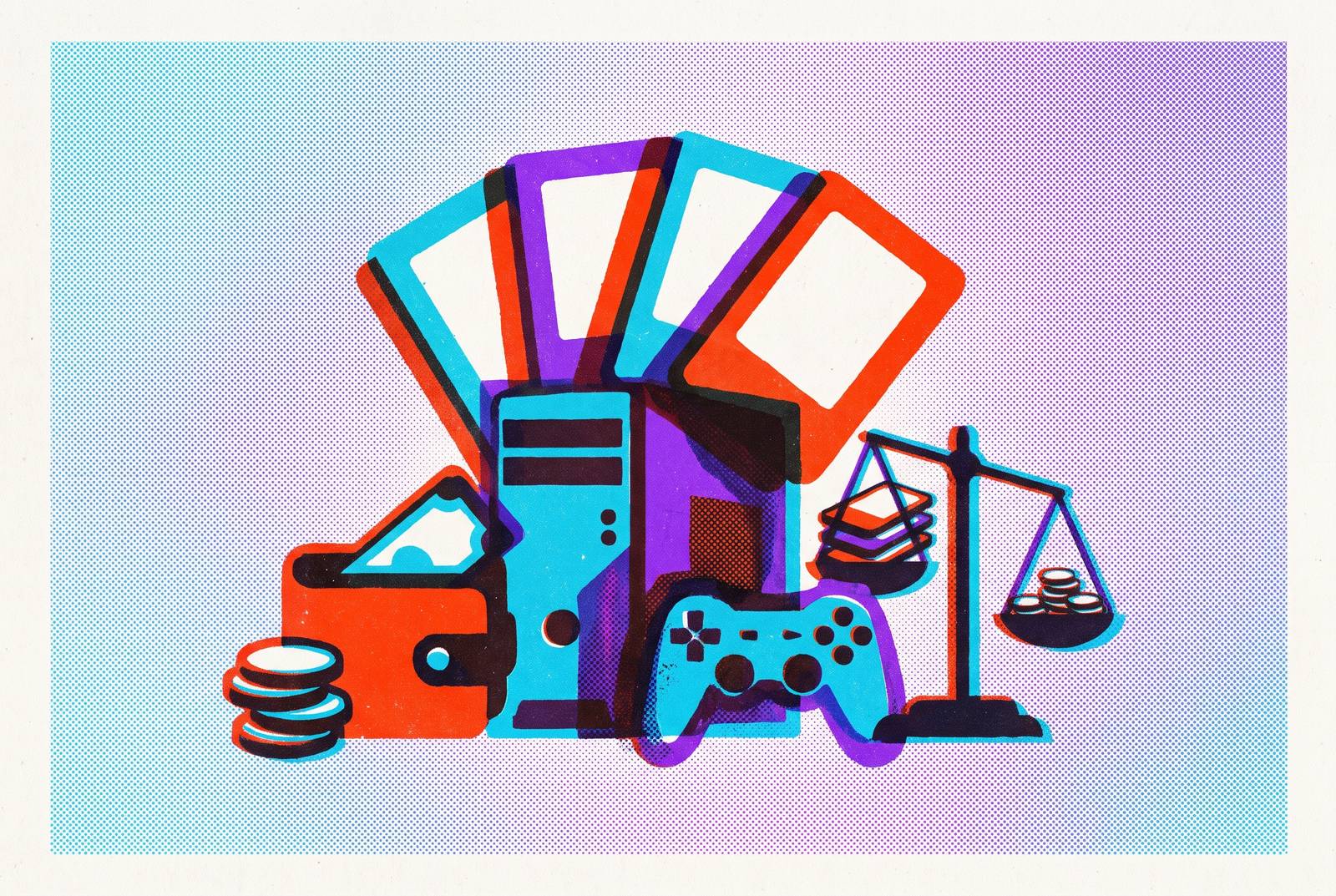
PC gaming subscriptions sell two different things, access to games and access to hardware. Separating those models, then comparing device support, ownership and billing, makes it possible to choose a subscription for what you will use.
Why PC gaming subscriptions are harder to compare than they look
Stare at five or six gaming subscription pages and the language starts to blur. Each promises access, flexibility and more ways to play, but those words conceal different purchases. One service supplies games for your PC, while another supplies a remote PC for your games. Ranking them together without that distinction is rather like comparing a cinema ticket with a projector.
That mix-up can make a subscription that seems to offer a lot feel like wasted money. A player looking for new games does not necessarily need better hardware, and a player with a crowded Steam library may not need another catalog. Neither service has failed in that exchange. It has simply solved the wrong problem.
The two models and what they actually sell
Content rental lets you play games from a library that the service manages. Xbox Game Pass, PlayStation Plus and EA Play work this way: a subscription gives you access to games without buying each one. Compute rental, by contrast, sells access to remote hardware, with services such as GeForce NOW and Boosteroid streaming supported games you already own through Steam, Epic or other supported libraries.
The distinction becomes sharpest when you leave. Cancel a conventional content subscription and access to its library disappears. Cancel compute rental and you retain the games you bought, but lose the remote hardware used to play them. That exit cost deserves more attention than catalog size. A large library you can use for a while and a small one you keep have different kinds of value.
Humble Choice and Amazon Prime Gaming complicate the content category because their game grants are permanent. Humble gives you Steam keys, and you also keep the Prime games you claim after you cancel. Shadow makes a different departure on the hardware side. It rents a full persistent Windows 11 PC rather than a game-streaming endpoint, supporting mods, launchers and other software at a higher price.
How to read your own play habits before choosing a tier
Before comparing tiers, ask what is already available to you. Do you own a large PC library, how many hours do you actually stream each month, and do you play only on PC or across devices? If you own hundreds of Steam games but need better hardware, compute rental fits, while a content library fits if you buy few games on their own.
Streaming hours then separate an attractive plan from a restrictive one. A casual player who plays a few hours a week may stay well within the allowance, so the choice comes down to price. Heavy weekly streaming changes the calculation. GeForce NOW and Xbox Cloud Gaming have monthly limits, so that player's alternatives are Boosteroid, a suitable Shadow plan or local hardware.
The devices a player uses matter as much as the hours they play. A PC-only player gains nothing from console access or PS5 streaming simply because those features appear in a bundle. Cross-device players have a different calculation. For someone who continues sessions on a phone or tablet, broad streaming support has practical value rather than merely making the subscription page look busier.
Content-rental services: what each one actually offers and who it fits
Xbox Game Pass is the natural starting point for players who want a rotating library with new first-party releases. Microsoft restructured it in October 2025, then reduced Ultimate's price in April 2026 after subscriber backlash under new Microsoft Gaming CEO Asha Sharma. The tiers are Essential, Premium, PC Game Pass and Ultimate. But launch-day access is not universal. PC Game Pass and Ultimate guarantee day-one first-party releases except new Call of Duty entries, which instead join roughly a year after release under terms tied to April's cut.
For a PC-only player, that makes PC Game Pass a more focused purchase than Ultimate when console and cloud features would go unused. Cloud access also needs separate scrutiny. Starting November 2026, Xbox Cloud Gaming allowances are 5, 10 and 15 hours per month for Essential, Premium and Ultimate respectively. Those limits apply to streaming, while the library remains usable on a local PC.
PlayStation Plus suits players with different tastes, especially those who want PlayStation first-party exclusives. Monthly prices for its three tiers rose on May 20, 2026, but the prices for a year stayed the same. Premium does not promise first-party Sony releases on launch day. For someone without PlayStation hardware, those exclusives therefore need to be the specific attraction, rather than an incidental bonus, to justify the premium over Xbox or EA alternatives.
EA Play is the cheapest subscription library that makes sense if you like EA's back catalog. It is available through the EA app and Steam, where games appear in the Steam library with achievements and overlay support. New releases are a different proposition. The standard subscription offers 10-hour trials rather than day-one inclusion, with games typically reaching the vault several months to around a year after launch.
Humble Choice gives you roughly eight games a month as Steam keys you keep, in place of an on-demand catalog. Its value depends on the selection matching your taste. Ownership is the attraction here. For a player building a lasting collection, the subscription has no library-access cliff at the exit.
Amazon Prime Gaming also offers permanent ownership of claimed games, with no additional subscription cost for a household already paying for Prime. The games it gives away each month are a place to start before paying for another content service. The cloud benefit is separate. The cloud service's streaming side should not be confused with the keep-forever games, because remote access and permanent grants answer different needs.
These services are best distinguished by three questions. What platform do you primarily play on, do you need day-one releases, and do you want to own what you play? Each answer narrows the field for a reason. A launch-focused PC player, a patient EA fan and a collector are not shopping for the same product, even when all three pay monthly.
Compute-rental services: choosing the right remote hardware for your library
For compute rental, hardware performance, monthly allowances, session limits and support for your specific games determine what you can play, how well it runs and how long you can play. A library gap can outweigh an impressive GPU. Geographic availability also belongs in the calculation, because the hardware must be accessible where you play.
GeForce NOW Ultimate is the performance-focused choice. Its DLSS 4.5 controls went live on October 15, 2026, so Ultimate subscribers could use Super Resolution, Dynamic Multi Frame Generation and Ray Reconstruction. NVIDIA announced in October 2026 that Modern Warfare 4 launched day-one on the service with RTX 5080-class performance and ray tracing.
Since January 2026, all paid tiers have been capped at 100 hours per month, with up to 15 unused hours rolling over. Additional 15-hour blocks are available at a surcharge that varies by tier. Device support is broad, covering PC, Mac, Android, iOS through a browser, TV and handhelds, but your games still need to be supported.
Boosteroid is the budget-focused alternative for heavy streaming in supported regions. Its annually billed Ultra tier is the cheapest paid compute option here, undercutting GeForce NOW's Performance tier, although it bills only in EUR with no separate USD list price. It has no published monthly hour cap. Publisher opt-in still limits compatibility, as it does with GeForce NOW, so low cost does not remove the need to check your library.
Shadow Neo has an RTX 4060-equivalent GPU, 16GB RAM and 512GB storage at a higher price, while the cheaper Neo Lite has 120 streaming hours a month and four-hour sessions. The desktop is the distinguishing feature. Its persistent Windows 11 environment supports mods, niche launchers, any game store and creative applications without publisher opt-in restrictions.
That breadth makes Shadow the right fit when ordinary streaming services cannot support the games or software you need. Players who only want supported games streamed to a screen are likely paying for unnecessary flexibility. Coverage is another constraint. Availability is limited to the US, Canada, UK and 19 European countries, so buyers elsewhere should check coverage before subscribing.
Xbox Cloud Gaming belongs in this comparison only for how easy it makes playing in the cloud. It provides cloud access through a content subscription. Its tier-based monthly allowances make that distinction especially important for frequent streamers. Overall, remote hardware has the clearest purpose when your local device cannot run modern games, or when you want to play on a phone or TV without a dedicated machine. A strong local PC leaves less of a gap to fill.
Where gaming on a phone changes the subscription math
Xbox Cloud Gaming, GeForce NOW and Boosteroid work on Android and iOS through a browser, so supported games can be played on a smartphone. The phone becomes another screen for the service. For someone who plays away from a desk, that can make an existing subscription useful in more of their available gaming time.
Cloud-streamed games feel much worse with touch controls than with a dedicated controller, so being able to play on a phone is only part of what makes it fun. The interface bridges the gap between what a subscription promises and what a session feels like.
Apple Arcade addresses a genuinely different preference. It offers pure mobile and casual gaming with no ads and no in-app purchases. For a player whose primary screen is a phone and whose tastes suit those games, it is the right pick. Renting remote PC hardware would answer a question that player is not asking.
Making a final call: matching your model to your budget
For players who buy few games individually, the decision starts with the kind of library they want. PC Game Pass is the right pick for PC-only players seeking day-one first-party games within its stated exception, without paying for unused console or cloud features. EA Play on annual billing is the budget choice for regular EA back-catalog play. Players who buy a lot of EA games and want day-one access can choose EA Play Pro and pay by the year.
Ownership changes those recommendations. Humble Choice is the right paid selection for building a permanent Steam library, provided its monthly choices suit your taste. Households that already pay for Prime should claim Prime Gaming drops first, which give them ten to fifteen games a month to keep at no extra cost. PlayStation Plus Premium paid by the year is the right fit for players who want to stream Sony exclusives without a PlayStation console.
For players who own large PC libraries, the choice comes down to the hardware they need. GeForce NOW Ultimate is the pick for performance and image quality, after verifying support for your specific games. Boosteroid on annual billing suits heavy streamers minimizing cost in supported European or North American regions. Shadow Neo is the choice when mods, unsupported launchers or a full desktop are essential.
EA Play's annual plan costs roughly 41% less than paying month to month, while PlayStation kept its price for a year the same when monthly prices rose in May 2026. Annual billing also provides a partial hedge against future hikes, including the further increase Sony has signaled. Game Pass has no way to pay by the year, so subscribers have to pay the full monthly rate. Its July 2026 price history put Ultimate well above its 2021 price even after April's rollback.
Finally, remove overlap before adding another subscription. EA Play is included in Game Pass Ultimate, and Ubisoft+ Classics is included in both Ultimate and PlayStation Plus Extra. Paying separately duplicates those benefits. Stacking compute rental on a large content subscription is also rarely additive without a clear need for both.