What to Do With Your Old Handheld After Switching to a Phone
Sell it, donate it, or give it a new job as an emulator.
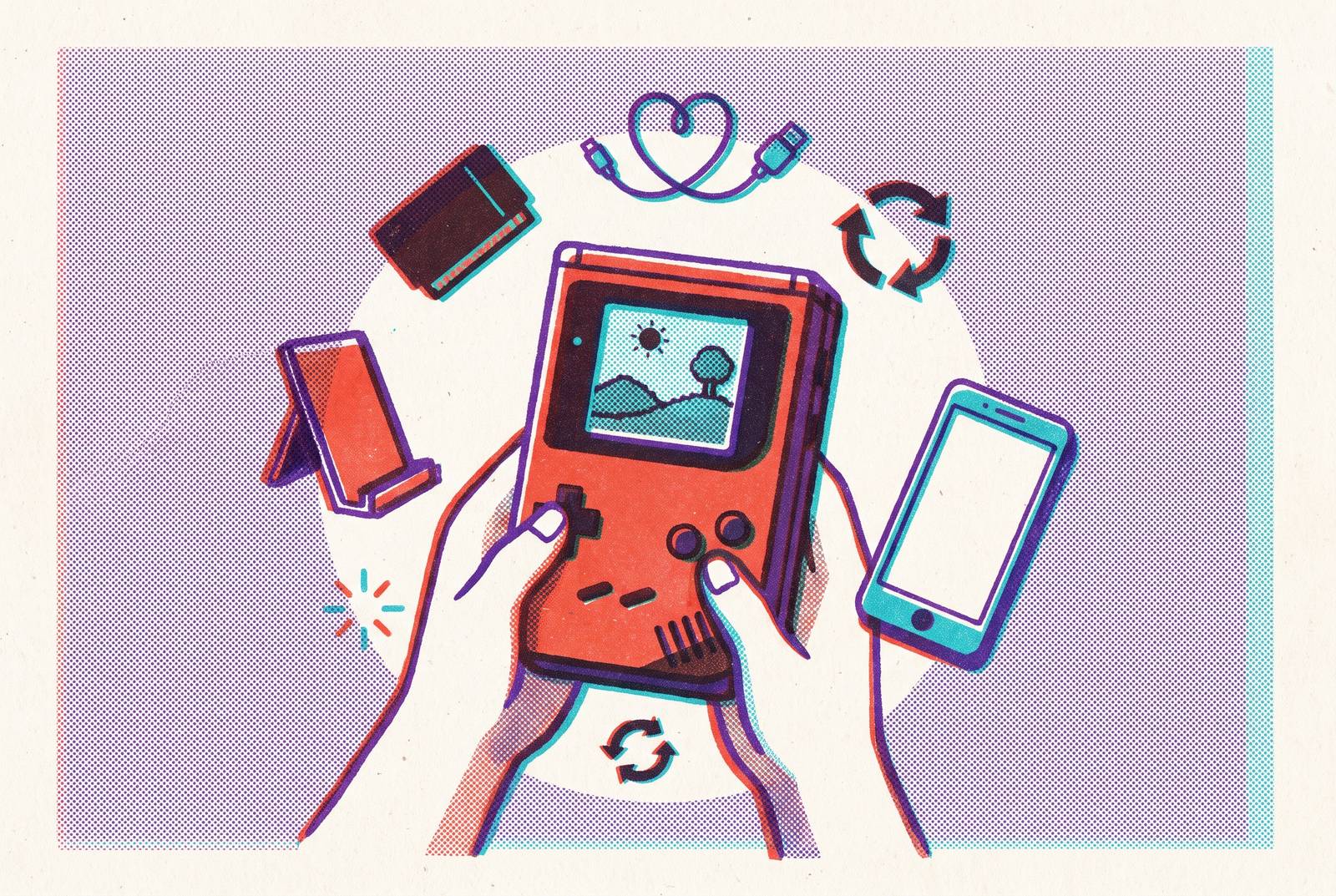
Switching to phone gaming changes the job the old handheld needs to do. The sensible next step is to sell it, pass it on, or give it a narrower role that makes use of its controls and library. The choice depends less on which screen is newer than on what you still want to play.
Why people are leaving dedicated handhelds for phone gaming — and what that transition actually costs them
Mobile gaming now brings in the most revenue and has the most players, so a powerful phone can make a separate handheld feel like more than you need. The appeal is easy to understand. A phone offers a vast app library and access to cloud gaming services, all on a device already in your pocket. For someone whose gaming has moved there, an older portable can become a drawer’s most elaborately equipped tenant.
Thumbstick placement, trigger reach, and weight distribution are deliberate features of a dedicated handheld. Playing on a bare touchscreen cannot give you that physical layout. The device in the drawer therefore still solves a real problem, even if it no longer deserves to be your main gaming machine. You have the handheld, so what should you do with it?
Deciding which path makes sense before doing anything with the device
Start with three questions about the device and your habits. Is it in good enough condition, with enough resale demand, to represent useful money? Are you still attached to its library? Do you want physical controls for any part of your gaming life? These questions separate financial value from the value of keeping a familiar way to play.
An excellent example of certain Nintendo portables or a PS Vita can have an active resale market, which makes selling worth considering before repurposing. A device you have already modded, or one with a depressed resale value, points the other way. In that case, its usefulness to you may exceed what someone will pay. Attachment to its games strengthens the case for keeping it, provided you expect to play them.
The controls question then separates two different reasons to retain hardware. If you want a distinct machine for older games or streaming, the handheld can take on that role. If you are committed to the phone as your only screen, a clip-on controller offers another route. Donation suits you if you want someone to use the device and want nothing back for it.
Selling or trading in the old device and getting fair value for it
Selling is the most direct route when you no longer need the handheld and its resale value is worthwhile. The proceeds can fund whatever comes next. Leaving an unused device on a shelf exposes it to depreciation without giving you any play in return, although collector demand can make particular hardware more desirable. That distinction is why the market for your device is more useful than a general assumption that old electronics are worth little.
Trade-in services make the sale easier, though you may get less for the device. Gamer Life Store offered store credit for a PlayStation Vita Slim and a Nintendo DS, with cash available at a lower value. Store credit is useful if it pays for something you already want from that store, while cash gives you more freedom. Those examples give no amounts for each device, so they cannot tell you exactly what a 2026 payout would be.
Direct selling on eBay typically returns more than a trade-in, especially for retro or collectible hardware. Collectors who want the device can drive prices well above store-credit offers. The trade-off is time and effort, so a higher selling price does not automatically make it the right route for every owner. The practical choice is how much work you want to exchange for the additional return.
Other routes suit different kinds of sale. Swappa suits consoles in good condition, while Facebook Marketplace works well for local bundles that a buyer can inspect before buying. Services such as GadgetGone, DK Oldies, and Back Market also accept old gaming hardware and put devices back into circulation. They occupy the middle ground between maximizing the return and minimizing the hassle.
Donating the device to organizations that put it to use
If the return is unimportant, donation removes the financial objective. This makes sense when resale value is low, you want a clean break, or a useful destination is more satisfying than a payment. Gamers Outreach and Charity Nerds work with donated game hardware and direct it toward people who benefit from it.
Sending functional hardware to a service such as Back Market can extend its useful life and keep it out of the e-waste stream. It is a reasonable path for a device that still works but does not justify the effort of a private sale.
Turning the old handheld into a dedicated emulation machine
Keeping the handheld becomes more compelling when it receives a specific job. Emulation can let hardware that supports it play decades of games, from NES through PS1 and beyond, without needing a subscription or connection each time. The range depends on the device’s capabilities. The aim is not to make every old portable run everything, but to match its strengths to games you actually want to revisit.
A modded PS Vita illustrates this second life. Practitioners have used it as an ongoing daily driver for emulators and homebrew, making it more capable after modification than it was at retail. That gives it a use beyond keeping it just because it once cost money. For hardware with modest resale value, a useful recurring role can be more attractive than a small payment.
Older console games were designed around physical buttons, so a handheld’s layout can feel more faithful than a touchscreen overlay. A dedicated emulation machine also gives the retained library a clear home rather than leaving the device to compete with the phone at every task. The handheld is not necessarily obsolete, just misassigned.
The games themselves require care as well. Emulation’s legality depends on how ROM files are acquired, so use only ROM files from games you own.
If your old device cannot handle the games you want, replacement hardware becomes a secondary option, particularly if you have already decided to sell. It should not be the starting assumption. The TrimUI Brick suits mid-1990s gaming and earlier, with a Game Boy-like shape and a premium feel despite its price. The Anbernic RG 35XXSP offers a clamshell form factor suited to travel. These are different physical answers to the same desire for a dedicated retro machine.
Other options serve narrower preferences. The Anbernic RG28XX is a budget choice, while the MagicX Zero 40 takes a vertical approach suited to arcade classics and DS emulation. The Blaze Entertainment Evercade EXP-R instead centers physical cartridges and printed manuals. That changes the appeal from configuring a library to collecting tangible games. It is an alternative for someone who wants that format.
The Analogue Pocket takes another distinct technical route. It uses FPGA hardware rather than software emulation and plays physical Game Boy, Game Boy Color, and Game Boy Advance cartridges natively. Optional adapters add support for Game Gear, Neo Geo Pocket, Atari Lynx, and TurboGrafx-16. If the old handheld already plays the games you want satisfactorily, however, none of these alternatives creates a reason to replace it.
Using the old handheld as a dedicated cloud and remote play terminal
Streaming gives hardware that supports it another use, without its ability to run games locally deciding whether to keep it. The demanding work happens elsewhere. The handheld receives video and sends your inputs, acting as a screen and controller. Eligible Android handhelds, including suitable Retroid and Odin devices, can take this role, while a modded Vita represents another repurposing route. Which services work still depends on what the device supports.
Valve’s Steam Link is a free app for Android and iOS that streams a game running on your own PC. It requires no subscription beyond owning the games. PS Remote Play instead streams from your PlayStation console and has an official minimum connection requirement of 5 Mbps.
Cloud services move the computing to a provider instead. GeForce NOW and Xbox Cloud Gaming extend the appeal of a portable screen and physical controls, but access comes with constraints beyond the device. The November 2026 Xbox Cloud Gaming hour caps are a significant example. Those limits weaken the case for treating Xbox Cloud as a complete substitute for local play, because access to a service is not equivalent to unrestricted use of your own machine. Emulation that runs locally has no cloud-service hour cap to hit.
Connectivity is the other limit, especially away from home. GeForce NOW, Xbox Cloud, and PS Remote Play all need a fair amount of bandwidth, and Wi-Fi in hotels or on transit often cannot keep up. A handheld dedicated to streaming therefore depends on a reliable connection. When the connection is unreliable, local emulation still lets you play without it.
What to do if you still want physical controls but want to game on the phone
Selling or donating the handheld resolves ownership. If you still want buttons and sticks, the phone needs a different way to provide them. A mobile controller is the direct option for someone who wants to keep the phone as the primary screen. It lets you keep the controls without keeping a separate gaming device just for them.
The case is strongest where precise input is important. Cloud gaming through GeForce NOW or Xbox Cloud Gaming benefits from physical controls, as do demanding titles such as PUBG Mobile, Genshin Impact, and Call of Duty: Mobile, where swipe controls can be a competitive disadvantage. Physical buttons fit better with the layouts that older console games were built around. With a controller attached, the phone can take over the role that made the old handheld worth keeping.
Telescopic and clip-on designs now dominate this category. They clamp around the phone, approximating a handheld without requiring a second screen or a separate battery. That makes them a coherent endpoint for someone whose games have already moved to the phone but whose thumbs have not embraced glass.