Best PC Games That Play Well on a Handheld Screen
Lower GPU demands and gamepad-native controls make some games shine on handheld screens.
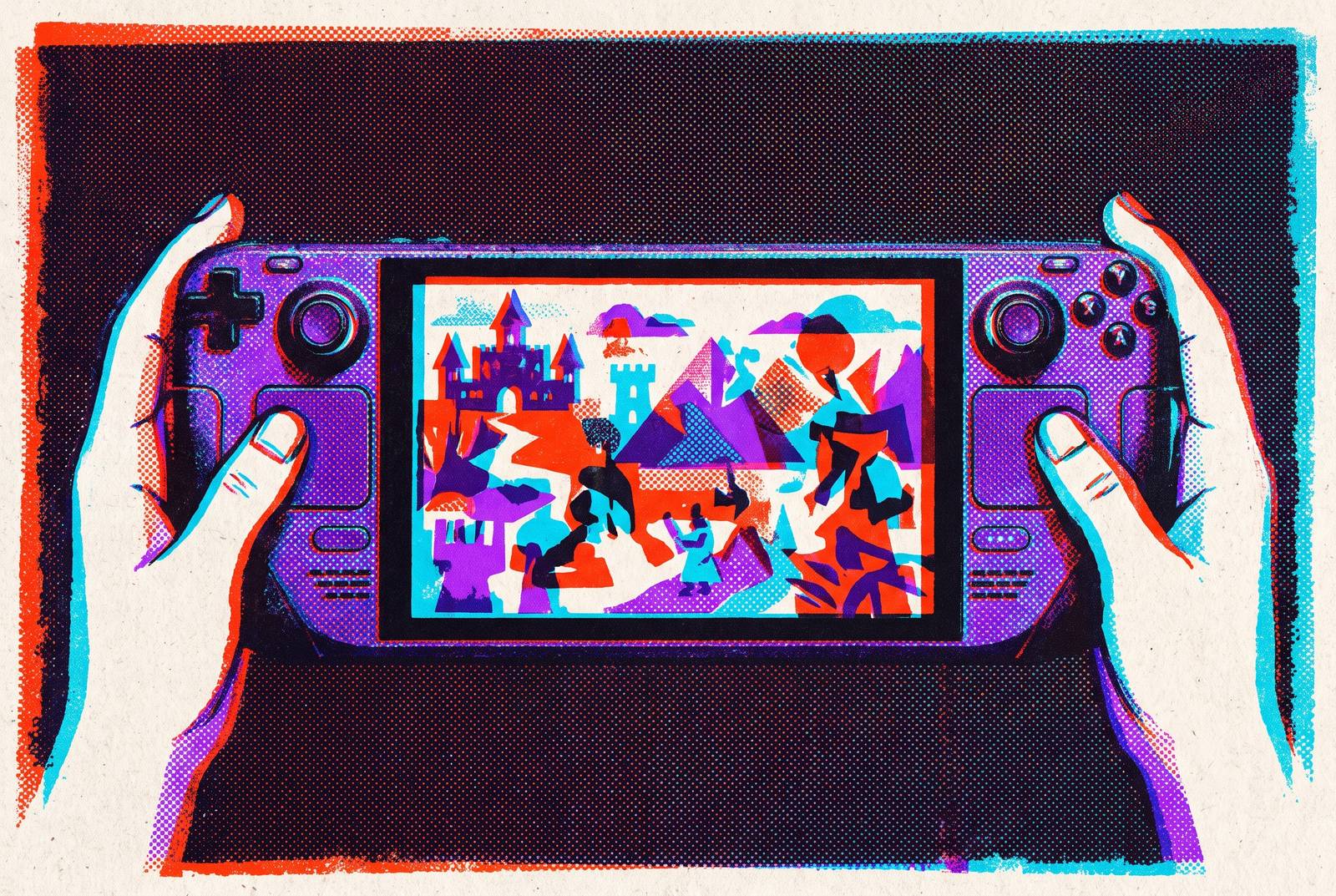
The best PC games for a handheld screen are not simply the ones a device can run. They are the ones whose controls, text, and pacing suit the format, with performance demands that leave room for comfortable play. These traits help some modest games feel right at home in your hands, while bigger games need careful tweaks.
What makes a PC game feel native on a handheld screen versus merely playable
A game runs smoothly, but picking an item from a menu takes the precision of a mouse, and reading a quest means squinting at tiny text. The hardware has passed. The experience has failed. That distinction gets lost in recommendation lists that hand over titles without explaining why they work. A playable frame rate says little about whether the player can comfortably make sense of what is happening.
Three traits separate native-feeling games from awkward transplants. The control scheme must translate cleanly to a gamepad, the UI must remain legible at 7–8 inches, and the pacing must accommodate short, breakable sessions. None substitutes for another. Beautifully readable menus cannot rescue controls built around a mouse, while excellent gamepad support does not make an uninterrupted evening fit into a brief break.
How the handheld PC market arrived at a point where this question matters
Valve's Steam Deck popularized handheld PC gaming, and Asus, Lenovo, MSI, and others now compete across budget and premium tiers. This is no longer a niche hardware experiment. Players have several capable ways to bring a PC library into their hands, but the growing choice of devices does not automatically make that library suitable for portable use.
Lenovo's Legion Go S – Powered by SteamOS lets players boot up and play much as they would on a console, while Windows handhelds such as the Asus ROG Xbox Ally X have native Game Pass integration but take more effort to use. Price further complicates the decision. The Steam Deck OLED 512GB rose from $549 to $789, moving it upmarket and reshaping the budget tier. Whatever device a player buys at these prices, it helps to know which games they already have on Steam or Game Pass play well on a handheld.
Why games with lighter GPU demands give handhelds their best sessions
The Steam Deck OLED can deliver anywhere from 3 to 12 hours of playtime depending on the game, so the title being played helps determine how portable the device actually is. Games with 2D graphics or low GPU load leave more room within a handheld's battery and thermal limits. They can run smoothly for longer without requiring the player to surrender the image quality that defines their look.
A small screen benefits from a workload the device can sustain comfortably. Demanding AAA games can run at smooth, playable frame rates when players turn down the resolution, shadows, and effects such as hairworks. Those adjustments solve a performance problem. A game whose presentation and interaction already suit the machine offers a stronger starting point, although demanding games can still make a persuasive case on other grounds.
Indie games that treat the handheld screen as their natural home
Hollow Knight shows why precise controls need not mean mouse controls. Its combat asks for accurate inputs that a gamepad handles natively, while its hand-drawn art scales crisply to a small display. Precision belongs in the buttons. It runs well across handheld hardware, although some users have reported occasional frame-rate drops in handheld mode on Switch.
Into the Breach takes a different route to the same fit. Its turn-based tactical strategy and roguelite elements place the challenge in planning rather than reflexes, with small maps and puzzle-like encounters suited to a commute. The minimalist presentation keeps the battlefield readable at handheld resolution. Here, compactness is part of the design. The screen contains a problem to consider, making the format feel deliberate.
Stardew Valley makes the case through the scale of its tasks. Its bite-sized structure gives short sessions a useful purpose, and its essentially negligible performance demands make it a natural handheld farming choice. Not every break needs a boss fight. Compared with Hollow Knight's execution and Into the Breach's planning, it offers a gentler rhythm while retaining the same foundations of gamepad-native controls, readable UI, and interruption-friendly play. These are strong starting points because each joins the hardware advantage of a lighter game to an interaction style that fits the screen.
AAA games that scale down without losing what makes them worth playing
The Witcher 3: Wild Hunt demonstrates what a demanding game must preserve when its graphics are reduced. Its tactical combat and world-building translate naturally to a gamepad, so the input scheme does not need to be reinvented for handheld use. The adjustment is primarily visual. Setting it to 800p, reducing shadows, and disabling hairworks delivers smooth, playable performance on mid-tier handheld hardware. Completing that setup is a one-time cost of entry for the player.
Cyberpunk 2077 is also optimized and playable on handheld devices, but its visual ambitions require a firmer boundary. On the Steam Deck OLED, Ray Tracing must be disabled entirely because the device's RDNA 2 APU cannot run it at playable frame rates, a meaningful trade. The rich narrative remains a reason to play, and a small screen can focus attention on that part of the experience. The key distinction is between reducing an effect and removing what makes the game worthwhile.
Red Dead Redemption 2 makes its argument through tempo. Its slower pace is a useful structural fit for a format that benefits from games without constant split-second demands. Its slower pace explains why graphical scale alone is a poor predictor of handheld suitability, although performance and stopping points still need consideration. Across these larger games, controller-ready combat, pacing that tolerates stops, and reducible graphics offer a path to portable play without asking the player to accept a fundamentally different game.
Games where text-heavy or strategy-driven design actually benefits from a handheld screen
Does a smaller screen always make reading and strategy worse? Only if the interface makes them worse. Games built around deliberate decisions can benefit from close-range viewing when their text and menus remain readable, with a gamepad or touchscreen handling navigation. In that setting, holding the display close can make dense information more comfortable to absorb and reduce eye strain. The liability is tiny UI.
Into the Breach illustrates this through the relationship between a compact map and an unhurried decision. Stardew Valley also gives the player a task they can manage without having to rely on quick reflexes for the whole session. These examples do not establish that every strategy game or text-heavy RPG belongs on a handheld. UI legibility is a design choice, and a game that makes information readable still needs a comfortable way for the player to act on it.
How the right controller hardware changes what counts as playable on a phone
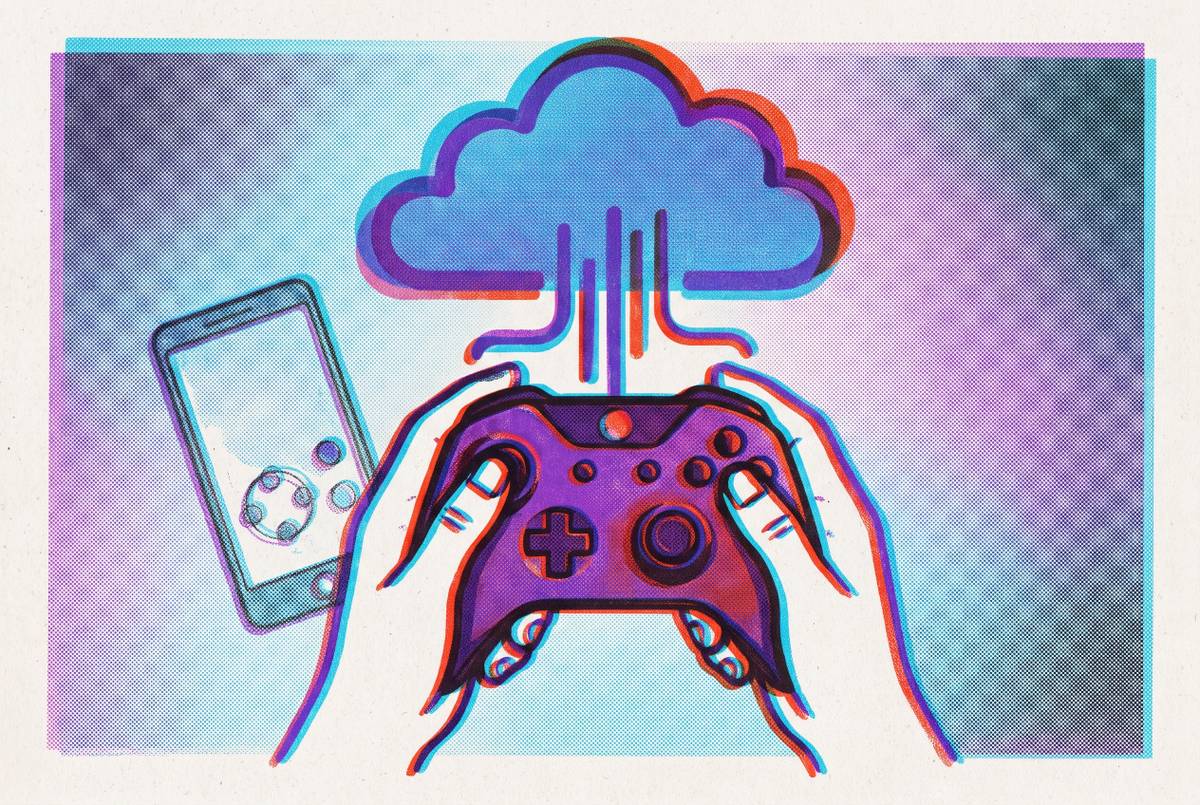
On a smartphone, that last step often depends on physical controls. Phones can reach libraries through Steam Link, GeForce NOW, Xbox Cloud Gaming, and PS Remote Play, but touch controls make most of those games impractical to play. Access is not the same as usable input. A controller that clips to the phone or connects wirelessly supplies the physical interaction those games expect. With comparable input quality, games that feel native on a Steam Deck can feel native on a phone, provided their UI and pacing also fit.
A controller needs to be especially precise in games such as Hollow Knight, where inputs have to be exact. Hall-effect sticks use magnetic sensors to eliminate the drift that degrades precision over time. A gamepad-native design only delivers its advantage if the controller can faithfully deliver the player's inputs. Physical controls therefore change the phone's role from a screen that can display the game into a device that can support playing it properly.
Cloud and remote play as the practical bridge for players without handheld PCs
Steam Link offers a direct route for players who already own a capable PC. It streams from that machine to a phone for free, with no subscription cost, but the home PC must run simultaneously. The computing stays at home. The screen travels. With this setup, players can use the PC they already own for handheld play without buying another PC built into a portable device.
GeForce NOW instead connects existing libraries from Steam, Epic, Ubisoft Connect, GOG, Battle.net, EA app, or Xbox PC to NVIDIA's remote GPU. Its Ultimate tier reaches high resolutions and frame rates, making remote hardware the source of rendering power. Subscription limits still shape its usefulness. As of January 1, 2026, both Performance and Ultimate subscriptions are capped at 100 hours of play per month. Players need to weigh that limit when choosing how to stream, as well as check whether a game's controls suit the phone.
Xbox Cloud Gaming combines games included with a Game Pass subscription with personal-library streaming through 'Stream Your Own Game'. It maxes at 1440p. Starting November 2026, each plan has a monthly cloud-hour cap that varies by tier, with additional hours available for purchase. This differs from streaming a home PC that has to stay on, though players still need games that work well on a small screen.
PS Remote Play streams from a PS5 the player owns, making it analogous to Steam Link. PS Plus Premium offers cloud streaming of Sony first-party titles without a running console. These are distinct routes to portable play. For players without a handheld PC, such services make a phone and controller a legitimate alternative, but remote rendering cannot enlarge tiny interface elements or turn mouse-dependent controls into natural gamepad inputs. The cloud changes where the game runs.
A practical checklist for evaluating any PC game before adding it to a handheld playlist
For a practical pre-play check, begin with controls. Was the game designed for a gamepad, or does it assume mouse precision? Games built for a controller need no remapping, but many RTS titles and some point-and-click adventures work poorly with one. Then check whether menus, quest text, and HUD elements are comfortable to read on a 7–8 inch display, or at arm's length on a phone. Definitive and remastered editions often include UI scaling options that the base release lacked, so the edition can influence the answer.
Save-anywhere systems, chapter breaks, and turn-based pauses provide natural stopping points, whereas demands for uninterrupted multi-hour play work against the format. For games that run on the device itself, check performance fourth. At 720p–800p with moderate settings, the game should keep a stable frame rate and be enjoyable to play without keeping the device plugged in. A handheld that must remain tethered has begun negotiating against its own job description.
For cloud-streamed games, use the same checks but leave out local rendering performance. Controls, legibility, and pacing remain fully in force. A phone with a quality controller is already a handheld, but a service's catalog is not automatically a handheld-friendly library. The best selection comes from choosing games built for comfortable input, readable information, breakable sessions, and sustainable performance, rather than treating any fixed list of titles as the final answer.