Why Playing Xbox Cloud Gaming Without a Controller Is a Mistake
Touch controls limit your game library and make competitive play needlessly harder.
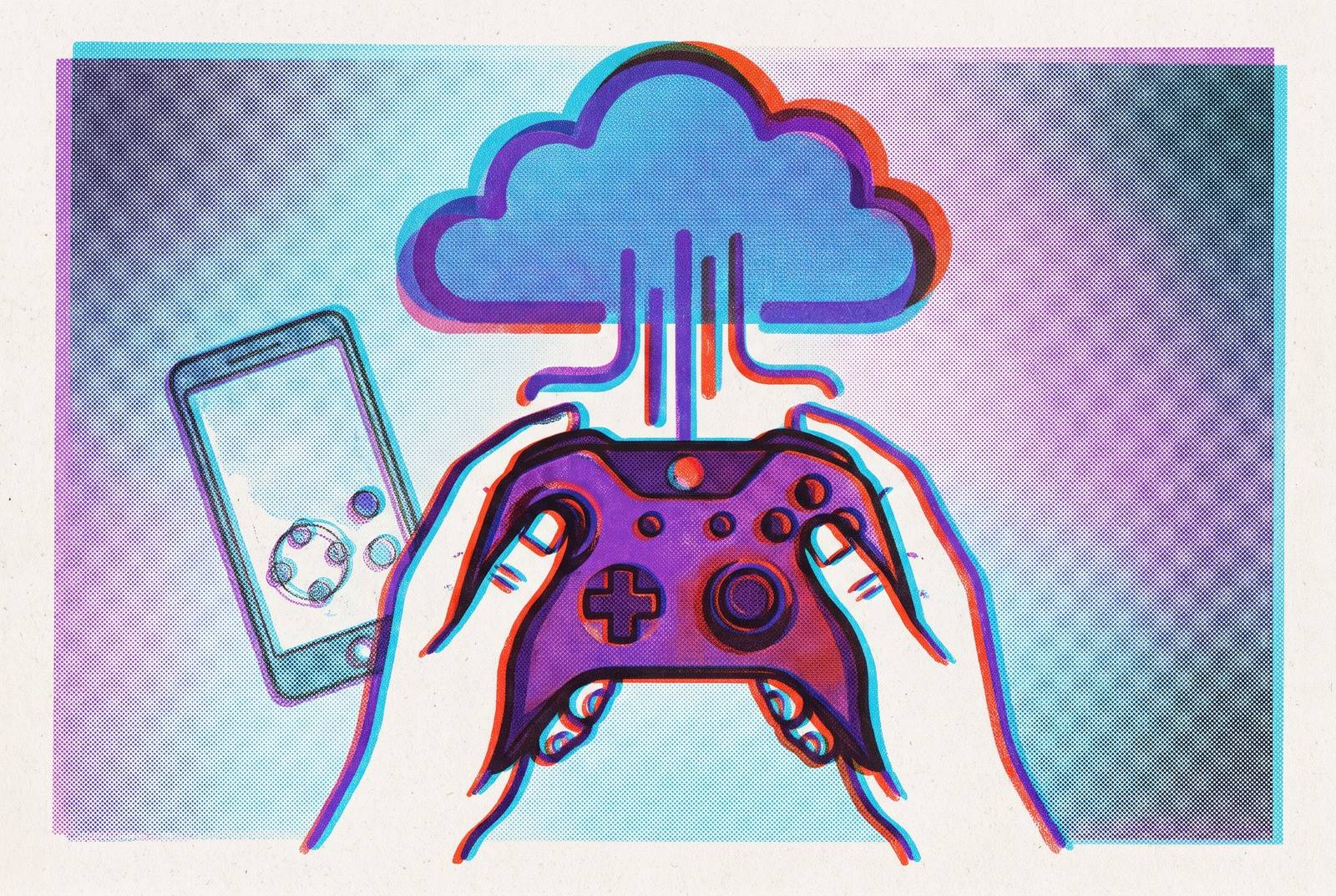
Xbox Cloud Gaming is easy to start without a controller, but that ease comes at a cost. The service is built around controller input, so playing with touch means having fewer games, controls that work less well, and virtual buttons that crowd the image. For anyone seeking the full experience, a physical controller provides the input method the platform was designed to serve.
How Xbox Cloud Gaming treats touch controls versus controller input
Microsoft’s wording puts play with a controller first and lists touch-supported games as another option. That ordering reflects how the service is built. The service is built on controller input, while touch support needs work on each game. A touchscreen does not automatically become a universal substitute for a gamepad just because it can display the stream. The game also needs a way to translate taps and gestures into its particular controls.
To provide that translation, developers build game-specific overlays using Microsoft’s Touch Adaptation Kit. These are bespoke layouts. Their buttons and arrangements can change according to what a character is doing, allowing the interface to follow the action. Such adaptation makes touch support more useful, but also more complex to produce.
The service can deliver a game to a phone without that game being designed to accept touch input. A controller has the familiar sticks, triggers, and buttons those games expect.
The catalog gap that touch-only play creates
The first consequence is a smaller playable library. Most streamable titles require a controller, leaving touch-only players with a fraction of what their Game Pass subscription covers. The touch catalog is growing, but it remains a small subset of the streaming library. Because each game needs its own layout built, that gap is slow to close. Access to the service and access to its games are therefore different propositions.
The distinction becomes particularly clear with Stream Your Own, which lets subscribers stream digital games they already own. That library has grown to well over 2,000 titles, without an equivalent touch-control offering. On mobile or TV devices, streaming owned games such as Cyberpunk 2077 or entries in the Baldur’s Gate series requires a controller. PC is an important exception to the need for a controller, since some games, including Cyberpunk 2077, also support mouse and keyboard through cloud gaming. The limitation applies specifically to touch.
But could the touch catalog be enough? It includes genuine hits such as Hellblade: Senua’s Sacrifice, Dead Cells, and Slay the Spire, giving a casual player plenty to explore. That is a reasonable defense of touch as a starting point. It is less persuasive as a case for equivalent access, because the blockbuster and competitive catalog remains overwhelmingly controller-only.
Why touch overlays actively degrade the playing experience, not just the game selection
Even when a game supports touch, its controls compete with the image for space. Virtual sticks, buttons, and icons sit over the game. On a small display, they can obscure health bars, cooldowns, mini-maps, radar, prompts, and subtitles. The screen has acquired a second job. It must now show both the information needed to make a decision and the controls needed to act on it.
A covered radar can compromise awareness in competitive play, while an obscured subtitle can interrupt a story. Fingers can get in the way too, because the hands holding the device must also work the controls on its screen. During a tense moment, a misplaced tap can pause a fight, trigger the wrong ability, or move the camera unintentionally.
Even with a cleaner layout, getting the controls to do exactly what the player wants can still be hard. Glass offers no tactile boundary to tell a thumb that it has drifted outside a virtual stick’s intended zone. Aiming therefore depends partly on keeping the thumb in a spot it cannot feel, while a physical stick gives it a firm point of contact. For players making the switch, connecting a Bluetooth controller and turning off the touch overlay through the available in-game or app-level settings is the practical fix. That removes the competing interface without changing the game itself.
How input latency stacks differently with touch versus a physical controller
Network ping to the data center, server rendering, input delay, and display lag all contribute to the response the player feels. A good connection addresses only part of that chain. Even with identical network conditions, changing the input method can change how promptly an action reaches the screen. Touch adds another variable to a process in which delays already add up.
The useful distinction is between that variable and controller hardware that can be engineered for faster response. Polling rate, which governs how often controller input is read, is one part of the difference. Lower-polling controllers add more delay than higher-polling models in ways that can be measured, and players feel the difference most in fast-paced play. A few milliseconds can become consequential when timing a shot.
That does not mean every physical controller performs identically. Controller design can directly cut input delay, which a better internet connection may leave unchanged. Reports of work on wireless controllers suggest more efforts to shorten the chain, but any gains for players have yet to be confirmed.
Which genres punish touch-only play most, and which tolerate it
The size of the touch disadvantage depends on what a game demands from the hands. Shooters combine rapid aiming, movement, and spatial awareness, exposing both imprecision and the loss of visible screen space. In a game such as Halo Infinite, aiming with a thumb on glass is slower and less precise than aiming with a physical stick. The opponent does not need a better connection. A more dependable input method already provides an advantage.
Racing exposes another weakness, because analog triggers allow graduated throttle and braking, which touch controls approximate crudely. Touch controls flatten the range of adjustment that makes those actions feel responsive. Cover-based third-person shooters also depend on coordinated movement and timely inputs, and the mainline Gears of War games are not optimized for controller-free play. These genres ask the player to make fine corrections under pressure. They offer little time to compensate for a missed virtual button.
Slower games allow a fairer comparison. Gears Tactics, distinct from the mainline Gears series, and Slay the Spire work meaningfully better with touch than faster-paced counterparts. Their pacing gives the player more room to decide before acting. Narrative and exploration games can also tolerate the compromise, with Hellblade: Senua’s Sacrifice, the first Xbox Cloud Gaming title to support full touch controls, offering a more forgiving example. Touch is therefore workable for particular preferences, but not a durable answer for players drawn chiefly to the platform’s high-profile shooters and racing games.
Why casual and new players pay the steepest price for skipping a controller
The people most likely to begin with touch are also those least equipped to compensate for its shortcomings. Starting without another purchase is an understandable choice. Yet a new player must learn the game while also managing an input method that provides less precision and physical feedback. A player who knows the game can partly make up for awkward aiming by choosing where to stand, guessing what will happen, and knowing what comes next. A beginner has fewer such compensations available.
That imbalance can distort the first impression of the service. A seasoned player may recognize that the controls are holding the session back, while a newcomer has no better version against which to compare it. Sluggish or frustrating interaction can then look like a fault of cloud gaming itself. On a subscription service, that turns a problem to solve into a reason to cancel.
Microsoft’s investment in bespoke layouts and icons legible to people new to gaming reflects a genuine effort to reduce this barrier. Clearer symbols make it easier to tell what a button does. They cannot give glass the resistance of a stick or move the player’s thumbs away from the image. There is also a time cost, because cloud sessions on current plans are finite, limiting the time available for trial and error. Time spent wrestling with input consumes part of the opportunity to play, and casual newcomers have the least experience working around the problem.
What a physical controller actually changes about the Xbox Cloud Gaming session
Pairing a controller leaves the phone, connection, and server unchanged, but gives the hands a different relationship with the game. Physical sticks have tension and a consistent return to center. In a shooter, the thumb can aim with a stick it can feel, while on glass it must stay in a zone it cannot feel. Small corrections become more dependable. In racing, the same gain in control supports tighter cornering, while triggers give throttle and braking their graduated range.
Removing overlays also changes what the player can read at a glance. A mini-map no longer shares its space with a virtual control, and health information can remain visible during the action. The gain is not merely a prettier image. It lets the player spend attention on the game state rather than on finding a view around buttons and fingers. Better input and clearer information reinforce each other because a precise response is useful only when the player can see what calls for it.
Textured grips and properly tensioned sticks support longer sessions in a way that holding and operating a flat phone can make difficult. Xbox cloud titles often ask for sustained engagement, including narrative or competitive sessions that can run for two hours. Hand fatigue can cut that engagement short. A controller also fits the thumbstick-and-button navigation used by menus, the Xbox dashboard, and game libraries, making the route into the next game consistent with the controls used inside it.
How a mobile controller designed for cloud gaming fits into this setup
A controller designed for mobile use can preserve the portability that makes streaming attractive while supplying physical controls. Attaching the controller directly to the phone keeps the screen and grip together, so the player has one device to hold. The combined device is compact in the manner of a handheld console. Portability need not require surrendering precision.
A wired connection removes Bluetooth from the chain, while an ultra-low-latency connection aims to keep the controller’s contribution to delay small. Neither solves network ping or server rendering. Their value lies in reducing a part of the process that the input hardware can influence. Cloud gaming already has enough links without treating the one nearest the hands as an afterthought.
Mobile ergonomics also require more than adding buttons around a screen. Grip depth, button placement, and trigger travel need to fit how the phone and controller sit together in the hands, especially when playing for longer. A standalone gamepad can provide physical control, but a mobile-native design also addresses how the display is held during play. That makes it a practical path for players who want the wider Xbox experience without giving up a phone-sized setup. The phone supplies the portable screen, while the controller lets the game behave like the game it was built to be.