PS1 and PS2 Emulation on Handheld Devices
Why a $50 handheld nails PS1 while PS2 demands flagship chips.
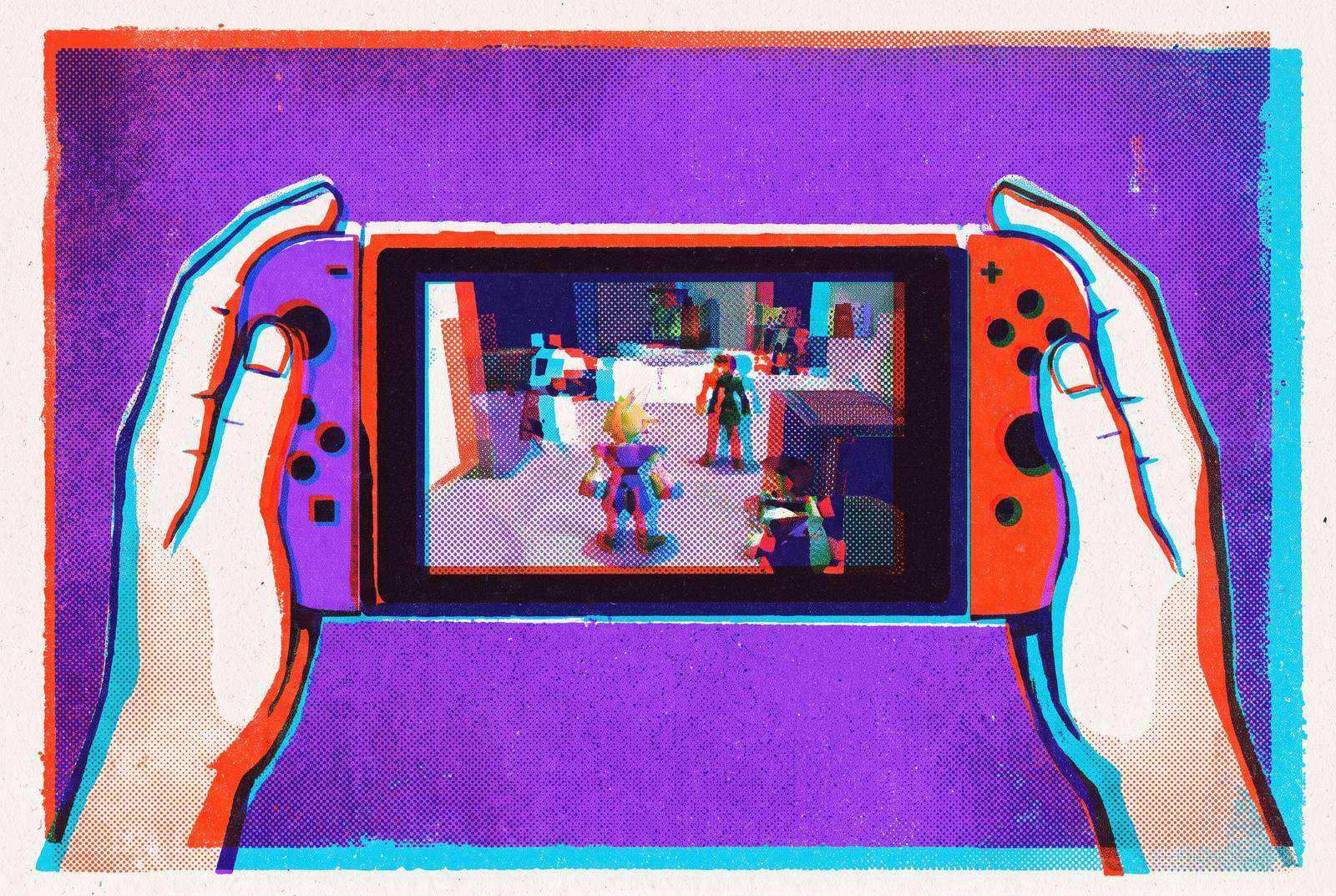
A $50 handheld can run the entire PS1 library without breaking a sweat, and that same device will choke on PS2 titles that a pricier handheld handles without complaint. That gap is the entire organizing idea behind this piece: PS1 and PS2 are not two flavors of the same emulation challenge, they are two different engineering problems wearing the same gray plastic disc case. PS1 is a 1994 console running a 33 MHz CPU, and modern budget chips, even the cheap ones found in $50 handhelds, outpace it by a factor of thousands. Software emulation of the PS1 has been settled territory for about two decades. PS2 refuses to sit still the same way. The same handheld that runs N64 and PSP without a hiccup can drop frames the instant God of War loads on PS2. Keep that split in mind, because every section that follows is really just a consequence of it.
Why PS1 runs on almost anything
The question "can this device run PS1?" is close to the wrong question entirely, since frame rate on PS1 has been solved at every price point for years now. A better question is what spending more money actually buys, since it is not smoother gameplay. The honest answer: screen quality, headroom for upscaling, and the ability to grow into heavier emulation later without buying a second device. Spending more money raises internal resolution most clearly. Budget devices tend to top out around native or 2x resolution, but stronger hardware keeps climbing from there. The real reason to spend more on a PS1-focused purchase is rarely about PS1. It is about treating PS1 as the floor and building toward everything above it.
PS1 hardware across the price tiers, from $50 budget picks to overkill Android devices
Every device in this lineup runs PS1 at full speed, so the differences between them come down to screen, ergonomics, and how much future-proofing the buyer wants baked in. The $45 to $60 range is the category's sweet spot. The Anbernic RG35XX H, at $58, shares its internals with the Pro but wraps them in a horizontal body that makes long sessions with something like Final Fantasy VII noticeably more comfortable, also rating 5/5.
Moving into the sub-$100 range shifts the conversation toward screens. The Miyoo Mini Plus, at $65, carries a 3.5-inch 4:3 display that shows PS1 in its native aspect ratio and pairs well with Onion OS, though it skips analog sticks; it rates 4.5/5. The Powkiddy RGB30, at $80, uses a 4-inch 720x720 square panel, a layout that fits a 4:3 PS1 image with only slim bars and produces the biggest, sharpest budget picture for 4:3 systems in this lineup, backed by dual analog sticks and a 5/5 rating. The Anbernic RG40XXV, at $75, offers a 4-inch 4:3 screen, strong battery life, and dual analog nubs, making it the pick for long commutes or travel, also at 5/5.
Clamshell devices split along a different axis. The Anbernic RG34XX SP, at $70, has dual analog sticks that make it the best clamshell option for stick-driven PS1 titles, though its 3.4-inch 720x480 panel runs a 3:2 ratio that letterboxes PS1 slightly. The Anbernic RG SP drops analog sticks altogether, which makes it a fine pick for 2D PS1 games and a poor one for the large chunk of the library built around 3D movement.
Then there is the tier that looks like overkill on paper: the Retroid Pocket Classic around $219 and the Retroid Pocket Nova at $229 to $274. Spending this much on a PS1 machine buys hardware that also handles PS2, GameCube, and whatever comes after, the same future-proofing logic behind mobile controllers like Backbone, which treat a phone's existing power as the platform. Buying better input hardware for a device already owned is, in both cases, cheaper than buying an entirely new one.
PS2 Emulation's Hardware Floor
PS2 emulation on Android draws a hard line at roughly Snapdragon 8 Gen 1 or newer for anything resembling reliability. The mechanism behind this floor is single-core performance, not aggregate processing power. Vulkan rendering support has become essential for PS2 performance on Android, and memory matters more than most buyers expect: 6 GB of RAM is the practical minimum, with 8 GB or more recommended for anything demanding. Thermal management deserves more attention than it usually gets, since a chip's peak benchmark number means little if it throttles twenty minutes into a two-hour session, and sustained performance under heat is the number that actually predicts whether a game stays playable.
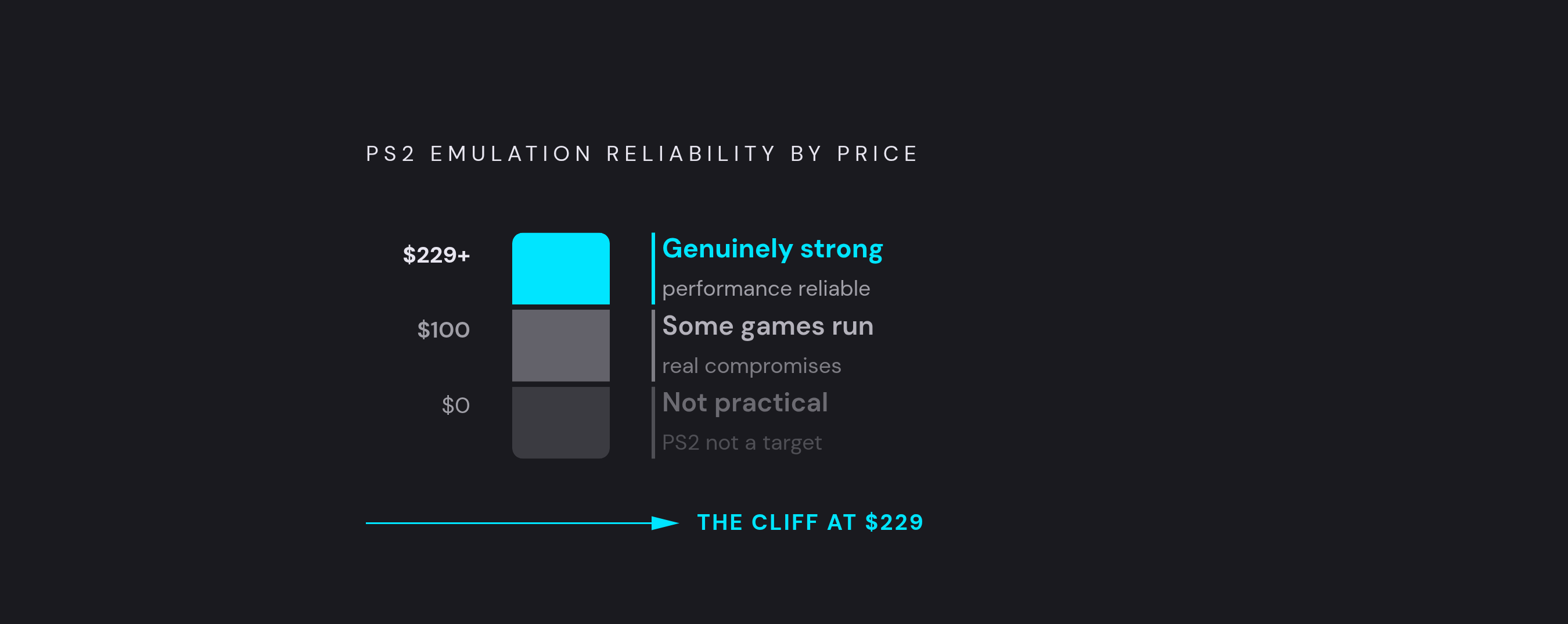
The price breakdown follows directly from all of this. Under $100, PS2 is not a practical target on any handheld. Between $100 and $160, some PS2 games run with real compromises. At $229 and up, performance becomes genuinely strong. For anyone unwilling to spend at the top end, a capable smartphone paired with a telescopic controller can outperform a cheap dedicated handheld at PS2 emulation, simply because the chip inside a modern flagship phone is often better than whatever ships inside a $100 dedicated device. That phone-plus-controller path reappears later in this piece, and it is the detail that opens the door to controller hardware as a legitimate alternative to buying new hardware.
The PS2 emulator landscape: NetherSX2, ARMSX2, and PCSX2 on different platforms
The chip inside a device sets a ceiling on PS2 performance, but the emulator running on top of it decides how close to that ceiling the device actually gets, and Android devices are not running the same software as Linux or SteamOS machines. AetherSX2 was once the default Android option before it was discontinued and pulled from the Google Play Store. NetherSX2, a community fork maintained by developer Texarian since late 2023, has taken its place as the current default PS2 emulator on Android. It is built on AetherSX2 build 4248 and continues to improve controller support, widescreen patches, and online multiplayer. Its limitation is structural: NetherSX2 kept the original emulator core rather than absorbing the full PCSX2 development pipeline, and that gap is why the Steam Deck retains a practical edge on the hardest titles to emulate.
A newer contender, ARMSX2, is a PCSX2-based fork aimed squarely at ARM64 hardware. ARMSX2 has not displaced NetherSX2 as the safe default recommendation, but it is closing the gap quickly and giving older chips more breathing room than they had before. Development is moving fast enough that it is worth watching as a future option.
On Linux and SteamOS, the Steam Deck runs PCSX2 directly, an actively developed desktop emulator that maintains a public compatibility database with current test records for the PS2 library. Features like RetroAchievements integration with Discord Rich Presence, Big Picture Mode, HDR texture processing, and ray tracing emulation capabilities arrived in earlier stable releases between v2.0 and v2.6.0, not in that nightly build. The Deck beats Android hardware on the toughest games because of PCSX2's accumulated, game-specific fixes rather than raw processing speed, so some titles run better on a Deck than on an Android handheld with equal or higher specs on paper.
RetroAchievements has become a connective layer across all of this. On October 5, 2026, a plug-in called xeRAbora, built by a modder going by "hacan 359," extended RetroAchievements tracking to games played on original PS2 hardware through Open PS2 Loader, and the achievement layer is no longer exclusive to emulation.
The best dedicated handhelds for PS2 emulation, ranked by value
Every device on this list clears the Snapdragon 8 Gen 2 bar or runs a full PC operating system, and that is not an arbitrary cutoff: anything below that tier is a gamble on PS2, for the reasons laid out above. The Retroid Pocket 6, priced around $229 to $249, is the clearest overall recommendation for anyone whose primary goal is PS2 emulation on a handheld. It runs a Snapdragon 8 Gen 2 chip and Android 13 on an OLED screen, delivers near-universal PS2 compatibility at 2x internal resolution, and has confirmed benchmarks: God of War I and II run at full speed, Shadow of the Colossus is playable with light per-game tuning, Burnout 3: Takedown locks at 60fps, and Final Fantasy X, Kingdom Hearts, Ratchet & Clank, and Sly Cooper all run without issue. The triggers use Hall Effect analog sensors, which matters for PS2 racing games specifically, and battery life runs 4 to 6 hours.
Its 5,000 mAh battery lasts roughly 4 hours while emulating PS2 games, and a $15 bumped back plate is available to improve the grip, alongside color-matched back panels Retroid sells separately.
The AYN Thor, starting around $299, runs the identical Snapdragon 8 Gen 2 chip found in the Retroid Pocket 6, so PS2 performance between the two is essentially a wash: anything that runs well on the RP6 runs the same on the Thor. Its appeal is a dual-screen layout, and it confirms PS2 emulation at 3x native resolution, though it costs more and weighs more than the RP6 for buyers who only care about PS2. The ANBERNIC RG477M stands out as the best metal-bodied handheld in this price range, and the MANGMI Pocket Max, around $239 and up, is the pick for players who want modular buttons. The KONKR Pocket Fit, roughly $269 and up and built by AYANEO's sub-brand KONKR, pairs a 6-inch 1080p LCD display with PS2 emulation at 3x native resolution and high frame rates, delivering strong headroom and top-tier build quality just under the $300 mark.
For buyers unwilling to compromise at all, the Steam Deck OLED, at $399 to $549, runs PCSX2 on SteamOS through EmuDeck and handles the full PS2 library at full speed with upscaling, plus GameCube, Wii, Nintendo DS, and some PS3 and Switch titles. It beats Android handhelds on the hardest games because of PCSX2's mature, game-specific fixes. It is heavier, pricier, and far less pocketable than anything else on this list, which makes it the right call specifically for players who want the fewest emulator headaches and don't mind the size or the price tag that comes with that peace of mind.
iOS versus Android for PS1 and PS2 emulation
Android is the dominant platform for mobile emulation across both generations, and iOS users run into a structural wall on PS2 specifically that no amount of spending can fix. DuckStation, free and actively developed on both Android and PC, remains the best overall PS1 emulator, with upscaling, PGXP geometry correction, widescreen hacks, and RetroAchievements all included. For PS2 on Android, NetherSX2 and ARMSX2 are the two options worth installing, with NetherSX2 as the safe default and ARMSX2 as the one accelerating fast enough to watch closely. Snapdragon chipsets dominate Android emulation performance broadly, and while flagship-class chips are required for PS2, nearly any modern Android phone handles PS1 without complaint.
On iOS, PS1 is in genuinely good shape. Delta, available on the App Store after Apple relaxed its emulator policies, is the practical answer for PS1 and supports a range of other systems alongside it; the hardware inside an iPhone is more than capable of running it well. PS2 is a different story, and the barrier is architectural rather than a matter of Apple being difficult for its own sake. Modern PS2 emulators depend on dynamic recompilation, or JIT, to translate PS2 instructions fast enough for playable speeds, and iOS restricts JIT access for ordinary App Store apps, which slows PS2 emulation dramatically without it. Sideloaded setups through alternative app installers or developer certificates can offer more practical performance, but that path requires technical comfort most iPhone owners simply do not have, which leaves mainstream users largely excluded from native PS2 emulation on the platform.
In 2026, the workaround that actually solves this is often not emulation. Running PCSX2 on a desktop and streaming it to an iPhone through Steam Link, Moonlight, or Parsec delivers far better performance and compatibility than any local iOS solution currently offers. On that streaming path, controller hardware is no longer optional, because latency and input accuracy decide whether it feels like playing a game or watching one happen slightly out of sync.
How a mobile controller fits into the emulation and streaming paths
Touch controls were never designed for PS1 and PS2 games, and no amount of overlay tuning changes that fact: the DualShock's analog sticks, face buttons, and pressure-sensitive triggers are the reference input these libraries were built around, and a touch overlay is a workable stand-in for them. That holds whether the setup is DuckStation on Android, Delta on iOS, or PCSX2 streamed from a desktop. For iOS users relying on the streaming route through Steam Link, Moonlight, or Parsec, a controller built to work natively with an iPhone becomes essential, because latency and input accuracy are what separate a smooth session from one that feels perpetually a half-second behind.
Backbone One and Backbone Pro are built around that exact scenario: they connect to a phone by plugging in directly or pairing wirelessly, aim for ultra-low latency, and are built for comfort across long sessions, the product of more than 50 research studies, more than 50 patents, and over 10,000 part iterations according to the company. For anyone who already owns a capable phone, pairing it with a Backbone controller is a cheaper entry into PS2 emulation than any dedicated handheld covered above, simply because it builds on hardware already sitting in a pocket.
PlayStation's own cloud streaming as an alternative for players who want to skip emulation entirely
Emulation is not the only legal way to play these games on a phone. The curated catalogue does not match the full PS2 library available through NetherSX2 or PCSX2, upscaling and visual enhancement options are limited by comparison, and there is no RetroAchievements layer to chase. What it trades for all that is simplicity: no ROM management, no per-game settings to tune, no device compatibility questions to research, since it works on a phone the moment the subscription activates. A mobile controller stays just as relevant on this path as on any emulation setup covered earlier, since streaming PS2 titles from PlayStation's own servers to a phone paired with a Backbone controller is about as close as it gets to the feel of original hardware, without a dedicated device or a single emulator setting to touch.