Gaming Console vs Budget Gaming PC for Players Who Game Occasionally
Consoles usually win for casual players, but your setup and budget matter more than raw specs.
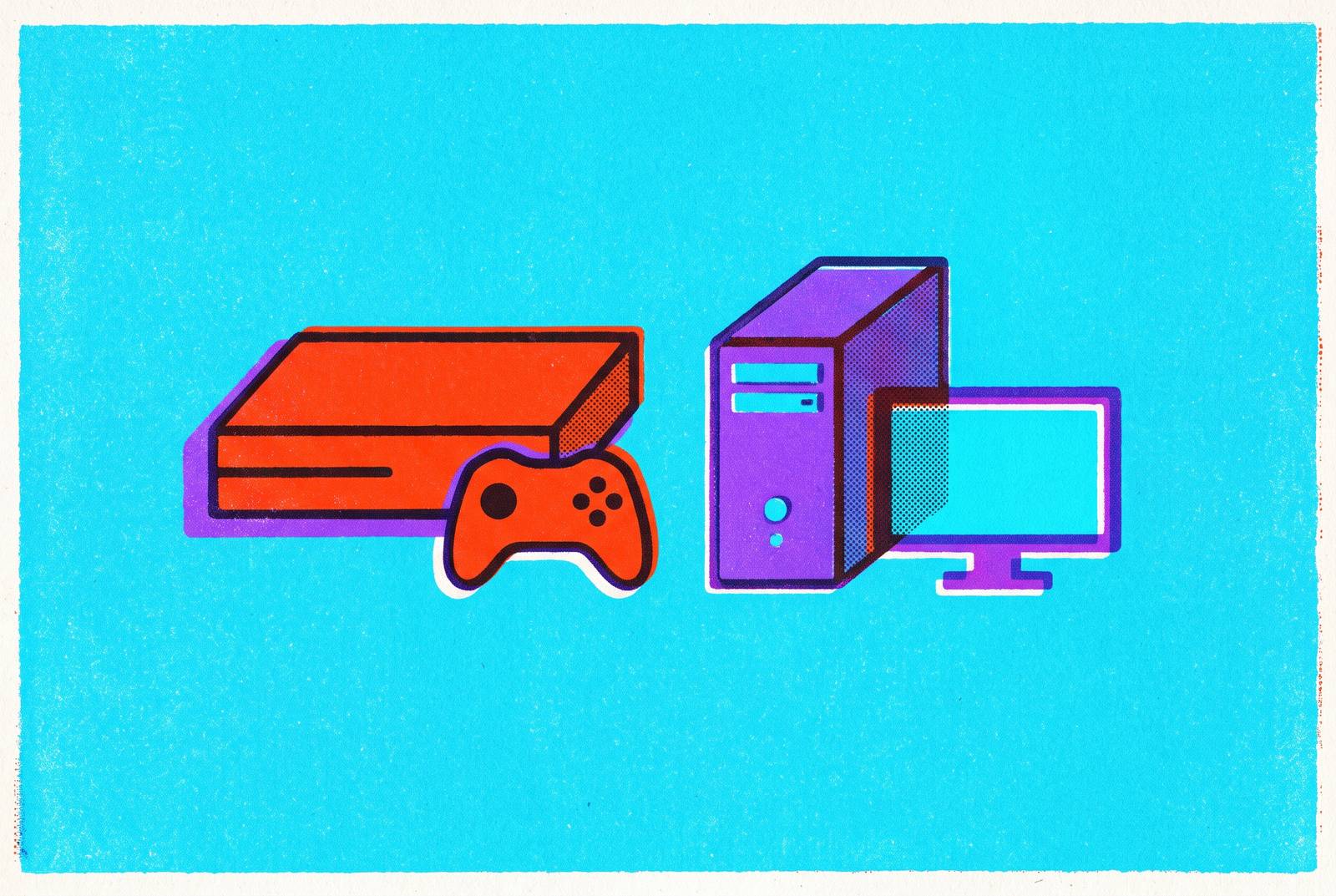
For occasional players, choosing between a gaming console and a budget gaming PC is less about specifications than the distance between wanting to play and actually playing. Simplicity, flexibility, and the total cost of light use should guide the purchase. That often favors a console, but an existing PC, cloud service, or smartphone with a controller can fit some gaming lives better.
Why "occasional gamer" is a distinct buying situation, not just a smaller version of the hardcore one
After a week away, an evening opens up for a game. Then an update, a settings screen, or a troubleshooting step gets in the way. The interruption spends time intended for playing. Before comparing consoles and PCs, that lost time deserves a place in the calculation, because a short session has little room for preliminary work.
An occasional gamer is not an enthusiast with fewer hours. The usual debate about maximum performance, upgrade paths, and five-year costs assumes consistent use and an interest in the machine itself. Someone playing a few hours a week may have neither. For that player, satisfaction depends more on getting into a game quickly, having little maintenance between visits, and making an upfront commitment that matches their actual interest.
What consoles and budget PCs actually cost in 2026, including the expenses most comparisons bury
The upfront gap has narrowed in 2026, but neither platform’s sticker price tells the whole story. The PS5 Pro costs $899.99, and the Xbox Series X costs $799.99. The price of the PS5 Standard is still unconfirmed, and the Xbox Series S (1TB) and Nintendo Switch 2 cost less than the models above. Those differences make “a console” too broad a category for a single price comparison.
PS5 and Xbox need a display, which is an additional expense if one is not already available, while Switch 2 has a built-in 1080p display. A second controller for local co-op typically adds a notable cost and is rarely included. Players may also need to buy more storage because modern games often take up more than 100 GB each. An M.2 SSD addition often figures in that expense, depending on the platform.
A budget PC also needs more than its components. Those alone run into the hundreds of dollars for a 1080p-capable build. Adding a 1080p 144Hz monitor, a Windows 11 license, and a keyboard and mouse brings the realistic all-in total to well over a thousand dollars. Someone who already has some of those items will pay less than someone starting with an empty desk.
Ongoing costs complicate the comparison further. PS Plus and Xbox Game Pass Ultimate charge for online multiplayer, with annual fees accumulating over five years, while Steam multiplayer requires no subscription fee. At $3.99/month, Nintendo Switch Online costs the least of the major console subscription options. Console games usually start at $70 and keep their high prices longer, while Steam sales cut prices deeply. Epic Games Store has also distributed hundreds of free games since 2018. How much those differences change actual spending depends on purchases and online play.
Why the long-term cost argument for PCs is mostly irrelevant to how occasional gamers actually spend
A cheaper game library only saves money when someone uses it. The PC’s economic advantage is genuine, but it depends on frequent purchases, regular online play, and enough use to offset the higher starting cost. A look at five-year costs based on those habits helps an enthusiast decide what to buy. It may be less help to someone who buys three or four games a year and plays mostly solo.
That distinction changes the buying advice for light users. If someone buys fewer than five or six games a year and rarely plays online, avoiding a multiplayer subscription contributes little to the comparison. Discounted PC games still cost less, but there are fewer purchases across which to recover the hardware outlay. A sale is not a rebate on a computer. For this pattern of use, paying for console simplicity can be reasonable.
The upgrade argument has a similar condition attached. Replacing a GPU instead of an entire console offers flexibility to someone who expects to keep gaming heavily. For an intermittent player, that flexibility may remain unused. A theoretical advantage is a poor reason to buy hardware for a habit that does not require it.
The setup and maintenance gap between consoles and budget PCs, and why it compounds over time for light users
Financial friction is only part of that calculation. On a Friday night after work, a player may have time for a game but little appetite for preparing a computer to run it. Console setup follows a short route through connecting to a TV, signing in, and downloading a game. The setup pathway is measured in minutes rather than hours, although a download or update can still stand between the player and play. Subsequent sessions do not normally ask the owner to optimize graphics settings.
A budget PC adds more decisions to that route. Driver installation, operating-system configuration, and graphics optimization can all be part of getting started. Occasional troubleshooting may also be necessary when a game does not run correctly out of the box. None of this makes the PC a poor platform. It does mean that control over the experience comes with responsibility for it.
The gap can widen during breaks from gaming. A console owner returning after three weeks finds essentially the same experience, while a PC owner may encounter a driver conflict, a Windows update that changed a setting, or a game needing a manual patch. Imagine picking up a game during a holiday week and spending the first part of that time fixing a problem instead. For someone who enjoys tuning a PC, that work may be tolerable or rewarding. For someone who simply wants to play, it is a recurring tax, paid without enough regular practice to make the next problem easier.
Where a budget PC still makes sense for occasional players with the right circumstances
That maintenance burden changes when the PC already has another job. Someone who uses the same machine daily for work or study is not returning to an unfamiliar environment after every gaming break. The upkeep supports activities they already value, and gaming becomes another use of a device they understand. Here, a budget PC can be the stronger purchase. One machine can handle gaming, work, and creative tasks, so there is no need for a separate device just to play now and then.
The game library can make the case independently. Strategy games, simulation titles, and older classics give PC gaming a breadth that consoles do not always match. Some are absent from consoles, while others offer an inferior experience there. If those are the games someone wants, console simplicity cannot substitute for access.
Infrequent play also need not mean narrow tastes. Someone who tries many genres may get more out of Steam’s large catalog of cheap and free games, with sales that often take 50–75% off major titles. That is a different pattern from buying a handful of expensive releases and playing nothing else. For a player already comfortable with hardware through work or creative use, the setup burden is lower too.
Cloud gaming as a third option that sidesteps the console-vs-PC decision entirely for some occasional players
For someone without suitable hardware, the next question is whether buying it is necessary at all. Cloud gaming replaces a dedicated gaming-machine purchase with access to computing elsewhere, through a subscription or pay-as-you-go model. That can work better for someone who plays little than buying a device that sits idle between games. Instead of managing local hardware, the player depends on an internet connection and the service’s supported games.
GeForce Now illustrates the compute-rental approach. Players bring games they bought through Steam, Epic, and other stores, then stream the ones the service supports. Its Ultimate tier uses RTX 5080-class servers to give players high-resolution, high-refresh output for a monthly fee, and its free ad-supported tier lets them start without a credit card. Access is not universal, however, because publishers must opt in and some major releases have taken considerable time to appear. Before paying to play a particular game, a player should check that the service supports it.
Remote play serves a different starting position. PS Remote Play, Xbox Remote Play, and Steam Link are free downloads for people who already own a console or gaming PC and want access on another screen. PS Remote Play has a minimum bandwidth requirement of 5 Mbps and supports Windows, macOS, Android, iOS, and Android TV clients. For someone starting without hardware, a cloud service’s monthly cost may fit better, but reliable internet remains a real constraint.
How playing on a smartphone with a controller fits into the occasional-gamer's options
A smartphone gives those services a particularly useful destination. It is often already owned, already nearby, and the device most likely to be picked up during a short break. With a controller, it can offer access to cloud gaming, remote play, and a wide mobile game library without a dedicated console or PC purchase. What can the player reach tonight with the equipment already available?
Mobile gaming is not a marginal alternative. Around 3 billion people play on mobile as of 2026, and mobile revenue accounts for the majority of the global video game market. That scale puts the idea of mobile as merely a compromise in perspective. The practical limitation has often been the controls. Touch input limits which genres people can play and how long they can play, and a physical controller helps with that.
For an owner of a capable phone, the controller is the only additional dedicated hardware purchase this setup requires. It adds a fraction of the cost of a console or PC, although any chosen service has its own access costs. iOS offers tighter hardware-software integration and more predictable per-device performance, while Android offers broader controller compatibility without certification barriers. Both are viable starting points.
How to decide by matching the platform to the actual shape of your gaming life
The practical decision starts with three questions. How much setup will you tolerate, what will each likely session cost across time, and which games or services do you want to reach? Nintendo’s official US store page says Mario Kart World is a Nintendo Switch 2 exclusive, so someone set on that game needs access to that hardware.
For a player wanting predictable performance without settings optimization, the lesson is to choose a console. That fit is strongest when the plan involves a handful of games per year, little online multiplayer, or particular platform exclusives. A budget PC is the better match when it will also handle daily work or study, the owner is comfortable with the environment, or the desired library leans toward strategy, simulation, and older classics.
Cloud gaming suits a player whose use is too light to justify the depreciation of a dedicated device. It also offers a way to try gaming before committing to hardware, provided the connection is reliable and the desired games are supported. Someone who wants to play an offline title should look at the other options. Players should check that they can play the games they want before choosing a service for its low monthly price.
A capable smartphone and controller can work well for play during commutes, travel, or breaks between other things. This is the option most easily overlooked in a debate framed around two large purchases. It costs little extra and lets players use mobile games, cloud services, and remote play, depending on the games and equipment they already have. The controller removes the last barrier between picking it up and actually playing.