Android Gaming Handhelds vs. Windows Handheld PCs
Your choice depends on what games you own and how you'll connect to play them.
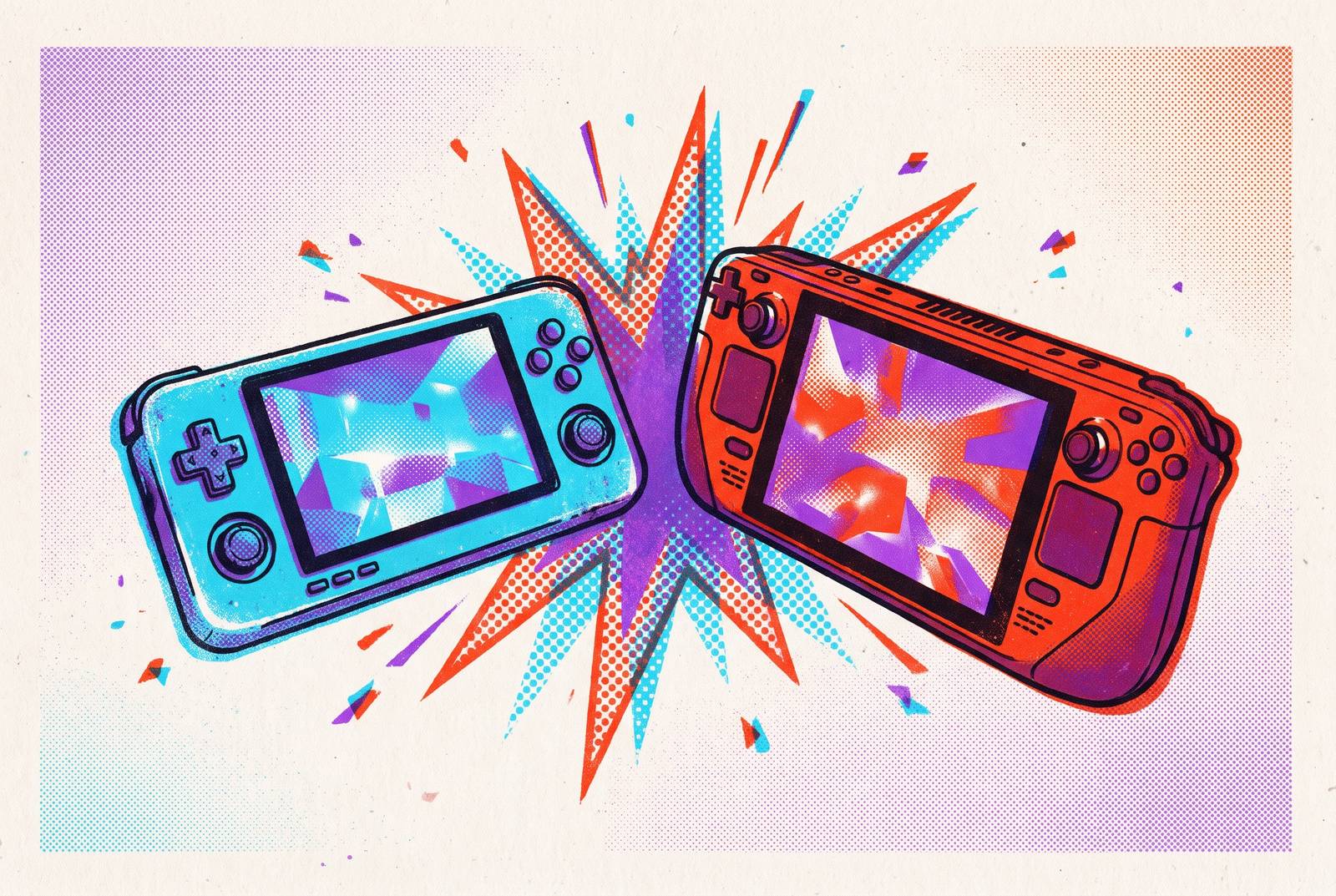
Android gaming handhelds and Windows handheld devices can look much alike, but they let you play in different ways. The better choice depends less on which processor wins a benchmark than on which software world fits your library, your connection, and your routine. Android favors mobile games, streaming, and portable emulation, while Windows puts local PC gaming at the center.
Why the Android vs. Windows handheld debate centers on software worlds
A processor comparison assumes both devices are being asked to do the same job. Here, that assumption often fails before a game launches. ASUS describes the ROG Xbox Ally X as a Windows 11 Gaming Handheld PC, which makes its role clear. It installs games from PC storefronts much like a desktop, while an Android handheld organizes its experience around Android apps, mobile games, and streaming services.
The controls disguise how different those foundations are. More RAM does not turn an Android device into a native Windows game machine, just as a faster Windows chip does not give it Android’s software experience. SteamOS adds a third answer, but the initial distinction remains useful. Understanding what each environment runs will cut through the spec-sheet noise better than a benchmark comparison alone.
What you can actually play on each platform, starting from your existing library
What games do you already own, and where do they live? That is the most reliable starting point. Android handhelds run games from Android-compatible stores and apps, but a game with a name you know may play differently. Mobile versions can differ from their PC or console counterparts, so controller support, graphics settings, and offline behavior need checking for each game.
Windows offers a broader route into existing PC libraries. ASUS lists Steam, Xbox Game Pass, Epic, GOG, and more for the Ally X, while Lenovo references Game Pass, Steam, and other libraries for the Legion Go S Windows configuration. Storefront access is not a performance guarantee, however. A game still needs to launch correctly, recognize the controls, and run at an acceptable quality level.
Windows can run native Game Pass downloads on the handheld itself, but Android does not support them. Once a game is installed, local play can work without a connection if the game’s offline requirements allow it, but cloud and remote play need a connection. List the games and services you already pay for, then check which device runs them natively.
How cloud gaming and remote play change the calculus for Android handhelds
Streaming changes the question from what the handheld can run to what it can receive. That opens a much larger game catalog. Cloud gaming gives Android access to AAA PC and console titles without installing their PC game files locally, expanding its reach beyond the limits of its own software. It is an important equalizer, though the service’s terms become part of the hardware purchase.
NVIDIA capped both GeForce Now Performance and Ultimate tiers at 100 hours per month starting January 1, 2026. That ended the unlimited access existing paid subscribers had enjoyed since launch, after new subscribers had faced the cap since January 2025. For a cloud-first buyer, monthly access is therefore another constraint to weigh. The device may be ready to keep playing even when the subscription allowance is not.
Remote play is another way to play through hardware you already own. PS Remote Play, Xbox App, and Steam Link are free downloads requiring no subscription for local-network use, but they depend on a powered-on host console or PC. With hardware-accelerated H.264 encoding and steady 5GHz Wi-Fi 6E, the local-network round-trip latency through Steam Link can be low enough that games play almost as they would on the handheld itself.
The distinction becomes decisive away from a dependable network. Buyers need to establish whether they have a compatible cloud subscription or powered-on host, a reliable connection, the relevant service account, and controller support within the app. Those conditions expand what Android can do without making it a complete substitute for native PC play. Its portability advantage has to be judged against that dependency.
Where Android handhelds have a structural advantage: battery life, weight, and daily carry
Under comparable workloads, Android handhelds consistently deliver substantially longer battery life than Windows devices, and that gap is a more durable practical distinction than a narrow benchmark lead. They also run cooler, which becomes important when the device rests in a lap or comes to bed. Windows handhelds can throttle under thermal pressure, affecting both comfort and sustained performance.
The difference continues when a short break becomes a gaming session. Android handhelds wake instantly, and clean frontends such as Daijisho put games within easy reach. Windows can need TDP tuning for each game, stop play for updates, and have sleep bugs or display scaling issues.
Weight makes that contrast harder to ignore over time. The Retroid Pocket 6 weighs 304–320g, giving its portability argument a concrete basis beyond the word “handheld.” For native Android games and suitable emulation, those physical benefits do not depend on streaming. For cloud play, they remain useful, but a light device and long battery cannot supply the missing network connection.
Emulation: the strongest argument for Android's legitimacy that most buyers overlook
Emulation is where the assumption that Windows always wins on capability becomes least useful. Android has matured enough that, for the majority of casual retro players, the old performance argument for Windows has largely disappeared. The systems someone wants to emulate should guide the choice. It makes little sense to buy for the hardest game to run if the player never has that game in their library.
The Pocket 6 makes the argument tangible. Its Snapdragon 8 Gen 2 runs games from the PS2/GameCube era well at a low price, so Android can handle a large library of retro games. Frontends such as Daijisho and LaunchBox also provide console-style interfaces rather than leaving the experience organized around emulator setup. Windows has more power for unusual demands, but its emulation experience requires substantially more configuration.
PS3 emulation ports exist, but they are very early and experimental, while Xbox and Xbox 360 emulation remain outside its practical capabilities. PC-only retro titles also sit beyond what this Android use case can deliver. Those limits make Windows the right choice for some collections, but Android can still be a good fit for others without being a compromise device.
What Windows handhelds actually deliver that Android cannot replicate
For modern AAA PC games played locally, Windows offers something different rather than merely something faster. A buyer who wants Cyberpunk 2077, Baldur’s Gate 3, and demanding new releases installed on the device cannot replace that capability with an Android handheld. Streaming may provide access to those games, but it changes the conditions of play. Windows’s higher price and shorter battery life are the costs attached to keeping the work on the handheld itself.
GPD sells the Win 5 on its desktop-class performance. It can deliver desktop-class 1080p gaming without an external GPU, which shows how far these handhelds aim to go. Paying for that capability makes sense when the library demands it. It is less persuasive as an abstract trophy for someone whose games already run comfortably on a lighter device.
Depending on the model, SSD upgrades, display upgrades, and hardware modifications are options, while a microSD card is effectively the only post-purchase hardware change available on Android handhelds. Beyond games, connecting an external monitor and peripherals makes productivity or more immersive play practical in ways Android cannot match. For buyers who want a portable PC as well as a gaming device, that versatility changes the value calculation.
SteamOS as a third path that complicates the binary
SteamOS separates two qualities that the Android-versus-Windows framing can make seem inseparable. A PC-scale game library need not require the full Windows handheld experience. SteamOS brings a pick-up-and-play approach closer to Android while retaining a focus on PC games. The binary is now a triangle, but the extra corner does not make library ownership any less important.
The Steam Deck OLED (512GB) is the reference case. Its polished, controller-native interface serves a massive and growing library of Verified and still-playable Steam titles, although its hardware shows its age against newer Windows chips in the most demanding releases. That combination makes it a clear answer for someone with a large Steam library who wants fewer Windows headaches. It does not offer the same answer for a library centered on native Game Pass downloads, Epic, GOG, or Android games.
SteamOS therefore changes the relationship between software and convenience. It does not erase the need to check game compatibility or the performance demands of particular titles. Nor does a refined interface make it interchangeable with every other storefront environment. Its appeal comes from making one software world easier to inhabit.
How component cost pressures are shifting value across the whole category in 2026
Price comparisons need more caution in 2026. Demand for AI servers has led to a global NAND and RAM shortage, pushing up the cost of parts for handhelds sharply as both RAM and storage cost more. Devices such as the Legion Go 2 have risen notably in some regions as a result. Advice based on an earlier price may now point to a device that is no longer a bargain.
Valve raised Steam Deck OLED prices by a large margin in May 2026, removing what had been the clearest value anchor in the Windows/SteamOS segment. These rising costs have affected low-cost Android handhelds differently, while entry-level Windows devices that run games well now cost much more. Verify current prices at the point of purchase. The software choice remains the foundation, but the premium paid for each capability has moved.
The decision framework: matching ecosystem to how you actually play
The practical decision begins with four questions. First, where does the existing library live? SteamOS and the Steam Deck are a good fit for a large Steam collection, while Windows suits Game Pass with native downloads. Android is a good fit for Android games and cloud services if the games and apps work with the controls the player plans to use.
Second, will the device need to play offline? Windows or SteamOS can run local PC titles, while Android can run its own native library and emulation that it can handle. Cloud-first players who accept network dependency can use either platform. A commute with unreliable internet makes that distinction more consequential than the size of an advertised streaming catalog.
Third, how much configuration feels acceptable? Android and SteamOS are closer to pick-up-and-play, while Windows needs ongoing upkeep, TDP tuning, and care to keep drivers in order. Some players will consider that a reasonable exchange for local PC access. Others will find that the extra flexibility consumes time they intended to spend playing.
Fourth, where will the handheld actually go? Android’s typical 320–410g weight, battery life, and instant-wake experience suit daily commutes and travel, while Windows devices at 600–700g, with greater heat output, fit desk-adjacent or at-home portable play more naturally. Once those questions identify the right software environment, the specific model’s display, controls, wireless capabilities, and current price become the useful comparisons. That is where the spec sheet finally earns its place.