mobile controllers with console-edition variants for cloud gaming
Official console-edition controllers offer platform-tuned integration, not just branded paint jobs.
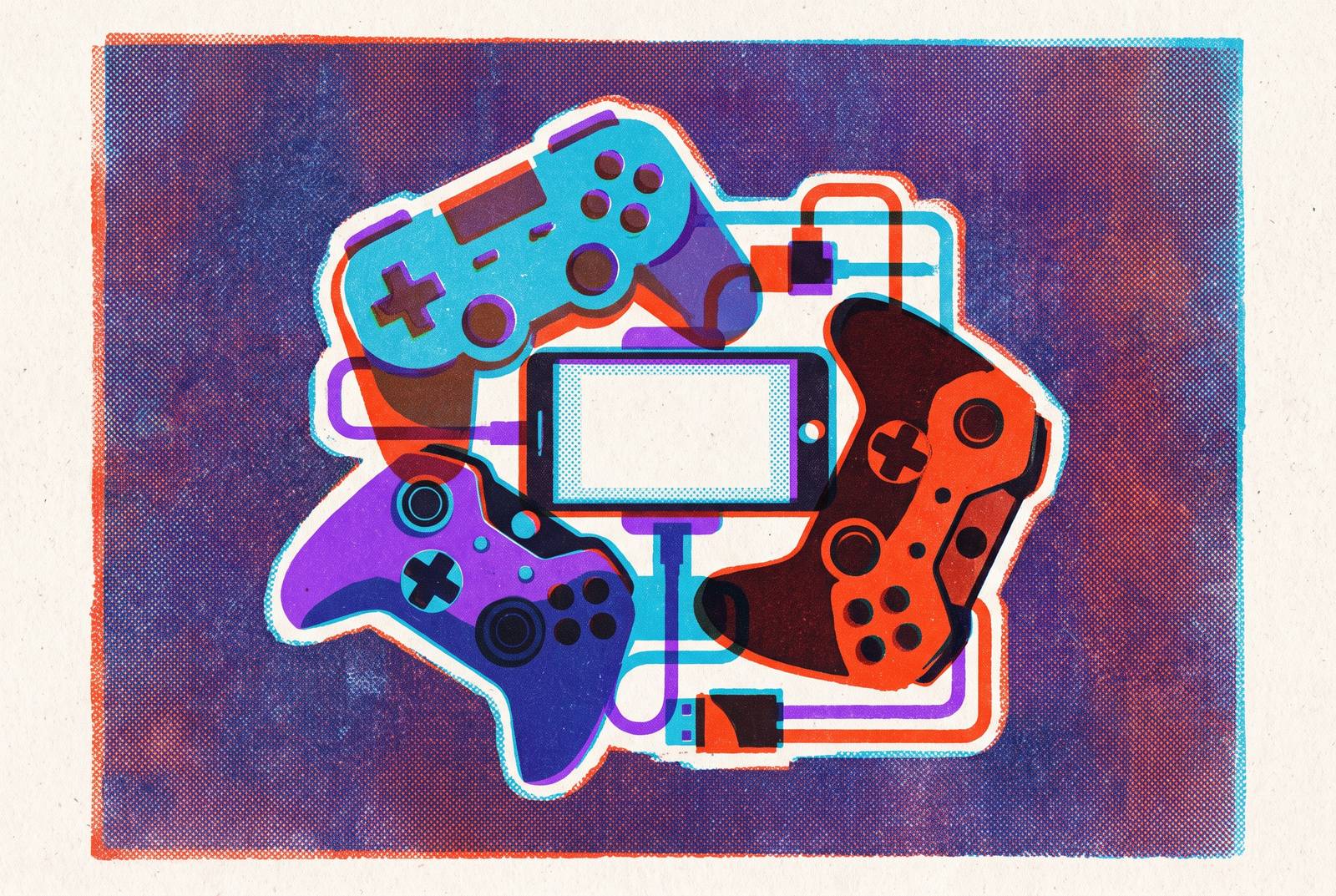
Mobile controllers with console-edition branding aren't a gimmick, but most of what gets marketed as "console edition" is closer to cosplay than engineering. The real ones come out of formal deals with platform holders like Xbox and PlayStation, deals that change button layouts, firmware, dashboard shortcuts, and software integration to match one service instead of shipping generic. That distinction matters more than it used to, because mobile stopped being gaming's little sibling a while back. Newzoo's 2025 forecast puts mobile at 55% of $188.8 billion in total gaming revenue, roughly $103.0 billion, ahead of console's $45.9 billion and PC's $39.9 billion, with around 3.0 billion people playing on mobile in 2025, or 83% of all tracked players on Earth, give or take a rounding error and a few million lapsed Candy Crush accounts.
What "console edition" actually means, and what separates it from a branded paint job
Slap a logo on a controller and call it a day. That's the cynical read, and for plenty of products on shelves right now, it's the correct one. A real console-edition controller works differently: it comes out of a formal deal with the platform holder, not a licensing checkbox, so the button layout, color scheme, and icons get built around that platform's ecosystem instead of bolted onto generic hardware after the fact. Often there's a bundled trial, like a free month of Xbox Game Pass Ultimate, and an official "Designed for" stamp on the box.
Here's what that actually buys a player, and it rarely shows up in marketing copy: button prompts, dashboard shortcuts, and app hookups get tuned to the partner platform, so the controller speaks that platform's language instead of translating on the fly mid-session. That's a usability decision dressed up as a branding one, and treating it as the latter is how people end up buying the wrong controller.
Two shapes dominate the market. Telescopic or wraparound controllers stretch out to grip a phone in landscape mode, fitting most devices up to roughly 8.2 inches. Clip-on models use a bracket to hold a full-size gamepad next to the phone, chasing a handheld-console feel over a phone-accessory feel. Apple's move to USB-C on iPhone 15 and later fixed a real headache here: no more Lightning-versus-USB-C fragmentation, so one console-edition controller now works across nearly any modern phone. Platform-aligned and universal used to be opposites. They aren't anymore, and that shift happened quietly enough that most buyers don't realize it's the reason their new controller just works out of the box.
Cosmetics still show up, and pretending they don't matter at all would be dishonest. Translucent shells, platform color palettes, limited runs referencing the original Xbox's green tint, all real, all part of the appeal. One current Xbox Edition model ships with an enhanced D-pad, a dedicated Xbox button for quick dashboard access, and magnetic adapters that hold the phone steady even with a case on. It works with iPhone 15 and later over USB-C and with Android 6.0 and up. None of that is the functional argument, though. It's the garnish, not the meal, and mistaking one for the other is exactly how buyers end up disappointed three weeks in.
Platform alignment isn't platform exclusivity, either, and mixing the two up is a common mistake. That same Xbox-branded controller also supports PS Remote Play and Steam Link: it's built around one library while still working across several. A second-generation refresh of the line made targeted changes aimed at people who swap devices often and want specific friction points addressed rather than a wholesale rethink. The spec sheet tells the more interesting story: dual connectivity over USB-C and Bluetooth, Hall Effect triggers that use magnetic sensing instead of physical contact (no wear-based drift over time), a weight of 199 grams, and up to 40 hours of wireless battery life. That dual-connectivity setup is the real leap forward, not the shell color. Wired USB-C mode cuts the latency Bluetooth adds, which counts for a lot in fast-paced cloud gaming where milliseconds are already scarce, while Bluetooth stretches the controller's reach to smart TVs, VR headsets, tablets, and PCs. The newer Backbone One Xbox Edition, oddly enough, drops Bluetooth entirely and goes wired-only. That's a deliberate trade for consistency, not an oversight, and it says something about where the company thinks the real use case lives.
Why Xbox Cloud Gaming is the platform these controllers are engineered around
Ask which cloud service reaches the most screens, and Xbox Cloud Gaming wins, by a wide margin. It runs on Windows PCs through the native Xbox app and browsers like Edge, Chrome, and Safari. It runs on Android through the unified Xbox app (the older Xbox Game Pass app got folded in). On iOS and iPadOS it works through the browser, Safari recommended, Chrome and Edge as backups. It's on Samsung Smart TVs via the Samsung Gaming Hub, LG TVs from 2023 through 2025 through the LG Content Store, several Amazon Fire TV devices, and Meta Quest headsets (Quest 2, 3, 3S, and Pro) through a dedicated app. No other cloud service on the market touches that many device categories at once, and it isn't close.
A recent bump to 1440p streaming and a better video encoder narrowed the visible quality gap between Xbox Cloud Gaming and competitors like NVIDIA GeForce NOW. Over 150 games on the platform support touch controls right on a phone screen, which sounds generous until the math catches up: the library runs into the hundreds beyond that. A physical controller is what unlocks the rest. That's the real case for Xbox Edition hardware, and it's worth being blunt about it: the controller isn't there to make the touch-supported subset marginally nicer to hold. It's there to make the much bigger remainder of the library playable at all.
Xbox Remote Play adds another layer, letting an Xbox Series X|S or Xbox One stream over a home network for free, as long as the connection is solid (5GHz Wi-Fi or Ethernet recommended). One controller, one device, covers both cloud streaming and local console streaming, no separate hardware needed. PlayStation's setup doesn't match this, and it isn't close either. PlayStation Remote Play works on Android 9 and later, but PlayStation Plus cloud streaming stays limited to PlayStation consoles, PlayStation Portal, and a short list of browsers. Sony built a more walled-off ecosystem on purpose, and depending on which console someone already owns, that either changes nothing or changes everything.
The technical factors that determine whether any mobile controller actually works for cloud gaming
Connection type decides more than most buyers assume before checkout. Wired USB-C keeps latency as low as physically possible, skips the pairing dance entirely, and holds steady for anything competitive or twitchy. Bluetooth adds a small but measurable delay: fine for turn-based games and RPGs, not fine when a frame or two of lag separates a landed parry from a missed one. Bluetooth also happens to be the only option once a player moves off the phone screen onto a TV or headset. Cloud gaming already carries server-side latency baked into the pipeline, so a controller shouldn't stack avoidable lag on top of that. Wired-first is the only sane default for anything marketed as cloud-optimized, and a controller that skips a USB-C mode entirely is cutting a corner that actually matters.
Stick technology is the quieter factor, and it shows up months after purchase, never in the unboxing video. Traditional potentiometer sticks wear down with friction over time, which is exactly why old controllers start drifting on their own after a year or two of regular play. Hall Effect sensors read magnetic fields instead, no physical contact, no mechanical wear. For anyone running multi-hour cloud sessions on a regular basis, that's less a nice-to-have and more a warranty policy built directly into the parts list. Skip it and the drift clock just starts ticking earlier.
None of it matters if the network can't keep up, and the bandwidth numbers here don't leave much room for wishful thinking. GeForce NOW wants 15 Mbps for HD at 60 fps, 25 Mbps for 1080p at 60 fps, 40 Mbps for 4K at 60 fps, and 45 Mbps for 4K at 120 fps. Xbox Cloud Gaming asks for a 10 Mbps floor, with 20+ Mbps on 5GHz Wi-Fi recommended for anything smooth. A wired USB-C controller paired with a shaky 2.4GHz connection is a bit like bolting a race-tuned steering wheel onto a car running on a flat tire: the input device was never the bottleneck. The whole stack has to be fast, not just the part in your hands, and no amount of controller spec sheet fixes a bad router.
Platform-specific button prompts round this out. A controller showing Xbox icons while streaming Xbox Cloud Gaming, then switching to PlayStation icons on Remote Play, removes a small mental translation step most players don't notice until it's gone. Sony's DualSense is a useful contrast on the limits of even premium hardware here: it connects over Bluetooth or USB-C, works with Remote Play, GeForce NOW, and Steam Link, and its adaptive triggers and haptics run at full strength on PS5. On PC and iOS or iPadOS (since iOS 15.4), some of that carries over, but support varies by platform and by title, and it never fully matches the PS5 experience. Even the best full-size controller money can buy runs into a wall the moment it leaves its home console.
How to match a console-edition controller to the platform and use case you actually have
Start with one question: what actually anchors mobile play, Xbox Game Pass, PlayStation Remote Play, or some mix of both? If Xbox Cloud Gaming is the anchor, get an Xbox Edition controller. It's built for exactly that case: native button layout, dashboard shortcut, app hookups with no workaround needed. If PlayStation Remote Play is the anchor, a PlayStation-edition layout keeps Sony's face-button conventions intact, though Android users need to know upfront that Android has zero PS Remote Play access. That's a hard wall, not a minor inconvenience, and it's worth knowing before money changes hands.
Players bouncing between services face a different requirement: both USB-C and Bluetooth in one controller, plus an app that manages multiple paired devices without a fresh pairing ritual every single session. Buying single-platform hardware for a multi-platform habit is the single most common mistake in this category, and it's an easy one to avoid by just asking the anchor-platform question first.
Device compatibility narrows things further. iPhone 15 and later, with USB-C, works with compatible console-edition hardware like the Backbone One Xbox Edition without issue, while older Lightning-based iPhones are simply out of the running. On Android, anything running 6.0 or later qualifies, and given that Android accounts for 71.32% of mobile gaming revenue, that's the majority of the market, not some edge case worth a footnote. Anyone chasing a multi-screen setup, phone plus TV plus tablet plus a VR headset, should treat Bluetooth as a baseline requirement, not a bonus feature tacked onto the spec sheet.
Cost is worth running the numbers on, too. Both current Xbox Edition controllers bundle a free month of Xbox Game Pass Ultimate. For anyone not already subscribed, that knocks a real chunk off the effective price of entry, and it belongs in any side-by-side comparison instead of getting ignored while shoppers stare only at the sticker price on the controller itself.
Why the console-edition model points toward where mobile gaming is heading
The mobile controller market hit $2.5 billion in 2025, sitting inside a cloud gaming market projected to reach $121.77 billion by 2032, growing at 33.9% a year. Console-edition hardware sits right at the seam between those two curves. Whether that's a great place to be or a crowded one depends entirely on how many companies notice the same math and pile in, and the smart money says plenty already have.
Apple's USB-C shift already cleared away the last hardware split that made "universal controller" a slightly dishonest phrase to print on a box. What's left is a market where platform partnerships, not plastic shells, decide whether a controller earns its "console edition" label or just borrows the phrase. The controller in someone's hand increasingly reflects the platform in their account, which is a stranger sentence than it first sounds. A decade ago the phone was just the phone. Now it's an interface choice, a rental agreement with a specific ecosystem, and, depending on the Wi-Fi in the room, a fairly convincing stand-in for the console gathering dust under the TV.